What Counts as Fast Mobile Internet?
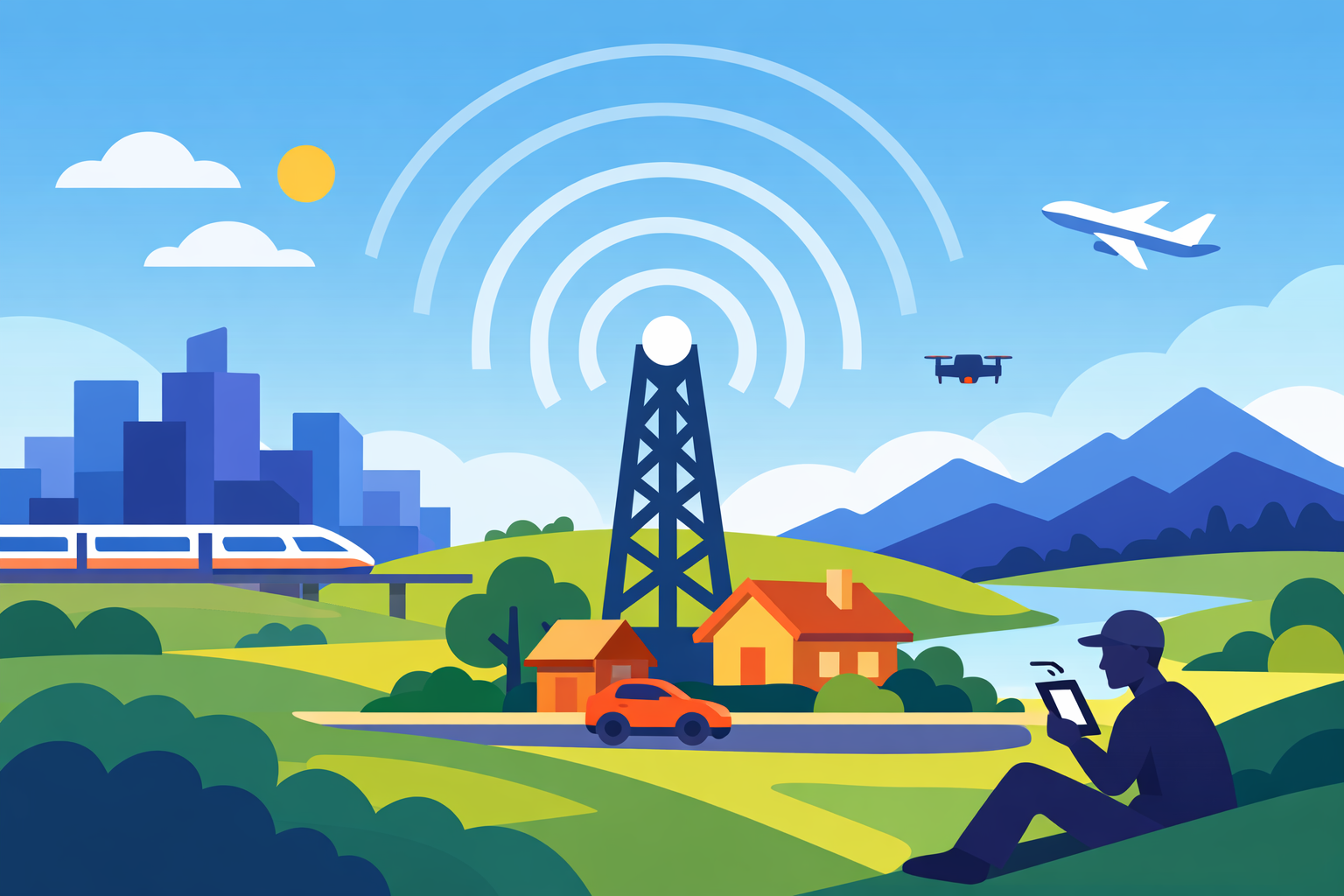
Mobile internet has come a long way from the early days of 3G. Today, we stream HD videos, join video calls, and play online games on the go — all thanks to faster and more reliable mobile data connections. But with terms like 4G LTE, 5G, and Mbps thrown around, it’s easy to wonder: what is actually considered fast mobile internet?
In this guide, we’ll break down what “fast” really means in mobile internet speeds, how it compares across networks, and what speed you actually need for your daily online activities.
Understanding Mobile Internet Speed
Mobile internet speed is measured in megabits per second (Mbps) — a unit that indicates how much data can be transferred every second. The higher the Mbps, the faster your connection.
However, “fast” isn’t just about numbers. Factors like latency, coverage, and network congestion can all affect how smooth your mobile experience feels. So, while a certain speed might look great on paper, real-world performance can vary depending on where you are and how many people are using the same network.
What Is a Good Mobile Internet Speed?
Let’s start with the basics. According to most industry standards:
- 3G: 0.5–5 Mbps
- 4G LTE: 10–100 Mbps
- 5G: 100 Mbps to 1 Gbps (and higher in some areas)
So, if your mobile internet consistently delivers speeds above 25 Mbps, you can already consider it fast by general standards. At this speed, you can comfortably stream HD videos, make clear video calls, and browse without lag.
For ultra-fast performance, 100 Mbps and above is where things start to feel instant — perfect for multitasking, mobile gaming, or streaming 4K content.
4G LTE vs 5G: How Much Faster Is It?
- Overview
- The transition from 4G LTE to 5G represents a major advancement in mobile connectivity.
- While 4G LTE transformed mobile browsing and streaming, 5G delivers significantly higher speeds, lower latency, and improved responsiveness.
- 4G LTE
- Average download speed: 20–100 Mbps
- Average latency: 30–50 ms
- Ideal use cases: Streaming video, web browsing, social media usage
- 5G
- Average download speed: 100–1000+ Mbps
- Average latency: 1–10 ms
- Ideal use cases: Cloud gaming, virtual reality, large file downloads, HD video calls
In short, 5G isn’t just faster — it’s more stable and capable of handling multiple devices at once. This makes it ideal for households or workplaces that rely on mobile broadband.
What Affects Your Mobile Internet Speed?
Even with a high-speed plan, you might notice slower performance from time to time. That’s because several external factors can impact your connection quality. Here are the most common ones:
1. Network Congestion
During peak hours — like evenings when everyone’s online — mobile towers can become overloaded. This results in reduced speeds for all users connected to that cell site.
2. Signal Strength
Your location plays a huge role. Thick walls, tall buildings, or even weather conditions can weaken your signal. If you’re in an area with poor coverage, your device may struggle to maintain a strong connection.
3. Device Compatibility
Older phones may not support newer network bands or advanced technologies like 5G, limiting the maximum speed you can achieve.
4. Data Plan Limitations
Some mobile plans offer “up to” speeds that vary depending on network conditions. Others may throttle your data after a certain limit. Always check your plan’s details before assuming your speed is capped.
5. Background Apps
Applications running in the background — especially social media and cloud sync apps — can silently consume bandwidth, affecting your browsing or streaming quality.
What Speed Do You Actually Need?
While faster is always better, not everyone needs gigabit-level mobile internet. The ideal speed depends on what you use your connection for.
Recommended Internet Speeds by Activity
- Browsing and social media
- Recommended speed: 1–5 Mbps
- HD video streaming (1080p)
- Recommended speed: 5–10 Mbps
- 4K video streaming
- Recommended speed: 25 Mbps or higher
- Video calls
- Recommended speed: 2–10 Mbps
- Online gaming
- Recommended speed: 10–25 Mbps
- Large downloads and uploads
- Recommended speed: 50 Mbps or higher
If your speed falls within these ranges for your typical activities, you’re getting a fast enough mobile internet experience for your needs.
How to Test Your Mobile Internet Speed
Testing your connection is simple and takes less than a minute. You can use a Speedtest tool, or your mobile carrier’s app. These tools measure three key metrics:
- Download speed: How fast you receive data (e.g., loading videos or websites).
- Upload speed: How fast you send data (e.g., posting on social media or sending files).
- Ping (latency): How quickly your device gets a response from the server — lower is better.
Regular speed testing helps you track your performance and confirm if your plan delivers what’s promised. You can also compare results in different areas to spot coverage issues.
Is 5G Always Better?
Not necessarily. While 5G delivers incredible speed and responsiveness, it’s still expanding its coverage. In some rural or remote locations, a stable 4G LTE connection might perform better than a weak 5G signal.
It’s also worth considering battery life — 5G can consume more power, especially when your phone constantly switches between 4G and 5G networks. The best approach is to enable 5G where coverage is strong and switch back to LTE in areas with inconsistent signals.
For a more detailed look at this, check out a related article explaining how 4G and 5G coverage differ in real-world use.
How to Improve Mobile Internet Speed
If your mobile connection feels slow, you can often boost it with simple fixes:
1. Restart Your Device
A quick reboot clears temporary data and reconnects to the nearest, strongest cell tower.
2. Move to an Open Area
Go outdoors or near a window to strengthen your signal. Avoid enclosed spaces like basements or elevators where signals are weak.
3. Switch Network Modes
Manually toggling between 4G, 5G, or Auto mode can help your phone reconnect to a faster tower.
4. Update Your Device Software
Manufacturers often release updates that optimize network performance and fix bugs.
5. Check for Data Caps
Review your plan to see if you’ve hit a speed limit. Some carriers slow down your speed after using a certain amount of data.
6. Use a Mobile Signal Booster
If you live in a low-signal area, a booster can amplify your network reception for faster, more stable speeds.
When to Consider Upgrading Your Plan
If you consistently experience slow speeds despite good signal and modern devices, it might be time to upgrade your mobile data plan. Look for plans that offer:
- True 5G coverage
- Higher data caps or unlimited usage
- Priority network access (for premium users)
- Add-on features like hotspot sharing
Upgrading can make a noticeable difference, especially if multiple people in your household rely on mobile internet for work, entertainment, and communication.
Final Thoughts
So, what’s considered fast mobile internet? Generally, anything above 25 Mbps offers a solid experience for most users — but it depends on how you use it. For heavy streaming, gaming, or work-from-home tasks, 100 Mbps or more provides the smooth, reliable performance you’ll appreciate.
As mobile networks continue to evolve, “fast” will keep getting faster. Whether you’re on 4G LTE or 5G, the key is finding a balance between speed, coverage, and cost that fits your lifestyle.
Related Posts
 Technology
How to Choose High-Speed Satellite Internet for Your Home
Compare the best high-speed satellite internet providers, their features, coverage, speeds, pricing, and tips to choose the right internet service.
 Broadband Deals
cable deal
Broadband Deals
cable deal
How Spectrum Internet Compares to Xfinity, AT&T & HughesNet
Compare Spectrum Internet with Xfinity, AT&T, and HughesNet based on speed, pricing, reliability, technology, and value to choose the right provider.
 cheap internet deals
Best DSL Internet Providers for Reliable Home Internet
Compare the best DSL internet providers, including AT&T, CenturyLink, and Frontier. Learn about speeds, pricing, pros, and how to choose the right plan.
 Internet Bundles
How to Temporarily Pause Your Internet Service and Save Money
Learn how to temporarily pause your internet service, avoid cancellation fees, save money during travel, and easily restore your connection when needed.
 Broadband Deals
Broadband Installation
Broadband Deals
Broadband Installation
CenturyLink in Farmington: A Complete Guide for Local Users
Explore CenturyLink Farmington plans, pricing, installation, performance, and expert tips to choose the best home internet service for your needs.