Faster Browsing With Google DNS and OpenDNS
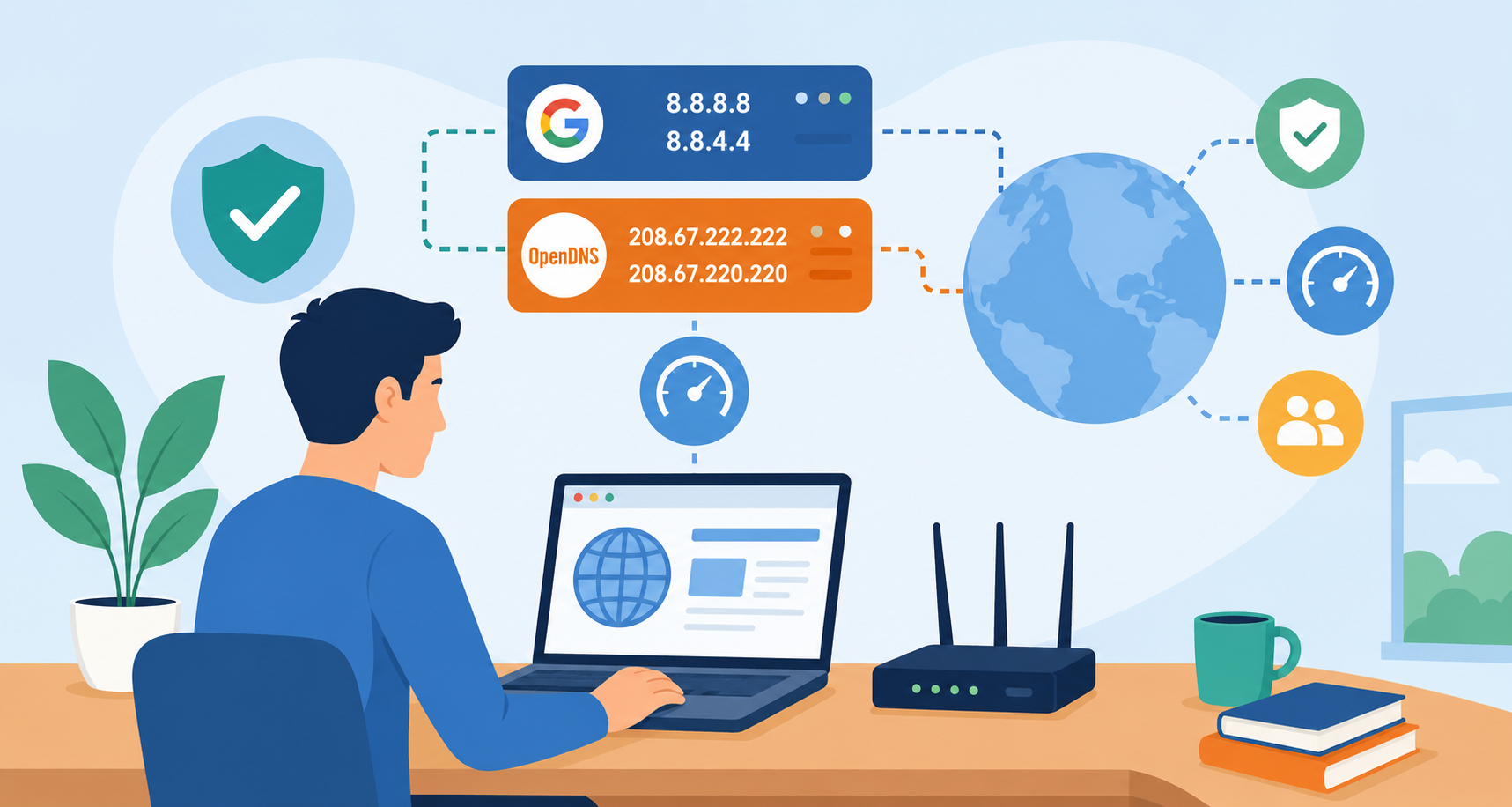
Slow website loading is not always caused by your internet speed. In many cases, your DNS server also affects how quickly websites open in your browser. If your current DNS provider is slow or unreliable, switching to a faster public DNS service like Google DNS or OpenDNS can improve browsing speed, website response time, and overall connection stability.
Many users never change their default DNS settings because their internet provider automatically configures them during setup. However, ISP-provided DNS servers are not always optimized for performance. That is why many people switch to public DNS providers to get faster and more reliable web browsing.
If you want a simple way to improve your internet experience without upgrading your plan, changing your DNS settings is one of the easiest adjustments you can make.
What Is DNS and Why Does It Matter?
The Domain Name System (DNS) acts like the internet’s phonebook. Instead of remembering complicated IP addresses, users type website names like Google.com or YouTube.com into their browsers. DNS servers then translate those domain names into IP addresses so your browser can connect to the correct website.
Every time you visit a website, your device performs a DNS lookup before the page loads. If the DNS server responds slowly, the website may also feel slow even if your internet connection is fast.
A faster DNS provider can help reduce lookup delays and improve website response times.
Benefits of Switching to Google DNS or OpenDNS
Changing your DNS server can provide several advantages beyond browsing speed.
Faster Website Loading
Public DNS providers often use larger and better-optimized networks than many local internet providers. This can reduce DNS lookup times and help websites open faster.
Improved Reliability
Google DNS and OpenDNS maintain large global infrastructures designed for stability and uptime. If your ISP’s DNS servers experience outages or slowdowns, switching providers may help avoid interruptions.
Better Security Features
Some DNS services include security filtering and phishing protection. OpenDNS, for example, offers optional content filtering and malicious website blocking.
More Consistent Performance
Users in busy network areas sometimes experience DNS congestion from their internet provider. Switching to a public DNS server can improve consistency during peak usage hours.
Google DNS vs OpenDNS
Both services are popular, reliable, and free to use, but they offer slightly different features.
| DNS Provider | Preferred DNS | Alternate DNS | Main Benefit |
|---|---|---|---|
| Google DNS | 8.8.8.8 | 8.8.4.4 | Fast global performance |
| OpenDNS | 208.67.222.222 | 208.67.220.220 | Added security and filtering |
Google DNS focuses heavily on speed and reliability, while OpenDNS adds customizable filtering and security features.
How DNS Speed Affects Everyday Browsing
Many people assume buffering videos or slow websites are always caused by internet speed limitations. However, DNS performance also affects how quickly your browser connects to websites.
For example:
Opening news websites
Searching on Google
Streaming content
Loading online shopping pages
Accessing cloud applications
Connecting to gaming servers
All of these activities depend on DNS lookups before connections are established.
If your DNS server responds slowly, websites can appear slow even when your bandwidth is sufficient.
Before You Change DNS Settings
Before updating your DNS configuration, it helps to understand a few important details.
DNS Changes Do Not Increase Bandwidth
Switching DNS providers will not increase your actual internet speed plan. Instead, it improves how quickly domain lookups happen.
Changes Are Reversible
You can always return to your original DNS settings if needed.
Works on Wi-Fi and Ethernet
The same DNS settings can apply whether you are connected wirelessly or through a wired connection.
Administrator Access May Be Required
On some computers, you may need administrator permission to modify network settings.
How to Switch to Google DNS or OpenDNS on Windows
The following steps work for Windows 7, Windows 8, Windows 10, and Windows 11.
Open Network and Sharing Center
Right-click the network icon in the system tray and select “Open Network & Internet Settings.”
Then open the Network and Sharing Center.
Change Adapter Settings
Inside the Network and Sharing Center, click “Change adapter settings.”
This will display all available network connections on your computer.
Open Your Connection Properties
Right-click your active internet connection.
This could be:
Ethernet
Wi-Fi
Wireless Network Connection
Select “Properties.”
Select Internet Protocol Version 4
Under the networking tab, select:
Internet Protocol Version 4 (TCP/IPv4)
Then click “Properties.”
Enter Your Preferred DNS Server
Select:
Use the following DNS server addresses
Then enter one of the following DNS providers.
OpenDNS Settings
Preferred DNS Server: 208.67.222.222
Alternate DNS Server: 208.67.220.220
Google DNS Settings
Preferred DNS Server: 8.8.8.8
Alternate DNS Server: 8.8.4.4
After entering the values, click “OK” to save the settings.

Restart Your Browser or Device
Most DNS changes apply immediately, but restarting your browser or rebooting your computer can help refresh network connections.
Once completed, your device will start using the new DNS provider for internet browsing.
Should You Use Google DNS or OpenDNS?
The best choice depends on your browsing preferences and network priorities.
Choose Google DNS If You Want:
Simple setup
Fast global response times
Reliable browsing performance
Minimal configuration
Choose OpenDNS If You Want:
Additional security features
Website filtering controls
Protection against malicious domains
Family-safe browsing options
Both are excellent alternatives to default ISP DNS servers.
Can Changing DNS Improve Gaming?
DNS changes can slightly improve gaming responsiveness when connecting to online services, especially during server discovery and matchmaking.
However, DNS does not directly reduce ping or latency during gameplay itself. Your physical distance to gaming servers and internet routing still play a larger role.
Even so, faster DNS responses can improve login speed and connection consistency.
Is Public DNS Safe?
Yes, Google DNS and OpenDNS are widely trusted and used by millions of people worldwide.
However, users concerned about privacy should always review each provider’s privacy policies before switching.
Common Problems After Changing DNS
Most users experience no issues, but occasionally problems can occur after changing DNS settings.
Websites Not Loading
Try restarting your browser or clearing your DNS cache.
No Internet Access
Double-check the DNS numbers for typing errors.
Slow Performance Continues
Your internet provider, router, or Wi-Fi signal may still be the primary cause of the issue.
Certain Websites Blocked
Some OpenDNS security settings may restrict specific websites depending on filtering configuration.
How to Flush DNS Cache on Windows
If websites still load incorrectly after switching DNS providers, clearing your DNS cache may help.
Open Command Prompt and type:
*`
ipconfig /flushdns
`*
Then press Enter.
This removes old DNS records stored on your computer and forces Windows to fetch updated information.
Alternative DNS Providers Worth Considering
While Google DNS and OpenDNS are among the most popular choices, several other DNS providers also offer strong performance.
Some alternatives include:
Cloudflare DNS
Quad9
Comodo Secure DNS
CleanBrowsing
Each provider focuses on different priorities such as speed, privacy, filtering, or malware protection.
Final Thoughts
Switching to Google DNS or OpenDNS is one of the simplest ways to improve browsing reliability and potentially speed up website loading times. The process only takes a few minutes and does not require advanced technical knowledge.
If your current DNS provider feels slow or inconsistent, testing a public DNS service may noticeably improve your overall browsing experience.
Whether you choose Google DNS for speed or OpenDNS for added security features, both are reliable alternatives that many users trust for everyday internet use.
Frequently Asked Questions
Does changing DNS make internet faster?
Changing DNS does not increase your internet plan speed, but it can improve website loading times by speeding up DNS lookups.
Is Google DNS free to use?
Yes. Google DNS is completely free and publicly available worldwide.
Can I switch back to my original DNS settings?
Yes. You can return to automatic DNS settings anytime through your network adapter configuration.
Does DNS affect streaming performance?
DNS mainly affects how quickly streaming platforms load initially. It does not directly increase video streaming bandwidth.
Which is better: Google DNS or OpenDNS?
Google DNS is generally preferred for speed and simplicity, while OpenDNS offers additional security and filtering features.
Is changing DNS safe for home users?
Yes. Public DNS services like Google DNS and OpenDNS are widely used and considered safe for everyday browsing.
Related Posts
 cheap internet deals
cheap internet plans
Internet Bundles
cheap internet deals
cheap internet plans
Internet Bundles
MetroPCS and Netflix: The Best Streaming Experience Guide
Learn how MetroPCS works with Netflix, reduce buffering, manage data usage, choose the right plan, and enjoy a better mobile streaming experience.
 Internet Bundles
Broadband Installation
Wifi
cheap internet deals
Internet Bundles
Broadband Installation
Wifi
cheap internet deals
Best DIRECTV Internet Services Provider for Your Home
Discover the best DIRECTV internet services, compare providers, pricing, speeds, bundles, and expert tips to choose the right home internet solution.
 Technology
Wifi
Technology
Wifi
How To Test Your Internet Speed?
Learn how to test your internet speed accurately, understand speed test results, fix slow connections, and improve your internet performance.
 cheap internet deals
Best Free & Legal Movie Streaming Sites in 2026
Discover the best free and legal movie streaming sites in 2026, including Tubi, Pluto TV, Plex, Hoopla, Kanopy, and more to watch movies online for free.
 Technology
YouTube Key Commands That Make Watching Videos Faster
Learn the best YouTube key commands to navigate videos faster, improve productivity, control playback easily, and enjoy a smoother streaming experience.