Spectrum Internet Outage Causes and Quick Fixes
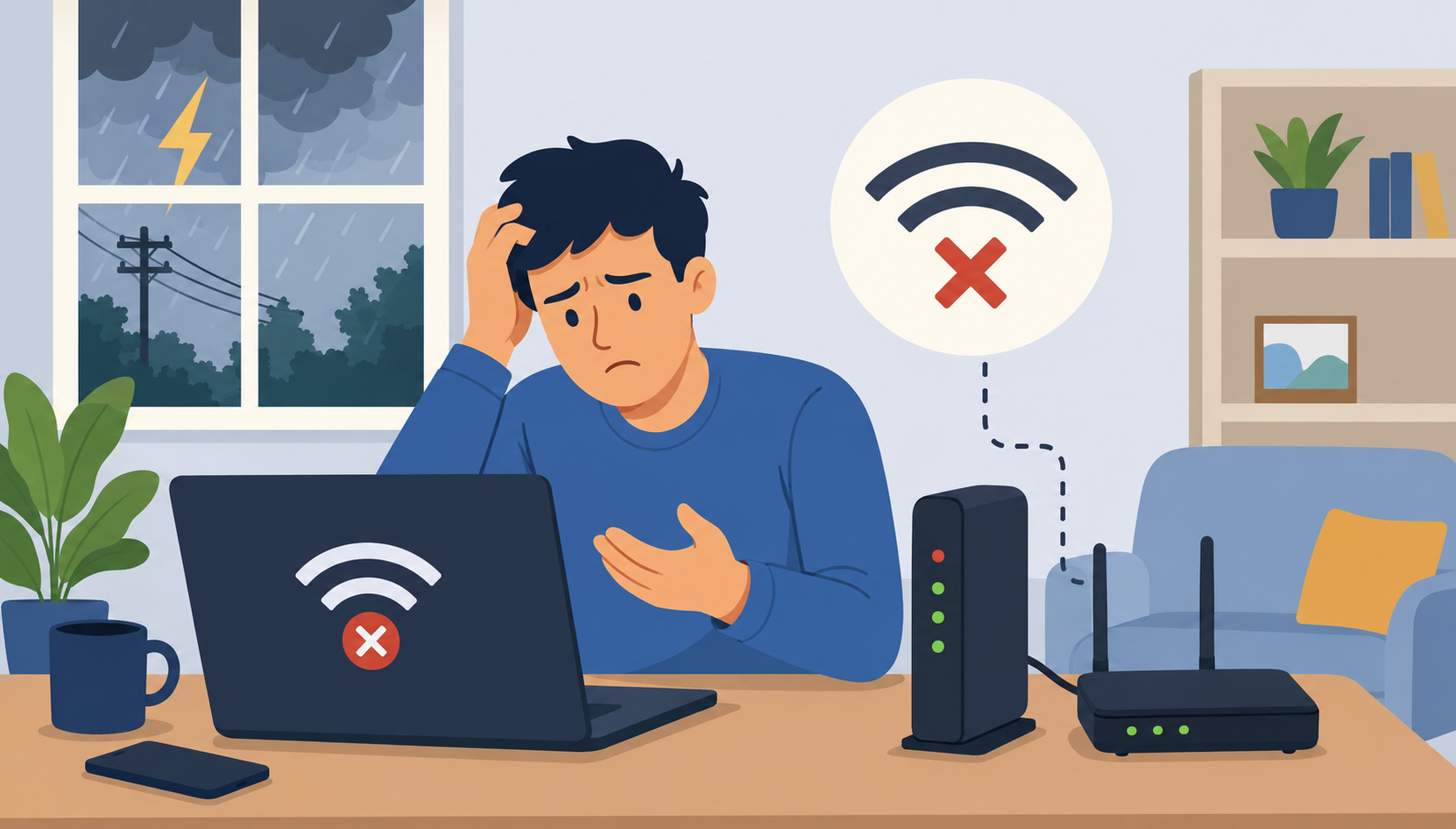
A Spectrum internet outage can disrupt almost everything in your daily routine. Whether you work remotely, stream movies, attend online classes, manage smart home devices, or run a business from home, losing internet access can quickly become frustrating.
Internet outages are more common than many people realize. Even large providers with extensive infrastructure experience occasional interruptions caused by weather, hardware failures, maintenance, or regional service disruptions. While some outages last only a few minutes, others may continue for several hours depending on the underlying issue.
Understanding what causes Spectrum internet outages can help you troubleshoot the problem faster and determine whether the issue is inside your home or part of a larger network disruption.
Many households that compare different high-speed cable internet providers for streaming and gaming often encounter temporary outages at some point, especially during severe weather or peak service hours.
Common Causes of Spectrum Internet Outages
Several factors can interrupt your internet connection. Some problems are easy to fix at home, while others require assistance from Spectrum technicians or local utility crews.
Hardware Connection Problems
One of the most common causes of internet outages involves physical hardware issues.
Loose Ethernet cables, damaged coaxial connections, faulty splitters, or unplugged power cords can interrupt your connection immediately. Sometimes the issue is as simple as a modem cable being partially disconnected after cleaning or moving furniture.
Your modem and router can also develop problems over time. Older networking equipment may struggle to maintain stable speeds, especially when multiple devices are connected simultaneously.
If your Spectrum modem shows blinking red or flashing blue lights, it may indicate a signal interruption or synchronization issue with the provider’s network.
Router and Modem Malfunctions
Routers and modems occasionally freeze due to firmware glitches, overheating, or overloaded memory.
Restarting your networking equipment often resolves temporary issues. A full reboot refreshes your device’s memory and reconnects it to Spectrum’s network.
To properly restart your equipment:
Unplug your modem and router from power.
Wait at least 60 seconds.
Plug the modem back in first.
Wait until all indicator lights stabilize.
Reconnect the router.
Many users experiencing recurring connection drops use the Spectrum internet self-installation process and equipment setup steps to check modem placement, cable connections, and activation details.
Software and Device Issues
Sometimes the internet connection itself is working, but the problem exists on your device.
Outdated operating systems, corrupted drivers, browser extensions, VPN conflicts, or firewall settings can prevent websites from loading properly.
Malware and viruses can also affect network performance by consuming bandwidth or interfering with DNS settings.
Before assuming there is a Spectrum outage, test your connection on multiple devices. If only one device cannot connect, the issue is likely device-related rather than a provider outage.
Regional Spectrum Network Outages
Not every outage starts inside your home. Regional disruptions can affect entire neighborhoods, cities, or service zones.
Severe Weather Conditions
Storms are among the leading causes of widespread internet outages.
Heavy rain, hurricanes, tornadoes, snowstorms, and lightning can damage underground cables, utility poles, and network equipment. Even temporary power interruptions can disrupt internet connectivity for thousands of customers.
Florida, Texas, and other storm-prone regions often experience temporary cable interruptions during hurricane season due to damaged infrastructure and flooding.
Power Grid Failures
Spectrum internet relies on powered infrastructure throughout the network.
If local power substations fail or utility lines are damaged, internet service may stop working even if your home still has backup power. Network nodes and regional communication hubs must remain powered for service to continue operating normally.
Construction and Physical Cable Damage
Road construction projects and accidental utility damage can interrupt service unexpectedly.
Fiber-optic and coaxial lines are sometimes cut during excavation work, utility repairs, or traffic accidents involving utility poles. These incidents may require emergency repairs before service can resume.
Spectrum Maintenance and Provider Issues
Internet providers regularly perform scheduled maintenance to improve performance, upgrade infrastructure, and resolve technical problems.
Scheduled Maintenance Windows
Spectrum occasionally conducts overnight maintenance that may temporarily interrupt service.
These maintenance windows usually occur during low-usage hours to minimize customer disruption. During this time, internet speeds may slow down or disconnect briefly while updates are applied.
Network Congestion
Heavy internet usage in densely populated areas can occasionally lead to slowdowns or temporary interruptions.
Peak evening streaming hours often place additional pressure on local infrastructure, especially in neighborhoods with high bandwidth demand.
Users researching network stability and speed consistency often compare residential Spectrum internet and cable service availability when reviewing provider performance in their area.
DNS Server Problems
DNS issues can make it appear as though your internet is down even when your connection remains active.
DNS servers translate website names into IP addresses. If Spectrum’s DNS servers experience delays or failures, websites may stop loading despite an active connection.
Switching temporarily to public DNS providers like Google DNS or OpenDNS may help restore browsing access during DNS-related outages.
How to Check if Spectrum Is Down in Your Area
Before troubleshooting your equipment extensively, confirm whether the outage affects other customers nearby.
Use Spectrum’s Service Status Tools
Spectrum offers outage reporting tools through its website and mobile app.
You can sign in to check:
Current outages
Estimated restoration times
Maintenance notifications
Service interruptions in your ZIP code
Monitor Social Media and Local Reports
Customers often report outages on social media before official updates appear.
Searching for terms like “Spectrum outage near me” on platforms such as X or Facebook can quickly reveal whether the problem is widespread.
Ask Neighbors Nearby
If your neighbors also lost internet access, the problem is likely regional rather than isolated to your home network.
This can save time before resetting equipment repeatedly.
Quick Troubleshooting Steps During a Spectrum Outage
Some outages resolve quickly with basic troubleshooting.
Restart Your Equipment
A simple reboot remains one of the most effective troubleshooting steps.
Power cycling your modem and router refreshes the network connection and clears temporary software conflicts.
Check All Cable Connections
Inspect every cable carefully.
Look for:
Loose coaxial connections
Damaged Ethernet cables
Bent connectors
Power supply issues
Even minor cable movement can affect signal quality.
Test Multiple Devices
Determine whether the issue affects:
One device
Wi-Fi only
Wired connections
Your entire network
This helps narrow down the root cause faster.
Move Closer to the Router
Weak Wi-Fi signals sometimes resemble outages.
Walls, appliances, and interference from neighboring networks can weaken wireless performance significantly.
Try testing your connection near the router using a smartphone or laptop.
When to Contact Spectrum Support
If your connection still does not return after troubleshooting, contacting Spectrum support may be necessary.
Signs You Should Call Support
Contact Spectrum if:
Your outage lasts several hours
Modem lights remain red or flashing
Speeds remain extremely slow
Service disconnects repeatedly
Your neighborhood experiences recurring outages
Spectrum representatives can check signal levels remotely and determine whether technician assistance is needed.
How to Reduce Future Internet Outage Problems
While no internet provider can guarantee zero outages, you can minimize disruptions with a few proactive steps.
Use a Battery Backup
A UPS battery backup can keep your modem and router online during short power interruptions.
This is especially useful for remote workers and households that rely heavily on internet-connected devices.
Keep Equipment Updated
Replace aging routers and modems when performance declines.
Modern Wi-Fi 6 routers provide stronger coverage, better speeds, and improved device handling compared to older models.
Position Your Router Properly
Keep your router:
Elevated
Centrally located
Away from walls and metal objects
Away from microwaves and electronics
Proper placement improves signal stability significantly.
Monitor Service Interruptions
Frequent outages in your neighborhood may indicate infrastructure limitations.
Tracking downtime patterns can help determine whether equipment upgrades or provider changes may eventually be necessary.
Frequently Asked Questions
How long do Spectrum internet outages usually last?
Most outages are resolved within a few hours, although severe weather or infrastructure damage can extend restoration times significantly.
Why is my Spectrum Wi-Fi connected but not working?
This often happens because of DNS issues, modem synchronization problems, or router malfunctions. Restarting your modem and router usually helps.
Can bad weather cause Spectrum internet outages?
Yes. Storms, hurricanes, lightning, flooding, and strong winds can damage network infrastructure and interrupt service.
Should I reset my modem during an outage?
Yes. Restarting your modem and router is one of the first troubleshooting steps recommended during connectivity issues.
How can I check if Spectrum is down in my area?
You can use Spectrum’s outage tools, mobile app, social media updates, or local community reports to verify regional outages.
Does Spectrum compensate for outages?
In some cases, Spectrum may provide billing credits for extended service interruptions. You can contact customer support to ask about eligibility.
Related Posts
 cheap internet offers
How to Use the Verizon Fios Outage Map for Faster Fixes
Learn how to use the Verizon FiOS outage map to track service issues, troubleshoot internet problems, and restore your connection faster.
 Technology
Wifi
Technology
Wifi
Faster Browsing With Google DNS and OpenDNS
Learn how to switch to Google DNS or OpenDNS to improve browsing speed, website loading times, reliability, and overall internet performance.
 Broadband Deals
cheap internet deals
Broadband Deals
cheap internet deals
Fastest Internet Options in Dallas: What to Know First
Fastest Internet Providers in Dallas Compared
 Regulations
Best Streaming Services for Cord-Cutters in 2026
Discover the best streaming services for cord-cutters in 2026, including Netflix, Hulu, YouTube TV, Sling TV, and Amazon Prime Video.
 Internet Bundles
Broadband Deals
Internet Bundles
Broadband Deals
Verizon Fios Packages That Fit Every Home Setup
Explore Verizon Fios TV and internet packages with flexible plans, fiber speeds, premium channels, and customizable entertainment options.