What is An Internet Cookie?
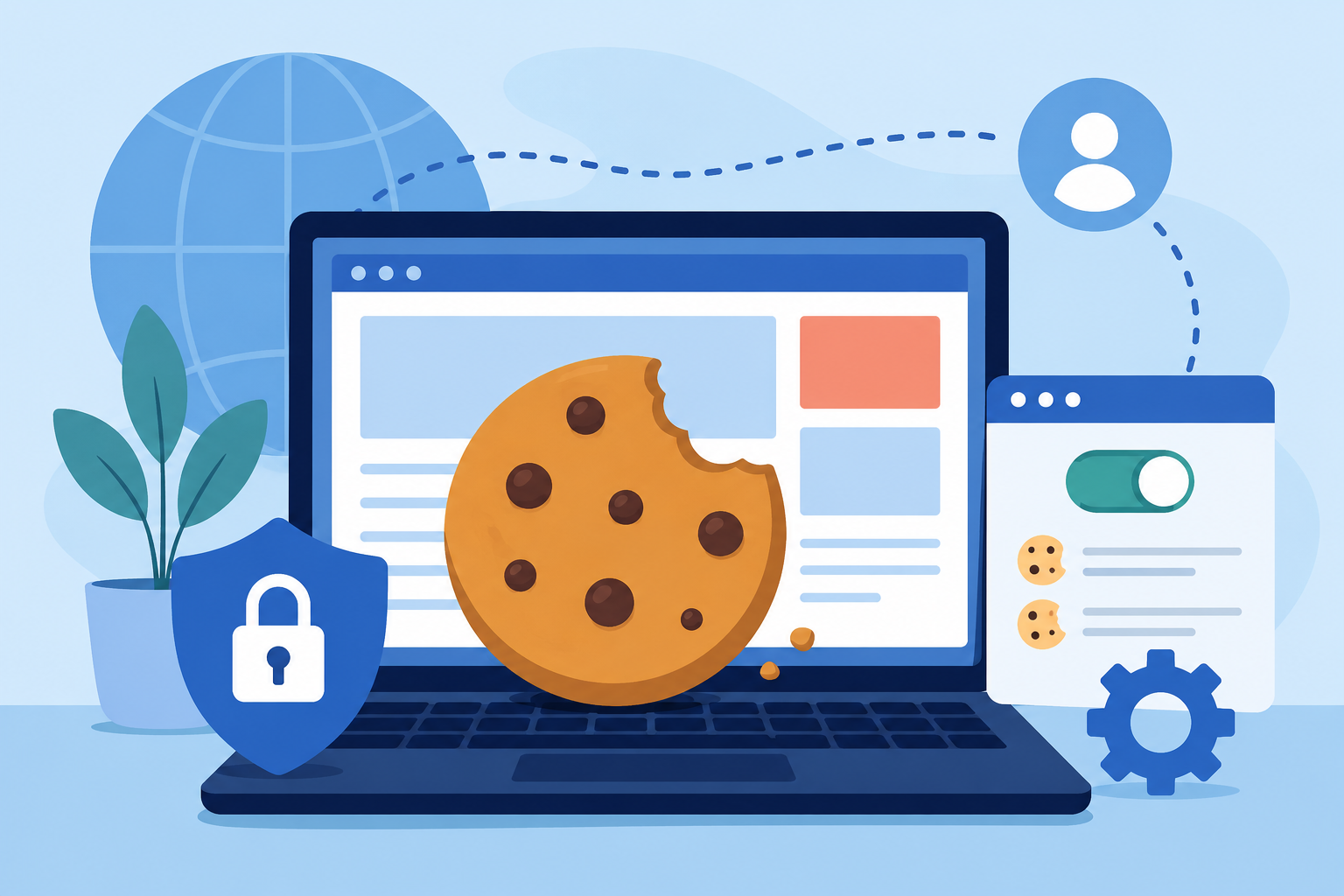
Internet cookies play a major role in how websites remember your preferences, keep you signed in, and personalize your browsing experience. Although cookies often raise privacy concerns, they are also one of the technologies that make the modern web faster and more convenient.
Whether you’ve wondered why online stores remember the items in your shopping cart or why advertisements seem to follow you from one website to another, cookies are usually the reason.
In this article, you’ll learn what internet cookies are, how they work, the different types of cookies websites use, their advantages and disadvantages, and how you can manage them to protect your privacy.

What Is an Internet Cookie?
An internet cookie, also known as an HTTP cookie, is a small text file that a website stores on your browser or device when you visit a webpage. The cookie contains small pieces of information that help websites recognize your device and remember details about your visit.
Contrary to a common misconception, cookies do not contain programs or viruses. They cannot execute code or damage your computer. Instead, they simply store data that allows websites to deliver a smoother and more personalized browsing experience.
For example, cookies can remember:
Your login information
Language preferences
Items added to your shopping cart
Display settings
Previously viewed products
Website preferences
Without cookies, many websites would treat every page visit as if it were your first time there.
How Internet Cookies Work
Whenever you visit a website, its server sends a small cookie file to your browser. Your browser stores this file on your device.
The next time you visit the same website, your browser sends the cookie back to the server. The website recognizes the unique identifier stored in the cookie and restores your preferences or account information.
This process happens almost instantly and allows websites to provide a more seamless browsing experience.
For example:
You log into your favorite shopping website.
A cookie stores your login session.
As you browse different pages, you stay signed in without entering your password repeatedly.
When you return later, the website remembers your preferences and previously viewed products.
Another common example is personalized advertising.
Suppose you search online for vacation destinations. Later, while visiting another website, you notice advertisements featuring those same destinations. Cookies help advertising platforms remember your browsing activity and display more relevant ads.
If you spend a lot of time working online, understanding how websites store information can also help you make better use of everyday digital tools, such as the productivity apps featured in essential internet resources for working remotely.
The Main Types of Internet Cookies
Not all cookies serve the same purpose. Most websites use several different types to improve functionality and user experience.
Session Cookies
Session cookies are temporary cookies that exist only while your browser remains open.
These cookies help websites:
Keep you logged in during a browsing session
Remember items in your shopping cart
Store temporary browsing preferences
Once you close your browser, session cookies are automatically deleted.
Persistent Cookies
Persistent cookies remain stored on your device for a set period, even after you close your browser.
They allow websites to remember:
Login credentials
Language settings
Personalized homepage layouts
Frequently visited pages
These cookies save time by preventing you from re-entering the same information every time you visit.
First-Party Cookies
First-party cookies are created directly by the website you’re visiting.
They typically improve your browsing experience by remembering preferences, account settings, and saved information specific to that website.
Third-Party Cookies
Third-party cookies are created by services other than the website you’re currently viewing.
They’re commonly used by:
Advertising networks
Analytics providers
Social media platforms
These cookies help advertisers measure campaign performance and display targeted advertisements across multiple websites.
What Information Do Cookies Store?
Cookies generally contain small pieces of information rather than sensitive personal files.
Depending on the website, cookies may store:
Unique user identifiers
Login session tokens
Website preferences
Shopping cart contents
Language selections
Time zone settings
Recently viewed pages
Marketing preferences
Importantly, cookies usually do not store passwords in plain text or personal documents. Sensitive information is generally protected using secure authentication methods.
Why Websites Use Cookies
Cookies make websites significantly more user-friendly by remembering information between visits.
Here are the three primary purposes of internet cookies.
1. Session Management
Cookies help websites recognize returning users and maintain active login sessions.
This means you don’t have to sign in every time you open a new page.
2. Personalization
Websites use cookies to customize content based on your browsing habits.
Examples include:
Product recommendations
Preferred language
Customized homepage layouts
Personalized news feeds
Streaming platforms, online stores, and social media websites rely heavily on personalization cookies.
3. Tracking and Analytics
Cookies also help website owners understand how visitors interact with their sites.
Analytics cookies can reveal:
Most visited pages
Average time on site
User navigation paths
Popular content
Businesses use this information to improve website performance and user experience.
Are Internet Cookies Safe?
In most cases, yes.
Cookies themselves are not viruses, malware, or spyware. They cannot install software, infect your computer, or damage files.
However, some privacy concerns exist because certain cookies collect browsing behavior over time.
Third-party advertising cookies, in particular, may build profiles based on your browsing habits to serve personalized advertisements.
For this reason, many modern browsers now limit or block third-party cookies by default.
The Benefits of Internet Cookies
Despite privacy concerns, cookies provide several important advantages.
Faster Browsing Experience
Cookies reduce the need to repeatedly enter the same information, making websites more convenient to use.
Personalized Content
Instead of showing generic pages, websites can tailor content based on your interests and previous visits.
Improved Shopping Experience
Online stores use cookies to remember:
Shopping carts
Wishlist items
Recently viewed products
Saved payment preferences
Without cookies, many eCommerce features wouldn’t work as expected.
Better Website Performance
Website owners analyze anonymous cookie data to improve navigation, page speed, and overall usability.
The Drawbacks of Cookies
Although cookies are useful, they aren’t without disadvantages.
Some concerns include:
Behavioral advertising
Cross-site tracking
Privacy concerns
Data collection by third-party advertisers
Many users choose to periodically clear cookies or disable certain types of tracking to increase their privacy online.
If you frequently travel and rely on internet-connected services, maintaining secure browsing habits becomes even more important when using public Wi-Fi or unfamiliar networks. Staying connected with the right tools can make online safety much easier, especially when paired with essential travel apps for staying connected on the go.
How to Check, Delete, or Disable Cookies
Every major browser allows you to manage cookies through its privacy settings.
You can typically:
View stored cookies
Delete existing cookies
Block third-party cookies
Clear browsing data
Automatically erase cookies when closing the browser
Keep in mind that disabling all cookies may affect website functionality.
For example, you may have to:
Log in repeatedly
Rebuild shopping carts
Reconfigure website preferences
Lose personalized settings
Many websites depend on cookies to provide their full range of features.
Internet Cookie Laws in the United States
Although the United States does not have one comprehensive federal cookie law, several regulations affect how organizations collect and manage user data through cookies.
These include:
Computer Fraud and Abuse Act (1984)
Americans with Disabilities Act (ADA)
Children’s Internet Protection Act (CIPA)
Children’s Online Privacy Protection Act (COPPA)
In addition, the California Consumer Privacy Act (CCPA) provides California residents with greater control over how businesses collect, store, and share personal information, including data gathered through cookies.
Many websites also comply with international privacy regulations such as the General Data Protection Regulation (GDPR) when serving visitors from the European Union.
As privacy laws continue to evolve, websites increasingly provide cookie consent banners that allow users to manage which types of cookies they accept.
If your internet connection frequently drops while browsing or loading websites, improving signal quality can make cookie-enabled websites perform more reliably. You can also explore practical ways to improve satellite internet performance with simple signal-boosting techniques.
Final Thoughts
Internet cookies are a fundamental part of today’s web experience. They help websites remember your preferences, keep you signed in, personalize content, and improve overall usability.
While some cookies are used for advertising and tracking, many are essential for everyday website functionality. Understanding how cookies work allows you to make informed decisions about your privacy while enjoying a faster and more personalized browsing experience.
Rather than viewing cookies as inherently good or bad, it’s better to understand their purpose and manage them according to your own privacy preferences. Most modern browsers make it easy to review, delete, or block cookies whenever you choose.
Frequently Asked Questions
What is an internet cookie?
An internet cookie is a small text file stored by your browser that helps websites remember information such as login sessions, language preferences, and browsing activity.
Are cookies harmful to my computer?
No. Cookies are not viruses or malware. They cannot install software or damage your device. Their primary purpose is to store small amounts of website-related information.
Can I delete cookies?
Yes. Every major web browser allows you to delete stored cookies through its privacy or browsing data settings.
Should I disable cookies?
That depends on your preferences. Disabling cookies can improve privacy but may also reduce website functionality, requiring you to log in more often and reset your preferences.
What’s the difference between first-party and third-party cookies?
First-party cookies are created by the website you’re visiting and are generally used to improve functionality. Third-party cookies come from external services, such as advertising or analytics providers, and are often used for tracking across multiple websites.
Related Posts
 Technology
YouTube Key Commands That Make Watching Videos Faster
Learn the best YouTube key commands to navigate videos faster, improve productivity, control playback easily, and enjoy a smoother streaming experience.
 cheap internet plans
mobile phone plans
Broadband Deals
cheap internet plans
mobile phone plans
Broadband Deals
Which Internet Providers Offer a Cheap Mobile Plan?
Discover which internet providers offer a cheap mobile plan when you bundle services. Compare savings, features, and the best options for your budget.
 Broadband Deals
Technology
Broadband Deals
Technology
What Is 5G and Why It Matters for Businesses and Everyday Life
Learn what 5G is, how it works, and why it matters for businesses and consumers. Discover its impact on speed, IoT, automation, and future connectivity.
 Technology
How to Choose High-Speed Satellite Internet for Your Home
Compare the best high-speed satellite internet providers, their features, coverage, speeds, pricing, and tips to choose the right internet service.
 Broadband Deals
cable deal
Broadband Deals
cable deal
How Spectrum Internet Compares to Xfinity, AT&T & HughesNet
Compare Spectrum Internet with Xfinity, AT&T, and HughesNet based on speed, pricing, reliability, technology, and value to choose the right provider.