Internet Provider Installation FAQs: What to Expect and How to Prepare
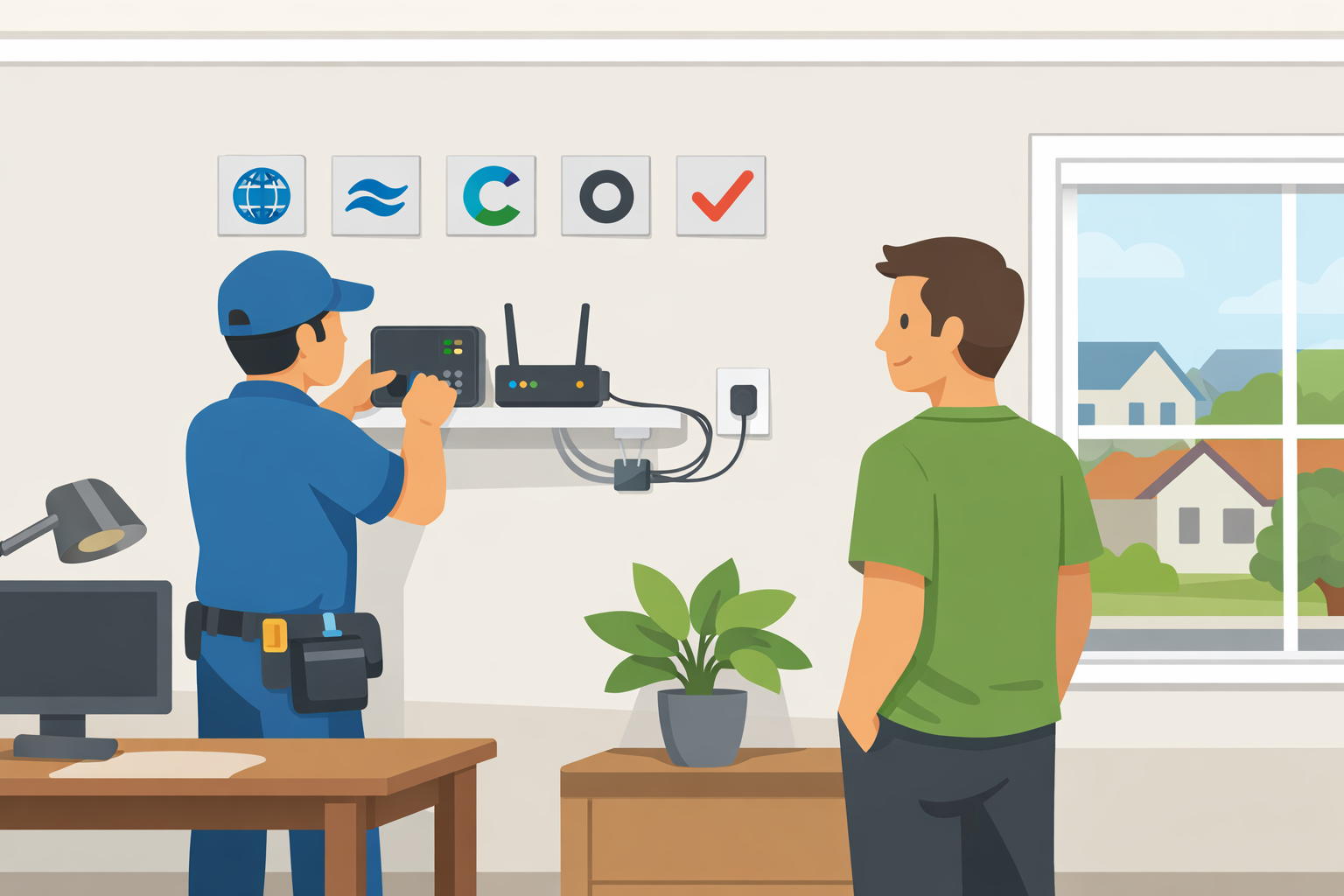
Installing a new internet service can feel more complicated than it needs to be, especially when you’re choosing between self-installation and professional setup. The truth is, installation varies widely depending on the provider, the technology used, and whether your home is already wired. This guide breaks down what to expect for each major provider, helping you decide the most convenient and cost-effective option.
Whether you’re setting up service for the first time or switching providers, these installation FAQs will help you plan ahead, avoid surprises, and understand the most common installation steps.
What Affects Internet Installation Complexity?
Installation difficulty depends on a few key factors:
- Existing wiring in your home
If your home already has the necessary wiring, installation is usually faster and easier. - Type of technology used
Fiber, cable, and DSL all require different equipment and setup. - Your level of comfort with technical setup
Some providers support self-installation, but not everyone feels confident doing it. - Whether you need a new modem, router, or both
Sometimes equipment is included; other times you need to purchase it separately.
Understanding these factors helps you choose the right installation option and avoid unexpected fees.
AT&T Internet Installation: What You Should Know
AT&T offers two installation options: professional installation or self-installation. Your choice usually depends on your home’s wiring and whether you want to pay an installation fee.
Professional Installation vs. Self-Install
If your home is already wired and qualifies for self-installation, this option can save you money. AT&T typically charges a fee for professional installation, so self-installation can be a good choice if you want to reduce setup costs.
When Professional Installation Makes Sense
Professional installation is a safer option if you’re not comfortable handling equipment setup or if your home needs wiring adjustments. It’s also the best choice if you want a technician to ensure everything is optimized for your internet plan.
To learn more about AT&T installation, check out the details on AT&T services.
Charter Spectrum Installation: Cable Setup Made Simple
Charter Spectrum uses cable technology, which typically makes installation straightforward. If your home already has cable wiring, you may be able to self-install with minimal hassle.
Self-Install vs. Professional Installation
Most Charter Spectrum plans use a cable modem that connects to your existing cable line. If your home is already wired for cable, you can often self-install by following the provider’s instructions and using the required equipment.
However, if your home has never been connected to Charter Spectrum, you’ll need professional installation to run the necessary wiring and set up your equipment.
Why Professional Installation Can Be Worth It
Professional installation may cost extra, but it ensures your wiring and equipment are set up correctly. If you’re not comfortable with technical setups or don’t have prior experience, including this fee in your budget may save you time and frustration.
Learn more about Charter Spectrum installation options here: Charter Spectrum.
Cox Installation: Self-Install Options and What You Need
Cox Communications is one of the providers that actively promotes self-installation, which can help you save money on setup fees.
Self-Installation Requirements
To self-install with Cox, your home must already be wired for cable service. If it is, you can follow the instructions provided by Cox and set up the equipment yourself.
When Professional Installation Is Required
If your home is not wired for cable service, professional installation is necessary. Cox technicians will handle the wiring and setup, ensuring your connection is properly configured.
For more details, visit Cox Communications page.
Optimum by Cablevision Installation: Fast Self-Install Options
Optimum by Cablevision often allows customers to self-install if their home has previously had service. Self-installation is usually quick and can save you money compared to hiring a technician.
Self-Install Advantages
If your home is already wired for Optimum service, self-installation can take less than an hour. You’ll simply connect your modem, router, and any other required hardware.
When Professional Installation Is Needed
If your home has never had Optimum service, professional installation is required to connect your building to the network. This option is also recommended for customers who want to avoid technical setup challenges.
Optimum also offers service plans for ongoing support, which can be more cost-effective than paying for individual technician visits.
Verizon Fios Installation: Fiber Setup Explained
Verizon Fios uses fiber optic technology, which delivers fast speeds but often requires professional setup.
Self-Installation Options
If your home or business already has Fios service, self-installation may be possible. However, many customers still prefer professional installation due to the complexity of fiber wiring and equipment setup.
Professional Installation Process
During professional installation, a technician will connect fiber optic cables from the Fios network to your location. They’ll install an Optical Network Terminal (ONT), which is required for your router to access the internet.
Depending on your existing wiring, the technician may also need to run ethernet or coaxial cable inside your home to complete the setup.
For more details about Fios installation and service, check Verizon Fios.
Tips for a Smooth Installation Experience
No matter which provider you choose, these tips can help ensure a smooth setup:
Confirm Your Wiring
Before scheduling installation, check whether your home is already wired for cable or fiber. This will help you determine whether self-installation is possible.
Choose the Right Equipment
Make sure you know whether your plan requires a modem, router, or both. Some providers include equipment, while others require you to purchase or rent it.
Schedule Installation When You Can Be Present
If you choose professional installation, plan to be home during the appointment. This avoids delays and allows the technician to confirm your preferred setup.
Ask About Additional Fees
Installation fees can vary, and some providers may charge extra for equipment or special wiring. Ask for a clear breakdown before you commit.
Choose the Best Installation Option for Your Needs
Installation doesn’t have to be stressful. By understanding what each provider requires and whether your home is already wired, you can choose the option that fits your budget and comfort level.
If you prefer a faster, lower-cost setup and your home is already wired, self-installation may be the best choice. If you want the peace of mind of a professional setup or your home needs new wiring, professional installation is the safer option.
Related Posts
 Broadband Deals
cable deal
Broadband Deals
cable deal
Xfinity Cable Package Deals That Actually Deliver Value
Discover the best Xfinity cable package deals, compare internet and TV bundles, understand pricing, and choose the right plan for your home and budget.
 Broadband Deals
What Is TDS Internet and Is It Right for Your Home?
Learn what TDS Internet is, how it works, available plans, pricing, speeds, benefits, and how it compares with other internet providers.
 Internet Bundles
Bundle Internet, TV, and Phone Without Overpaying
Learn how to bundle internet, TV, and phone services for the best value. Compare plans, avoid hidden fees, and choose the right package for your home.
 Broadband Deals
cable deal
cheap internet deals
Broadband Deals
cable deal
cheap internet deals
Chicago Neighborhood Internet Guide for Better Connectivity
Explore internet options across Chicago neighborhoods, compare providers, understand speeds, costs, and find the best broadband solution.
 Technology
Wifi
Technology
Wifi
7 Reasons You Can’t Connect to the Internet (and How to Fix Them)
Learn the 7 most common reasons you can’t connect to the internet and discover practical troubleshooting steps to restore your Wi-Fi or wired connection fast.