How to Shop Online Safely and Avoid Common Scams
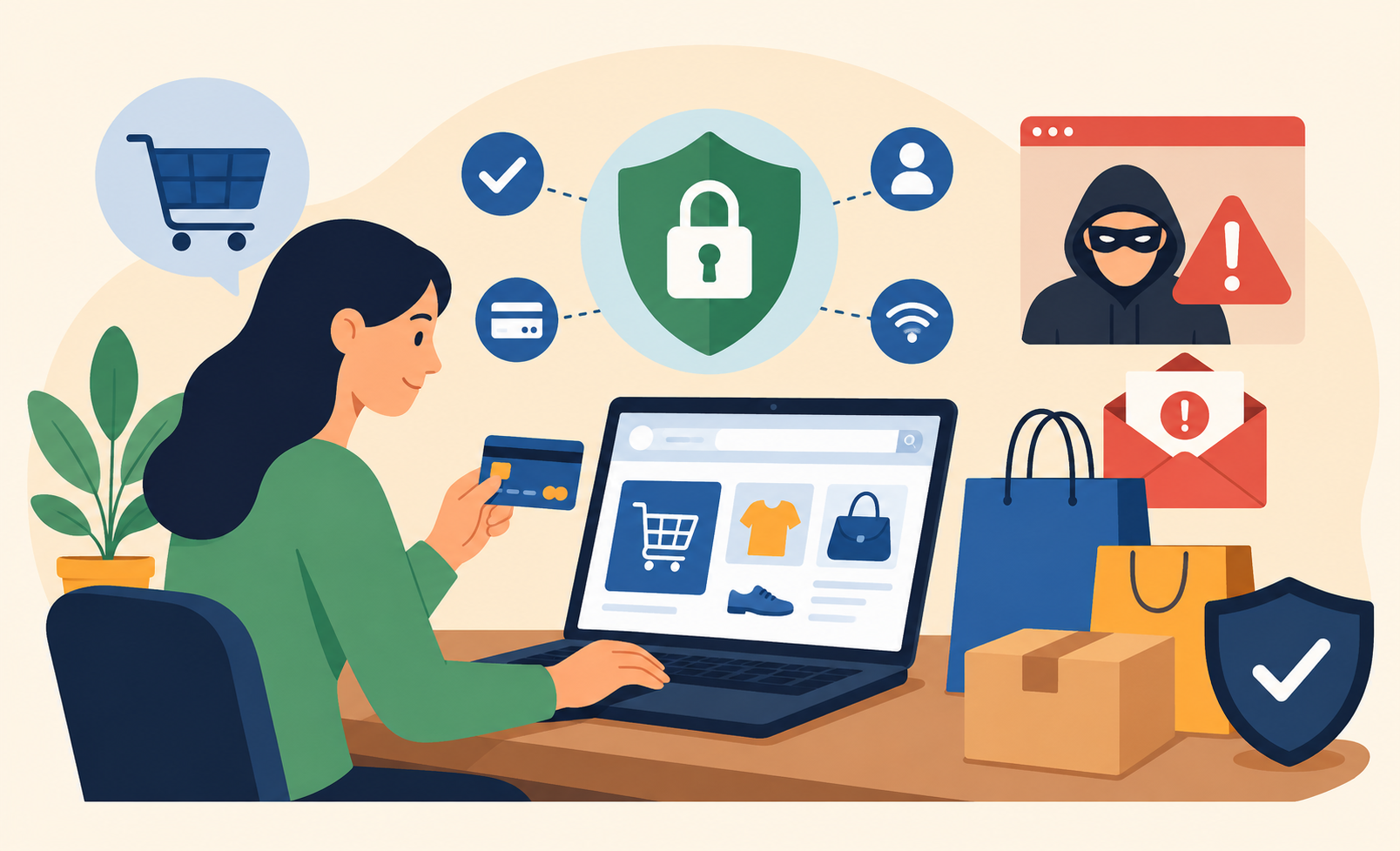
Online shopping is now part of everyday life. Consumers purchase everything from groceries and clothing to electronics and services with just a few clicks. While this convenience saves time and often money, it also exposes shoppers to a growing range of digital threats. Fraudsters continue to evolve, exploiting weak security habits and moments of inattention.
This online shopping safety guide explains how to protect your personal data, secure your payments, and recognize online scams before they cause damage. By understanding how online risks work and adopting smarter habits, you can shop confidently without compromising your privacy or financial security.
Why Online Shopping Safety Matters Today
As e-commerce grows, cybercriminals follow the traffic. Online stores process sensitive information daily, including names, addresses, payment details, and login credentials. Even one careless transaction can lead to financial loss or long-term identity issues.
Many online shopping incidents do not happen because people are reckless, but because scams are increasingly sophisticated. Fake websites look legitimate, emails appear authentic, and unsafe networks often go unnoticed. Developing strong online shopping safety habits helps reduce exposure and keeps control in your hands.
Common Online Shopping Threats You Should Know
Recognizing common threats makes it easier to avoid them before they escalate.
Fake Online Stores
Fraudulent shopping websites often mimic trusted brands. They display professional layouts, copied images, and unrealistically low prices. Once payment information is submitted, the shopper either receives counterfeit items or nothing at all.
Phishing Messages and Emails
Phishing emails often pose as order confirmations or delivery notices. These messages pressure users into clicking links that lead to fake login pages. This type of deception affects all age groups, which is why understanding broader online safety concepts—such as kids safety is relevant even for adults who share devices or email accounts with family members.
Account Takeovers
When attackers obtain login credentials, they can access shopping accounts, place unauthorized orders, or change saved payment methods. Password reuse across multiple sites significantly increases this risk.
How to Identify a Secure Online Shopping Website
Before entering personal or financial information, take a moment to verify that the website is legitimate.
Look for HTTPS Encryption
Secure websites use HTTPS to encrypt data exchanged between your browser and the site. While encryption alone does not guarantee trust, the absence of HTTPS is a serious red flag.
Verify Business Information
Legitimate retailers provide clear contact details, return policies, and customer support options. Scam websites often hide or omit this information entirely.
Evaluate Website Quality
Broken links, inconsistent branding, and poor grammar are common indicators of fraudulent stores. Established businesses invest in professional presentation and consistent messaging.
Choosing Safe Payment Methods Online
Your payment method plays a critical role in online shopping security.
Use Credit Cards When Possible
Credit cards typically offer fraud protection and chargeback options. If unauthorized charges occur, recovery is usually faster and easier than with debit cards.
Use Secure Digital Wallets
Digital wallets protect your card details by acting as intermediaries during transactions. This limits the exposure of sensitive financial information.
Avoid Risky Payment Requests
Requests for wire transfers, cryptocurrency, or gift cards are common signs of scams. Reputable online retailers rarely rely on these methods.
Internet Connection Safety While Shopping
Your network connection can either protect or expose your data during online purchases.
Avoid Unsecured Public Wi-Fi
Public Wi-Fi networks often lack encryption, making it easier for attackers to intercept sensitive information. Understanding the difference between public Wi-Fi and mobile connections helps shoppers make safer decisions when completing transactions outside the home.
Use Trusted Networks
Shopping on a secure home network or encrypted mobile data connection significantly reduces the risk of data interception.
Strengthening Online Shopping Account Security
Shopping accounts store valuable personal and financial data, making them attractive targets for cybercriminals.
Use Unique Passwords
Each shopping platform should have a unique password. If one site is compromised, others remain protected.
Enable Two-Factor Authentication
Two-factor authentication adds an extra layer of security, requiring verification beyond just a password.
Monitor Account Activity Regularly
Checking order history and saved payment methods helps detect suspicious activity early.
Protecting Personal Information While Shopping Online
Beyond payment details, online retailers collect personal data that can be misused if compromised.
Share Only Necessary Information
Provide only the details required to complete your purchase. Requests for excessive information should raise concern.
Understand How Your Data Is Handled
Being aware of how your identity and personal data are stored and shared is part of responsible online shopping. Concepts related to identity protection apply directly to shopping platforms that collect and retain customer information.
Use a Dedicated Shopping Email
A separate email address for online purchases reduces exposure to phishing and makes suspicious messages easier to identify.
Mobile Shopping Safety Tips
Mobile shopping continues to grow, but smartphones introduce additional risks.
Download Apps From Official Stores
Only install shopping apps from trusted app stores. Third-party downloads often carry malware.
Keep Devices Updated
Operating system and app updates frequently include security patches that protect against known vulnerabilities.
Be Selective With Networks
Avoid completing purchases on unknown or unsecured networks, especially in public places.
Teaching Children Safe Online Shopping Habits
Children and teens encounter online shopping through games, apps, and social media. Teaching responsible habits early prevents costly mistakes.
Set Spending Limits
Use parental controls to manage purchases and require approval for transactions.
Build Scam Awareness
Helping children recognize fake ads and deceptive websites reinforces safer online behavior overall.
Use Restricted Payment Options
Prepaid or limited accounts allow learning without significant financial risk.
How to Spot Online Shopping Scams Quickly
Scammers rely on urgency and emotional pressure to bypass rational thinking.
Unrealistic Discounts
Deep discounts on high-demand items are often bait used by fraudulent websites.
Pressure-Driven Messages
Messages that demand immediate action are designed to prevent verification.
Unusual Payment Methods
Requests for gift cards or cryptocurrency are strong indicators of fraud.
What to Do If You Experience Online Shopping Fraud
If fraud occurs, immediate action can limit damage.
- Contact your bank or card issuer right away
- Change passwords for affected accounts
- Monitor financial statements and credit reports
- Report the incident to consumer protection authorities
Prompt response improves recovery chances and prevents further misuse.
Final Thoughts: Shop With Confidence, Not Fear
Online shopping does not need to feel risky. With awareness, secure habits, and informed decision-making, you can protect your finances and personal information while enjoying the convenience of digital commerce.
This online shopping safety guide is not about avoiding online purchases—it is about shopping smarter and staying in control.
Related Posts
 Internet Bundles
Broadband Installation
Wifi
cheap internet deals
Internet Bundles
Broadband Installation
Wifi
cheap internet deals
Best DIRECTV Internet Services Provider for Your Home
Discover the best DIRECTV internet services, compare providers, pricing, speeds, bundles, and expert tips to choose the right home internet solution.
 Technology
Wifi
Technology
Wifi
How To Test Your Internet Speed?
Learn how to test your internet speed accurately, understand speed test results, fix slow connections, and improve your internet performance.
 cheap internet deals
Best Free & Legal Movie Streaming Sites in 2026
Discover the best free and legal movie streaming sites in 2026, including Tubi, Pluto TV, Plex, Hoopla, Kanopy, and more to watch movies online for free.
 Technology
YouTube Key Commands That Make Watching Videos Faster
Learn the best YouTube key commands to navigate videos faster, improve productivity, control playback easily, and enjoy a smoother streaming experience.
 Regulations
Technology
Regulations
Technology
What is An Internet Cookie?
Learn what internet cookies are, how cookies work, the different types of cookies, their benefits, privacy concerns, and how to manage them safely online.