Choosing Internet Plans for Smart Homes
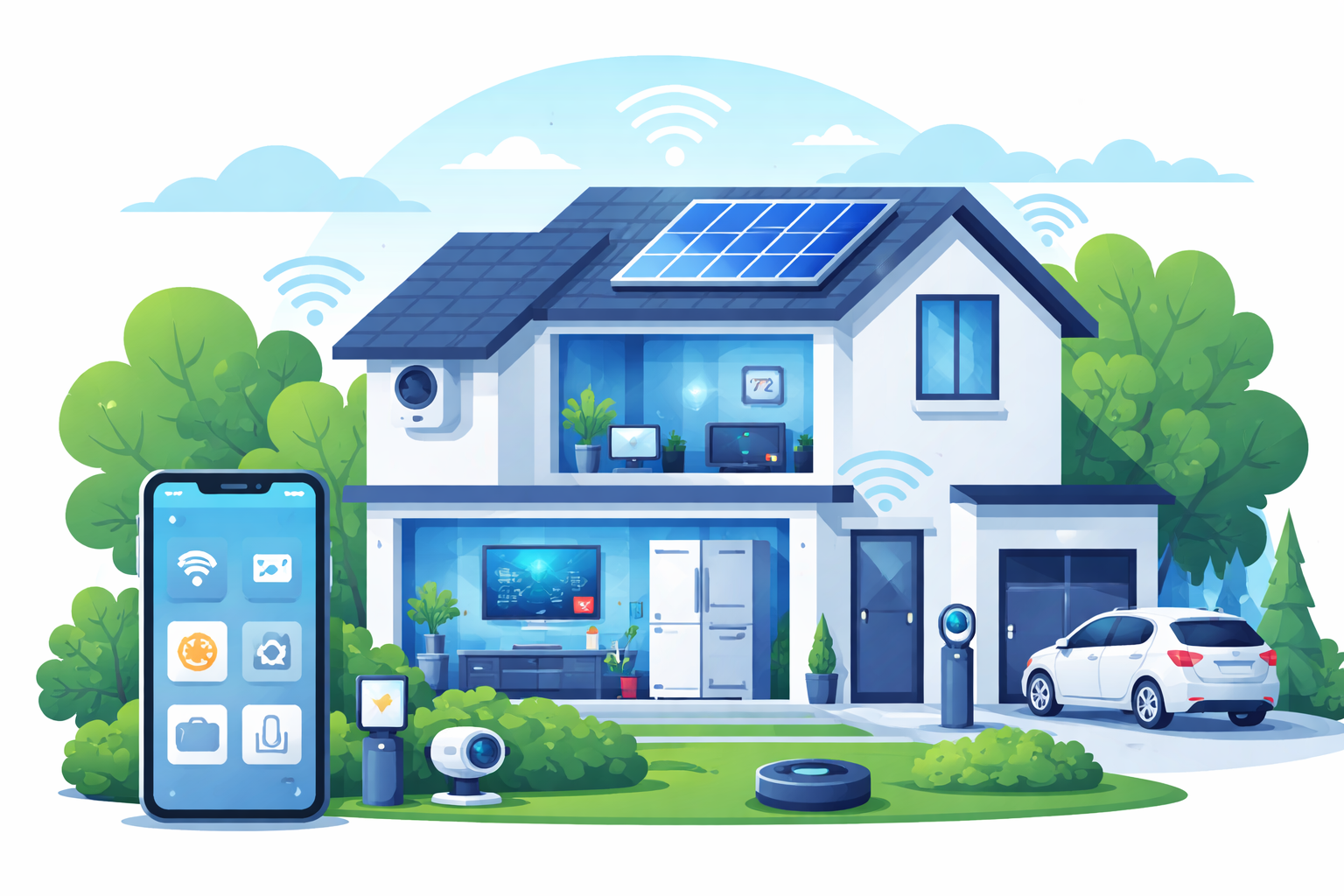
Smart homes are no longer a futuristic upgrade. From voice assistants and automated lighting to security cameras and smart appliances, today’s connected homes rely heavily on stable, high-performing internet connections. Without the right internet plan, even the most advanced smart home can suffer from lag, dropped connections, and unreliable automation.
Choosing the right internet plan for a smart home is not just about advertised speeds. It involves understanding reliability, upload performance, latency, data usage, and how different internet technologies handle dozens of devices running simultaneously. This guide explains exactly what to look for so your smart home works the way it should.
Why Smart Homes Need More Than Basic Internet
Traditional households may only stream videos, browse the web, or check emails. Smart homes operate very differently. Smart devices communicate with cloud servers continuously, even when no one is actively using them.
Security cameras upload footage around the clock. Smart locks report activity. Thermostats sync data. Voice assistants wait for commands. As more homeowners evaluate available internet providers, it becomes clear that basic plans often fall short of supporting these constant background demands.
Speed vs. Reliability: What Really Matters
Download Speed Still Matters
Download speed determines how quickly content loads and streams inside your home. For most smart homes, 100–300 Mbps is more than enough to handle multiple streams, browsing, and app usage.
Issues typically arise when speeds fluctuate due to congestion rather than insufficient bandwidth.
Upload Speed Is Often the Bottleneck
Upload speed is critical for smart homes because many devices send data outward. Doorbell cameras, indoor cameras, and cloud-based automations rely heavily on upload capacity.
Low upload speeds can cause delayed alerts and poor video quality, especially during peak usage hours.
Reliability Keeps Automation Working
A fast connection that frequently drops is worse than a slower but stable one. Smart homes depend on continuous connectivity for remote access, scheduled routines, and security monitoring.
How Many Devices Are Connected in a Smart Home?
Most homeowners underestimate how many devices are connected to their network. A modern smart home can easily exceed 30 devices.
These typically include:
- Smart TVs and streaming devices
- Voice assistants in multiple rooms
- Security cameras and doorbells
- Smart lights, switches, and plugs
- Thermostats and HVAC controllers
- Phones, tablets, and laptops
Each device may use modest bandwidth, but together they create constant network traffic.
Recommended Internet Speeds for Smart Homes
Entry-Level Smart Homes
Homes with basic automation and one or two cameras usually perform well with 100–200 Mbps, provided the connection is stable.
Mid-Range Smart Homes
Households with multiple users, several cameras, and heavy streaming benefit from 300–500 Mbps to avoid congestion.
Advanced Smart Homes
Larger homes with extensive automation, continuous recording, and frequent remote access often perform best on gigabit plans, especially when fiber is available.
Why Latency Impacts Smart Home Performance
Latency measures how quickly data travels between your devices and external servers. High latency causes delays in voice commands, slow camera feeds, and sluggish app controls.
Running a periodic speed test at different times of day helps identify congestion issues that affect smart home responsiveness.
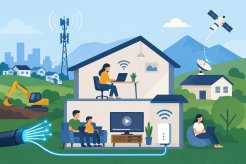
Internet Connection Types for Smart Homes
Cable Internet
Cable connections offer fast download speeds and are widely available. They work well for most smart homes, though performance may slow during peak usage hours due to shared infrastructure. Many homeowners evaluate cable internet when balancing availability with performance needs.
DSL Internet
DSL uses existing phone lines and typically offers lower speeds and higher latency. While it can support basic smart devices, it often struggles with multiple cameras and real-time automation.
Homes relying on dsl internet should consider future scalability as device counts grow.
Fiber Internet
Fiber is the best option for smart homes. It offers symmetrical upload and download speeds, ultra-low latency, and excellent reliability. Fiber is ideal for homes with many cameras, cloud-based automation, and high device counts.
Upgrading to fiber internet often results in immediate improvements in responsiveness and stability.
Managing Bandwidth Inside Your Smart Home
Prioritize Critical Devices
Modern routers allow you to prioritize devices like security cameras and automation hubs so they remain responsive even during heavy usage.
Monitor Monthly Usage
Smart homes generate significant data, especially with video devices. Estimating consumption using a data calculator helps avoid unexpected data caps or throttling.
Unlimited data plans are often the safest choice for smart homes with multiple cameras.
Why Your Router Matters as Much as Your Internet Plan
Even the best internet plan cannot perform well with outdated hardware. Smart homes require routers that can handle dozens of simultaneous connections without interference.
Routers that support Wi-Fi 6, mesh networking, and advanced device management significantly improve performance and coverage.
Choosing the Right Internet Provider for Smart Homes
Not all providers deliver the same quality of service, even at similar speed tiers. Infrastructure quality, congestion management, and customer support vary widely.
Selecting the right provider ensures your smart home remains stable as new devices are added and automation becomes more complex.
Planning for Future Smart Home Growth
Smart homes rarely stay static. Homeowners continue adding devices, upgrading cameras, and expanding automation systems.
Choosing an internet plan with room to grow prevents frequent upgrades and ensures long-term reliability.
A Smart Home Is Only as Smart as Its Internet
A smart home should feel seamless and responsive. Achieving that experience requires more than fast speeds—it demands reliability, strong upload performance, low latency, and the right networking hardware.
With the right internet plan in place, your smart home becomes a dependable system that quietly supports your daily life.
Related Posts
 Internet Bundles
Broadband Deals
Internet Bundles
Broadband Deals
How to Find the Least Expensive ISP Without Losing Speed
Learn how to find the least expensive ISP in your area without sacrificing speed, reliability, or value. Compare plans and avoid hidden fees.
 Internet Bundles
Broadband Deals
Internet Bundles
Broadband Deals
Choosing the Best Internet Provider for Your Apartment
Learn how to choose the best internet provider for your apartment by comparing speeds, pricing, reliability, customer service, and plans.
 cable deal
Broadband Deals
Internet Bundles
cable deal
Broadband Deals
Internet Bundles
Best Dish Network Packages for Current Customers in 2026
Discover the best Dish Network packages for current customers, compare plans, explore upgrades, and find the right TV package for your needs.
 Internet Bundles
cheap internet deals
cheap internet offers
Internet Bundles
cheap internet deals
cheap internet offers
Best Home Internet Deals June 2026: Top Plans & Prices
Discover the best home internet deals in June 2026. Compare AT&T, Spectrum, Xfinity, Optimum, and Verizon Fios plans, speeds, prices, and bundles.
 Technology
Internet Plan Trends Shaping the US Market in 2026
Explore the latest US internet plan trends, including fiber expansion, 5G growth, hybrid connectivity, pricing changes, and consumer preferences.