Tips to Optimize Any Internet Service Speed
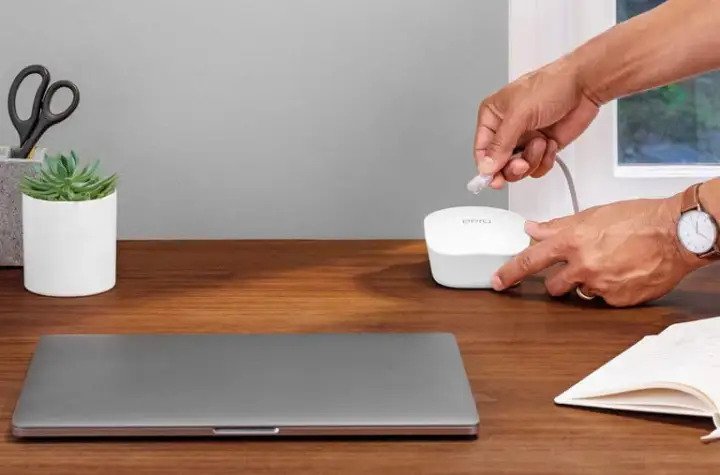
Did you know that every connected device on your network affected your internet speed? Yes, your internet speed is shared. (read more: Ways To Test Your Internet Speed Connection, What is a Good Speed to Consider?) Being connected to a Wifi tend to be faster, however, having many devices connected at the same time and doing multiple tasks that consume a lot of internet speed will slow down your connection. Some examples that affecting your internet speed; downloading large files, video conferencing, gaming, and streaming audio or videos.
Also, Read: Overheating Computer Might Cause Slow Internet Connection, Here's How To Fix it!
Before switching to a plan or provider, follow these steps first to improve your internet speed performance. Not getting the speed you wanted and paying the monthly bills is not good at all. Continue reading below to learn how to optimize your internet speed.
Network Security Update
Every connected device consumed internet bandwidth, and unauthorized connections significantly slow down your internet speed. Change your password monthly, make sure your router's settings stick to passwords best practices. Keep it long up to 15 characters, a combination of symbols, capital letters, and numbers will prevent others from guessing your wifi password.
Also, Read: Which Internet is Best for office use?: Wired vs. Wireless?
Router Optimization
Playing your router setting will help you get the speed you wanted. Many routers have the option to prioritize the speed such as gaming, streaming, and downloads. Your router will boost your internet speed at the expense of multiple users.
Improve your Wifi Channel
If you don't get the speed you want on a 2.4 GHz channel, switch it to 5 GHz channel, this will boost your bandwidth an improve your internet speed. 2.4 offers a wider range when it comes to connection, but 5 GHz makes your internet speed faster.
Reset your Internet Router
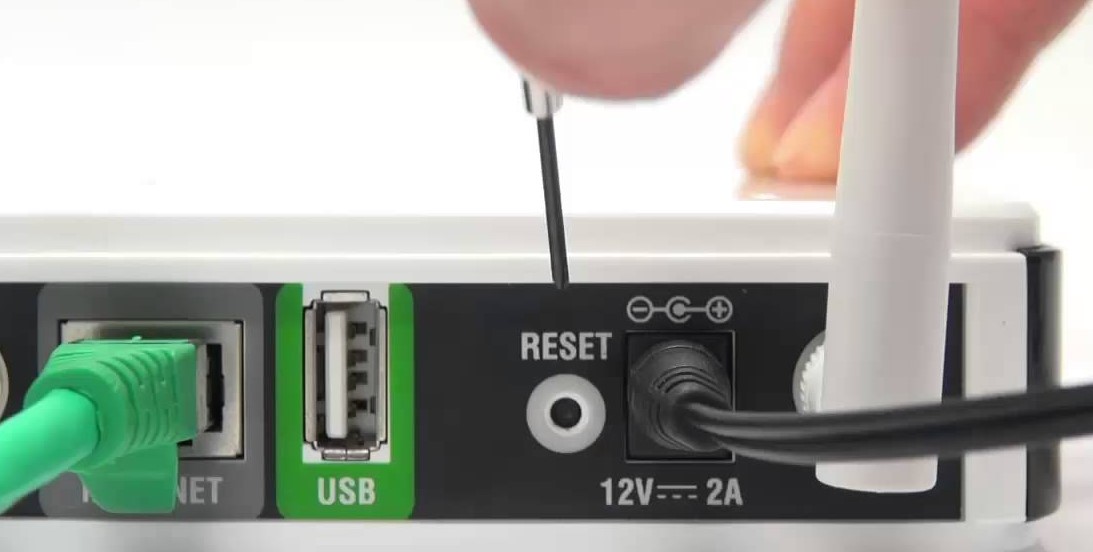
Believe it or not, unplug-and-plug-back-in works, just like a smartphone, rebooting will help fix unknown issues. Hard reset will sometimes clear any unknown problems and boost your internet speed.
Shop for a new Router
The router itself often times slowing down your internet speed. If you're renting your router from your internet service provider, make sure they have the best quality. If they don't, replace your router with a new one. Router manufacturer improves every year, make sure to buy a new router that has all the features mentioned above. Looking for cheap internet?. Shop cheap fiber, cable, satellite, and DSL internet service in your area using our search provider page.
Related Topic: Internet Basic: How to Setup Wi-Fi Network in your Home?
Related Posts
 Safety
What Not to Do And Internet Safety Tips To Protect You Online
Learn what not to do online and discover practical internet safety tips to protect your personal data, devices, and accounts from cyber threats.
 cheap internet deals
Cheap Internet Plans in Florida: Find the Right Fit Fast
Discover how to find cheap internet plans in Florida based on your lifestyle, location, and speed needs. Compare providers and choose the best plan today.
 cheap internet deals
Cheap Internet Plans vs Premium Plans
Cheap vs premium internet plans explained. Learn the key differences in speed, data limits, reliability, and pricing to choose the best plan for your home.
 Subscription
cheap internet offers
Subscription
cheap internet offers
Spectrum vs Verizon 5G Home Internet: Which Is Better?
Spectrum vs Verizon 5G Home Internet: compare speed, pricing, reliability, and availability to choose the best home internet provider for your household.
 Internet Bundles
How to Get Free or Cheap Internet in the U.S.
Learn how to get free or discounted internet in the U.S. Discover government programs, provider discounts, and practical ways to lower your monthly bill.