What Not to Do And Internet Safety Tips To Protect You Online
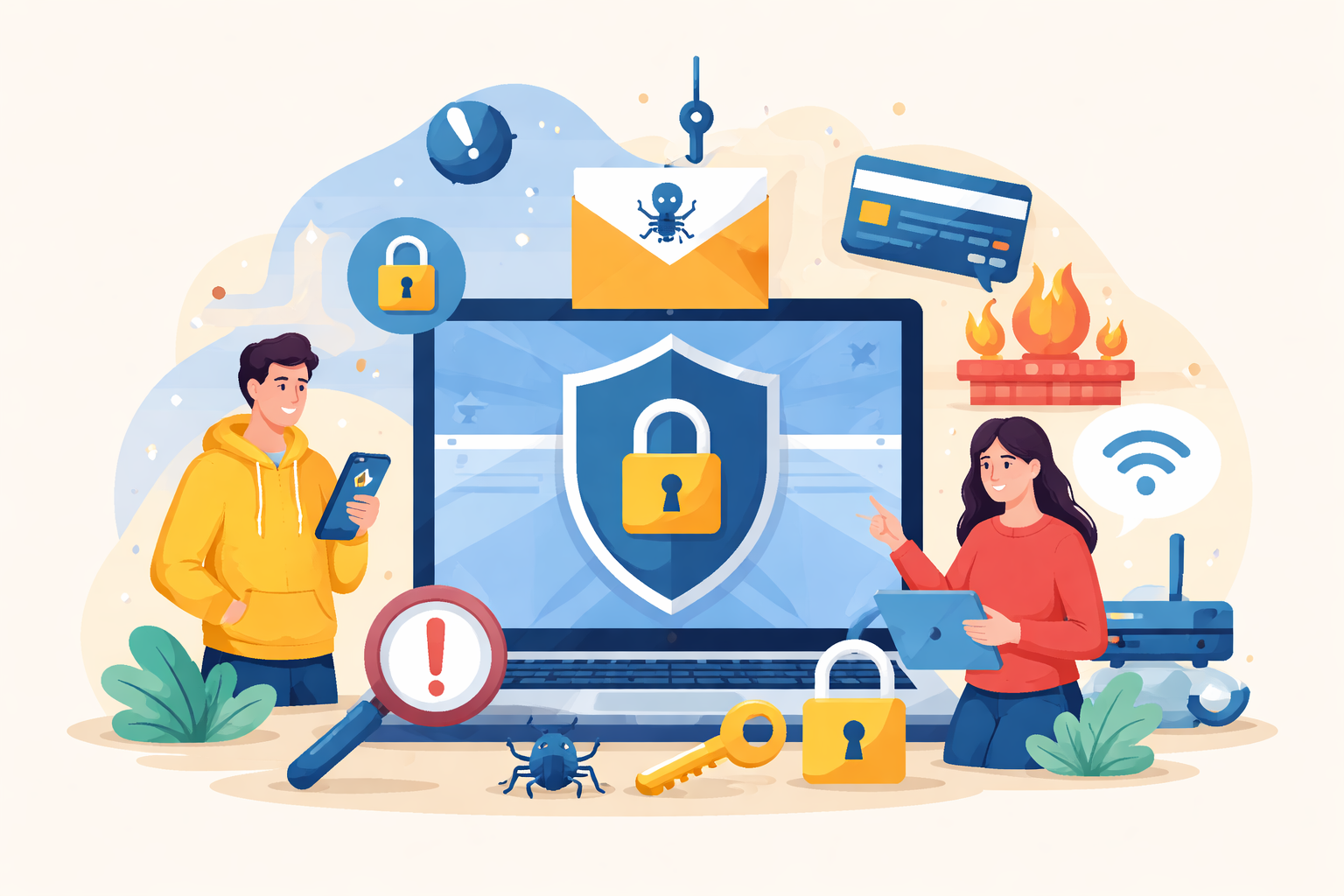
The internet makes everyday life easier—whether you’re managing finances, connecting with friends, working remotely, or shopping online. But convenience also comes with risk. Cybercriminals are constantly developing new tactics to steal personal data, infect devices with malware, or trick users into revealing sensitive information.
Understanding what not to do online is just as important as learning how to stay safe. Many security breaches happen not because of sophisticated hacking, but because of simple mistakes like weak passwords, unsafe downloads, or connecting to unsecured networks.
This guide explains the most common online safety mistakes and the practical steps you can take to protect your personal information, devices, and digital identity.
Why Internet Safety Matters More Than Ever
The number of people connected to the internet continues to grow every year. With more online activity comes more opportunity for cybercrime. From phishing scams to identity theft, cyber threats have become increasingly sophisticated.
Personal data—such as email addresses, passwords, financial information, and browsing habits—has real value to cybercriminals. When this information falls into the wrong hands, it can lead to serious consequences, including financial loss, compromised accounts, or stolen identities.
The good news is that many online risks can be reduced with a few smart habits and awareness of common digital traps.
Common Online Mistakes That Put Your Data at Risk
Many internet users unknowingly expose themselves to risks through everyday online behavior. Recognizing these habits is the first step toward better digital security.
Using Weak or Repeated Passwords
Passwords are often the first line of defense between your personal data and cybercriminals. Unfortunately, many people still rely on simple combinations like “123456,” “password,” or their birthdates.
These types of passwords are extremely easy for automated hacking tools to crack.
To improve your security:
Use a mix of uppercase and lowercase letters
Include numbers and special characters
Avoid using the same password across multiple accounts
Consider using a trusted password manager
A strong password dramatically reduces the chances of unauthorized access to your accounts.
Downloading Apps or Files from Unknown Sources
Malware often hides in downloads that appear legitimate. Cybercriminals disguise malicious software as games, productivity apps, or system updates.
Once installed, malware can:
Monitor your activity
Collect personal data
Record keystrokes
Lock files for ransom
Always download apps and software from official app stores or trusted developer websites. If a download source looks suspicious or unfamiliar, it’s best to avoid it entirely.
Ignoring Browser Privacy Settings
Modern web browsers include privacy and security features designed to protect users. However, many people never adjust these settings.
Your browser can help:
Block harmful websites
Prevent unauthorized tracking
Alert you about unsafe downloads
Protect saved passwords
Taking a few minutes to review your browser’s privacy settings can significantly strengthen your online safety.
For users interested in controlling browsing privacy, private browsing can help reduce data tracking during everyday web use.
How Cybercriminals Trick Internet Users
Cybercriminals rarely rely on brute-force hacking alone. Instead, they often exploit human behavior through manipulation or deception.
Understanding these tactics can help you avoid falling into common traps.
Phishing Scams
Phishing attacks involve emails, messages, or websites designed to look legitimate. These scams often appear to come from banks, delivery companies, or social media platforms.
A phishing message may ask you to:
Verify account information
Reset a password
Confirm billing details
Click on a suspicious link
Always double-check the sender and avoid clicking unfamiliar links.
Fake Websites
Some cybercriminals create websites that mimic legitimate companies. These fake sites often look convincing but exist solely to steal login credentials or financial information.
Before entering sensitive data, verify that the website uses a secure connection.
Only Share Information on Secure Websites
One of the simplest ways to reduce risk online is to ensure the website you’re using is secure.
Secure websites typically use HTTPS rather than HTTP. The “S” indicates that the connection is encrypted, meaning information shared between your device and the website is protected.
You can usually identify secure websites by:
The HTTPS:// prefix in the address bar
A padlock icon displayed by the browser
If a website does not show these indicators, avoid entering personal or financial information.
Avoid Public Wi-Fi for Sensitive Activities
Public Wi-Fi networks are convenient, but they are rarely secure. Coffee shops, airports, and public libraries often provide open networks that anyone can join—including cybercriminals.
Hackers can intercept data transmitted over unsecured networks, potentially capturing:
Login credentials
Credit card information
Private messages
If you must use public Wi-Fi, avoid accessing banking websites or entering sensitive information.
Adding an extra layer of security like VPN can help encrypt your internet traffic and reduce the risk of data interception on public networks.
Keep Your Devices and Software Updated
Software updates are not just about new features—they also include critical security patches.
Outdated operating systems, browsers, and applications often contain vulnerabilities that cybercriminals exploit.
To stay protected:
Enable automatic updates when possible
Update apps regularly
Install the latest operating system versions
Remove unused or outdated software
These updates close security gaps and reduce the chances of malware infections.
Install Reliable Internet Security Software
While safe browsing habits are essential, security software adds another layer of protection.
Modern cybersecurity tools can:
Detect malware and viruses
Block harmful websites
Monitor suspicious network activity
Protect against ransomware attacks
Antivirus software, firewall protection, and real-time monitoring help reduce the impact of potential threats.
However, security software works best when combined with responsible online behavior.
Be Careful With Personal Information Online
Many cyberattacks rely on information users voluntarily share online. Social media platforms, forums, and websites can unintentionally reveal personal details that hackers use for identity theft or targeted scams.
Try to avoid publicly sharing:
Full birthdates
Home addresses
Phone numbers
Travel plans
Financial information
Limiting the amount of personal data available online makes it harder for cybercriminals to target you.
Recognize Suspicious Links and Pop-Ups
Pop-up ads and suspicious links are common tools used by cybercriminals.
These links may lead to:
Malware downloads
Phishing websites
Fake software updates
Scam offers
Avoid clicking pop-ups that claim your device is infected or urgently requires an update.
Instead, close the browser tab and run a security scan using trusted software.
Protect Your Accounts with Two-Factor Authentication
Two-factor authentication (2FA) adds an additional security layer beyond passwords.
When enabled, logging into an account requires two steps:
Your password
A verification code sent to your phone or authentication app
Even if someone obtains your password, they cannot access your account without the second verification step.
Many platforms—including email services, banking apps, and social media sites—now offer two-factor authentication.
Build Safe Internet Habits
Online security is not a one-time task. It’s an ongoing process that requires awareness and good habits.
Here are a few quick reminders to keep your digital life safe:
Use strong and unique passwords
Avoid downloading files from unknown sources
Check for HTTPS before sharing information
Keep software and devices updated
Use VPN protection when on public Wi-Fi
Be cautious with emails and unfamiliar links
Limit personal information shared online
Small habits like these can significantly reduce your risk of cyber threats.
Final Thoughts
The internet offers incredible convenience, but it also requires a thoughtful approach to security. Cybercriminals rely on common user mistakes to gain access to devices, accounts, and sensitive information.
By understanding what not to do online, you can protect yourself against many of the most common digital threats.
Strong passwords, secure connections, cautious browsing habits, and updated software all contribute to a safer online experience. While no system is completely immune to cybercrime, informed users are far less likely to become victims.
Taking a proactive approach to internet safety today can help safeguard your personal information for years to come.
Related Posts
 cheap internet deals
Cheap Internet Plans in Florida: Find the Right Fit Fast
Discover how to find cheap internet plans in Florida based on your lifestyle, location, and speed needs. Compare providers and choose the best plan today.
 cheap internet deals
Cheap Internet Plans vs Premium Plans
Cheap vs premium internet plans explained. Learn the key differences in speed, data limits, reliability, and pricing to choose the best plan for your home.
 Subscription
cheap internet offers
Subscription
cheap internet offers
Spectrum vs Verizon 5G Home Internet: Which Is Better?
Spectrum vs Verizon 5G Home Internet: compare speed, pricing, reliability, and availability to choose the best home internet provider for your household.
 Internet Bundles
How to Get Free or Cheap Internet in the U.S.
Learn how to get free or discounted internet in the U.S. Discover government programs, provider discounts, and practical ways to lower your monthly bill.
 Broadband Installation
Technology
Wifi
Broadband Installation
Technology
Wifi
Why Your Internet Speed Test Results Are Different
Discover why internet speed test results can vary and what factors affect your connection performance, from Wi-Fi interference to network congestion.