Why Your Internet Speed Test Results Are Different
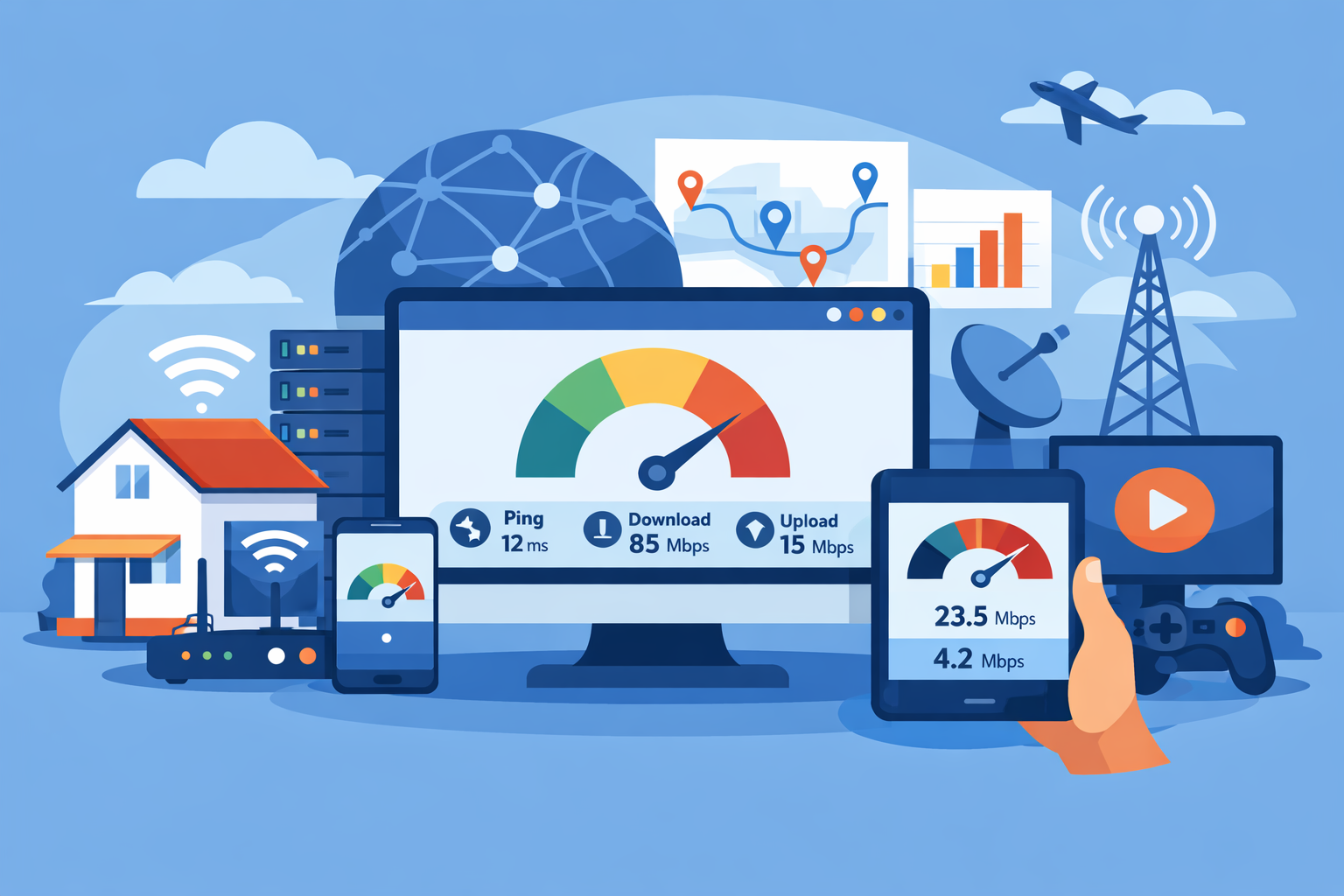
Internet speed tests are simple on the surface. You click a button, wait a few seconds, and receive numbers showing your download speed, upload speed, and ping. But if you’ve ever run multiple tests in a row, you may have noticed something puzzling — the results aren’t always the same.
One test might show blazing-fast speeds, while another shows something much lower. This inconsistency leaves many people wondering if their internet provider is unreliable or if something else is happening behind the scenes.
The truth is that several factors can influence speed test results. Network congestion, device limitations, Wi-Fi signal strength, and even the testing server itself can cause variations. Understanding these variables can help you interpret results more accurately and determine whether your internet is actually performing as expected.
If you’re unsure about your connection’s real performance, running a reliable internet speed check is a good starting point. However, interpreting the results requires understanding what affects those numbers.
This guide explains why speed test results can differ, what influences internet performance, and how to run tests that give you more accurate insights.
Understanding How Internet Speed Tests Work
Before exploring why results vary, it’s important to understand what a speed test actually measures.
A speed test evaluates three key metrics:
Download speed – how fast data moves from the internet to your device
Upload speed – how fast your device sends data to the internet
Ping (latency) – the time it takes for data to travel between your device and a server
Speed tests work by transferring small data packets between your device and a testing server. The system calculates how quickly those packets move and reports the results in megabits per second (Mbps).
Although the process seems straightforward, many variables affect the outcome of these measurements.
Network Congestion Can Affect Results
One of the most common reasons speed test results differ is network congestion.
Peak Usage Hours
Internet traffic fluctuates throughout the day. During peak hours — usually evenings when people stream movies, play games, and browse online — networks become busier.
More users sharing the same infrastructure can slow down overall performance, which may lead to lower speed test results.
Shared Infrastructure
Many residential internet services rely on shared bandwidth. If several households in your area are heavily using the network at the same time, your speeds may temporarily drop.
This doesn’t necessarily mean your internet plan is slow; it simply reflects real-time network conditions.
Wi-Fi vs Wired Connections
Another major factor is how your device connects to the internet.
Wi-Fi Interference
Wireless signals can be affected by obstacles and interference from other devices. Common causes include:
Thick walls or floors
Nearby wireless networks
Microwave ovens or Bluetooth devices
Distance from the router
When Wi-Fi signal strength weakens, speed test results may show lower speeds.
Ethernet Provides More Stable Results
Testing with a wired Ethernet connection typically produces more consistent results because it removes many of the interference variables that affect wireless connections.
If you want the most accurate reading, connect your computer directly to the router before running a test.
The Testing Server Location Matters
Speed test tools rely on servers located in different geographic regions.
Distance From the Server
The farther your device is from the testing server, the longer it takes data to travel. This can affect both speed and latency.
For example, testing against a nearby server usually produces faster results than testing against one located in another country.
Server Load
Testing servers themselves can experience heavy demand. If a server is busy handling multiple tests simultaneously, it may not deliver the maximum available speed.
Running multiple tests using different servers often provides a clearer picture of your connection’s performance.
Device Performance Can Influence Results
Not all devices handle speed tests equally.
Older Hardware
Older laptops, smartphones, or tablets may struggle to process high-speed connections. Limited processing power or outdated network adapters can create a bottleneck.
Even if your internet connection is capable of gigabit speeds, an older device might not show those results.
Background Processes
Applications running in the background can also affect results. File downloads, streaming apps, or software updates may consume bandwidth while the speed test runs.
Closing unnecessary programs before testing can improve accuracy.
Router and Network Equipment Limitations
Your router plays a central role in how internet data moves throughout your home network.
Outdated Routers
Older routers may not support modern internet speeds. Many routers built years ago were designed for connections far slower than what is available today.
If your equipment can’t handle higher bandwidth, speed test results will reflect that limitation.
Router Placement
Physical placement also matters. Routers placed inside cabinets, behind furniture, or far from your devices can weaken signal strength and reduce performance.
Keeping the router in a central, open location often improves network coverage and more reliable testing results.
Internet Plan Limitations
Sometimes the explanation is simple — the internet plan itself sets a maximum speed.
Every provider offers different tiers of service, each with specific speed limits. If your plan supports up to 100 Mbps, a speed test will never exceed that threshold.
When comparing available options, it’s helpful to review available provider plans to ensure your current package matches your household’s usage needs.
Upgrading to a faster plan can significantly improve performance if multiple people stream, game, or work online simultaneously.
Multiple Devices Using the Network
Today’s homes often have dozens of connected devices.
Smart TVs, smartphones, gaming consoles, tablets, laptops, and smart home gadgets all share the same internet connection.
Bandwidth Sharing
When several devices actively use the network at the same time, they divide available bandwidth. This can lower the speed recorded during a test.
For example:
A streaming video consumes significant download bandwidth
Online gaming uses both download and upload data
Cloud backups run quietly in the background
Understanding your household’s total usage can help explain fluctuating speed results. If you’re unsure how much data your devices consume, a quick monthly usage estimate can reveal whether your connection is being stretched too thin.
Browser and Software Differences
Speed test tools operate inside browsers or apps, and different software environments can produce slightly different results.
Browser Performance
Certain browsers process network data more efficiently than others. Browser extensions and security settings may also interfere with testing accuracy.
Running tests in multiple browsers can help identify whether software factors are influencing the results.
Dedicated Testing Apps
Some internet providers and testing platforms offer standalone apps designed specifically for speed measurement. These often provide more consistent results than browser-based tests.
Internet Routing and Data Paths
Internet traffic doesn’t travel in a straight line.
When data moves between your device and a speed test server, it passes through multiple routers and network hubs along the way. This route can change depending on network conditions.
Dynamic Routing
Internet routing systems constantly adjust traffic paths to avoid congestion or outages. These dynamic changes can slightly alter latency and speed.
Even small route changes can lead to different test results between runs.
Temporary Network Issues
Occasional network fluctuations are normal.
Short-term issues like maintenance, infrastructure adjustments, or weather-related disruptions can temporarily affect internet performance.
These events typically resolve quickly, but they may produce unusual speed test readings during the affected period.
How to Get More Accurate Speed Test Results
Although speed test results can vary, there are ways to improve accuracy.
Test With a Wired Connection
Using Ethernet eliminates most wireless interference and provides the most reliable measurement.
Run Multiple Tests
Instead of relying on a single test, run several tests at different times of day. This helps identify patterns and average performance levels.
Close Background Applications
Make sure no other apps or downloads are running during the test.
Restart Network Equipment
Restarting your modem and router can refresh network connections and resolve temporary slowdowns.
Test From Different Devices
Running tests on multiple devices helps determine whether performance issues are related to specific hardware.
When You Should Be Concerned
Occasional fluctuations are normal, but consistently slow results may indicate a deeper problem.
Warning signs include:
Speeds significantly lower than your plan’s advertised rate
Frequent buffering during streaming
Persistent lag during gaming or video calls
Large speed differences between wired and wireless tests
If these issues continue, contacting your internet provider may help identify network problems or equipment limitations.
Final Thoughts
Speed test results aren’t always identical, and that’s perfectly normal. Many variables influence how fast data travels between your device and testing servers.
Network congestion, Wi-Fi interference, device performance, router limitations, and internet plan speeds all play a role in shaping the numbers you see.
Instead of focusing on a single test result, look at patterns across multiple tests and different times of day. This broader view offers a more accurate understanding of your internet performance.
With the right testing approach and a clear understanding of how networks operate, you can interpret speed test results with confidence and make better decisions about your internet service.
Related Posts
 Safety
What Not to Do And Internet Safety Tips To Protect You Online
Learn what not to do online and discover practical internet safety tips to protect your personal data, devices, and accounts from cyber threats.
 cheap internet deals
Cheap Internet Plans in Florida: Find the Right Fit Fast
Discover how to find cheap internet plans in Florida based on your lifestyle, location, and speed needs. Compare providers and choose the best plan today.
 cheap internet deals
Cheap Internet Plans vs Premium Plans
Cheap vs premium internet plans explained. Learn the key differences in speed, data limits, reliability, and pricing to choose the best plan for your home.
 Subscription
cheap internet offers
Subscription
cheap internet offers
Spectrum vs Verizon 5G Home Internet: Which Is Better?
Spectrum vs Verizon 5G Home Internet: compare speed, pricing, reliability, and availability to choose the best home internet provider for your household.
 Internet Bundles
How to Get Free or Cheap Internet in the U.S.
Learn how to get free or discounted internet in the U.S. Discover government programs, provider discounts, and practical ways to lower your monthly bill.