Wi-Fi vs. Ethernet: Which Internet Connection Should You Choose?
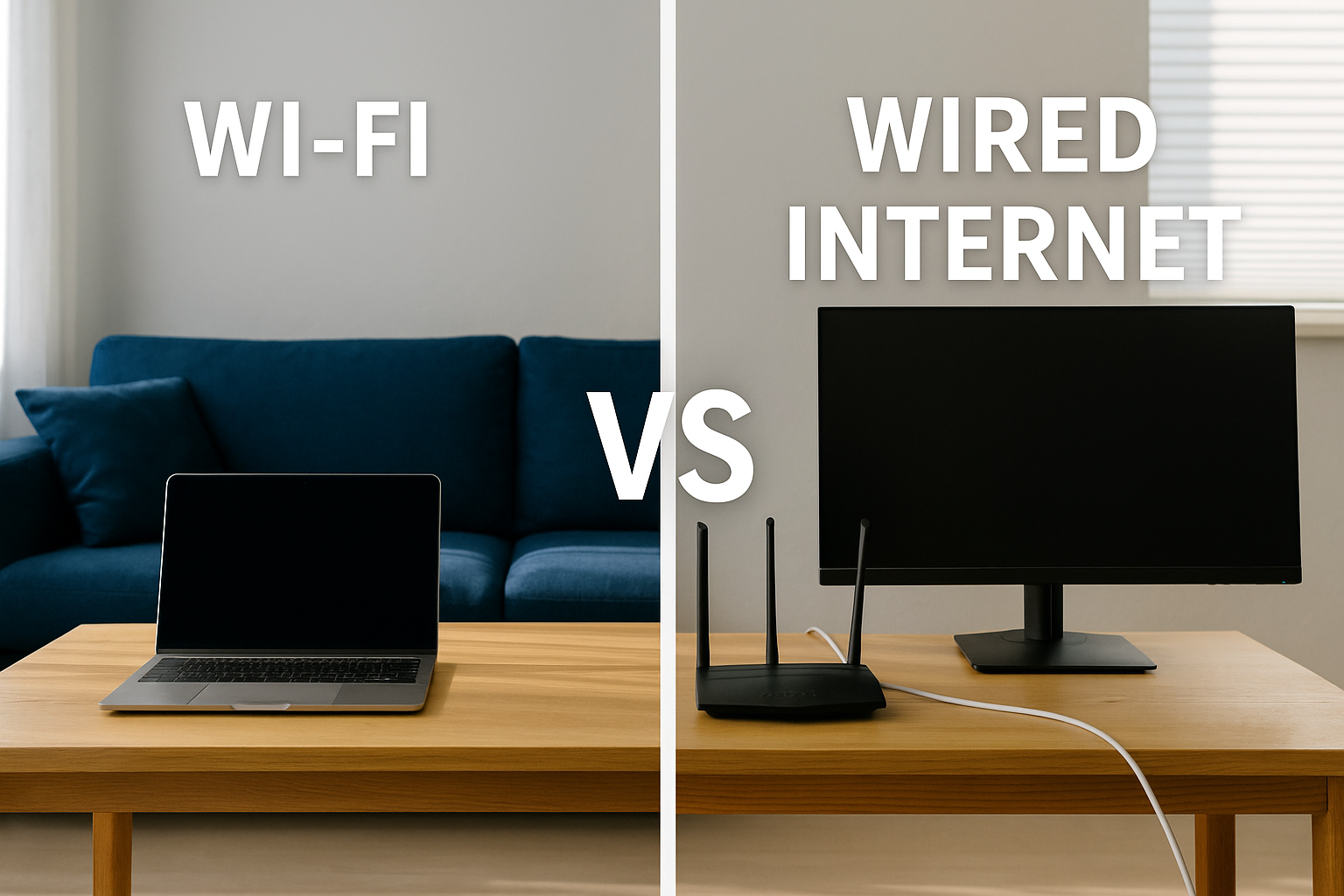
One of the biggest debates when it comes to internet connections is whether Wi-Fi or wired internet offers the better experience. Both options have their advantages, and the right choice often depends on how you use the internet — for work, gaming, streaming, or just casual browsing.
In this post, we’ll break down the key differences between the two, discuss how each one affects your internet speed and reliability, and help you decide which setup fits your lifestyle best.
Understanding Wi-Fi vs. Wired Internet
Before comparing their performance, let’s quickly define what each type of connection means.
Wi-Fi is a wireless technology that lets you connect devices like smartphones, laptops, and tablets to the internet without using cables. It works through radio waves sent from your router.
Wired internet, on the other hand, uses Ethernet cables to connect your device directly to the router. This type of connection is often preferred by users who prioritize speed and stability over flexibility.
Wi-Fi: Convenient and Cable-Free
Wi-Fi has completely changed how we access the internet. It’s fast, flexible, and allows you to connect multiple devices anywhere in your home — without the clutter of cords. But while it’s convenient, Wi-Fi can sometimes compromise speed and reliability.
What Can Affect Wi-Fi Speed?
Distance from the router: The farther your device is, the weaker the signal — and slower the connection.
Interference: Walls, floors, and even household devices like microwaves or baby monitors can disrupt your Wi-Fi signal.
Shared bandwidth: Wi-Fi divides its bandwidth among all connected devices. So if someone’s gaming while others are streaming or video calling, everyone’s connection can slow down.
💡 Tip: Want to know how fast your Wi-Fi really is? Try using this quick internet speed test tool to check your current connection speed.
When Wi-Fi Makes Sense
Wi-Fi is perfect for households that value mobility and convenience. It’s ideal for mobile devices, smart TVs, and areas where running Ethernet cables isn’t practical.
If you mainly browse the web, check social media, or stream standard-definition videos, Wi-Fi is more than enough.
However, if you’re a gamer, remote worker, or heavy streamer, Wi-Fi might not always keep up with your speed demands.
Wired Internet: Speed and Stability You Can Count On
A wired connection eliminates many of the problems that slow down Wi-Fi. By directly connecting your device to your router using an Ethernet cable, you get faster, more reliable internet with minimal interruptions.
Advantages of a Wired Connection
Faster Speeds: Ethernet can handle higher data transfer rates, which means smoother streaming and faster downloads.
Lower Latency: Wired connections reduce lag — perfect for gaming, video calls, and real-time applications.
Stable Performance: No dropped signals or interference. You get consistent speeds every time.
If you depend on a stable connection for remote work or online gaming, a wired setup may be your best choice. To make sure you’re getting the most out of your setup, check out this helpful guide to choosing the best high-speed internet plans.
When a Wired Connection Works Best
Wired internet is ideal for devices that stay in one place, such as desktop computers, gaming consoles, or smart TVs. It’s also perfect for streaming in 4K or uploading large files, where consistent high speeds are essential.
How to Decide Between Wi-Fi and Wired Internet
The right choice depends on how you use the internet and the layout of your home. Here’s a quick comparison to help you choose:
Choose Wi-Fi If:
You need mobility and want to move freely around your home.
You connect multiple smartphones, tablets, or smart devices.
Your online activities are light — browsing, social media, or streaming regular HD content.
Choose Wired Internet If:
You want maximum speed and stability for gaming, 4K streaming, or work-from-home tasks.
You live in a household where many people are online at once.
You want to minimize lag and buffering during calls or live streams.
Tips to Improve Your Internet Setup
If your Wi-Fi feels sluggish, a few small changes can make a big difference.
Move your router to a central location to maximize signal coverage.
Keep it away from walls and electronic devices that cause interference.
Upgrade to a newer, faster router if yours is outdated.
You can also find out what internet speed your home actually needs using this easy internet speed calculator.
If you’re not sure which internet plan matches your lifestyle, this guide on choosing the right internet speed for your needs can help you make an informed decision.
The Best of Both Worlds: Hybrid Internet Solutions
You don’t have to pick one over the other! Many households now use a hybrid setup, where Wi-Fi supports mobile devices, while wired connections power gaming PCs or workstations.
This gives you flexibility for everyday browsing and stability where it matters most.
Conclusion: Wi-Fi vs. Wired — What’s Right for You?
Both Wi-Fi and wired internet have their strengths. Wi-Fi offers unbeatable convenience and flexibility, while a wired connection delivers consistent speed and reliability.
If you’re someone who values freedom to move around and use multiple devices, Wi-Fi is perfect. But if you need serious performance for gaming, streaming, or work, a wired connection will always come out on top.
Want to make the most out of your connection? Read our high-speed internet guide for expert tips on boosting performance and getting the fastest internet for your home.
By understanding the pros and cons of each, you can choose an internet setup that fits your needs — ensuring speed, reliability, and a smoother online experience for everyone in your household.
Related Posts
 cheap internet deals
Wifi
cheap internet deals
Wifi
The Hidden Internet Wi-Fi Fees That Inflate Your Monthly Bill
Learn about hidden internet Wi-Fi fees that quietly increase your monthly bill and discover practical ways to lower your long-term internet costs.
 Technology
Top Tech Trends Changing Everyday Life in 2026
Explore the biggest tech trends shaping 2026, including AI, 5G, smart homes, cybersecurity, blockchain, and the future of remote work.
 Technology
Best AI Tools for Automating Daily Work Faster
Discover the best AI tools to automate repetitive work, improve productivity, streamline workflows, and help businesses save valuable time daily.
 cheap internet deals
cheap internet plans
mobile phone plans
cheap internet deals
cheap internet plans
mobile phone plans
Best MetroPCS Family Plan Options for Saving Money
Explore the best MetroPCS family plan options, pricing, features, and savings tips to find affordable wireless service for your household.
 cable deal
cheap internet plans
Wifi
cable deal
cheap internet plans
Wifi
Affordable Internet Services in Columbus, Ohio
Compare affordable internet services in Columbus, OH. Discover top providers, fiber vs cable options, pricing tips, and how to choose the right plan.