PC Connection: Wi-Fi vs Ethernet?
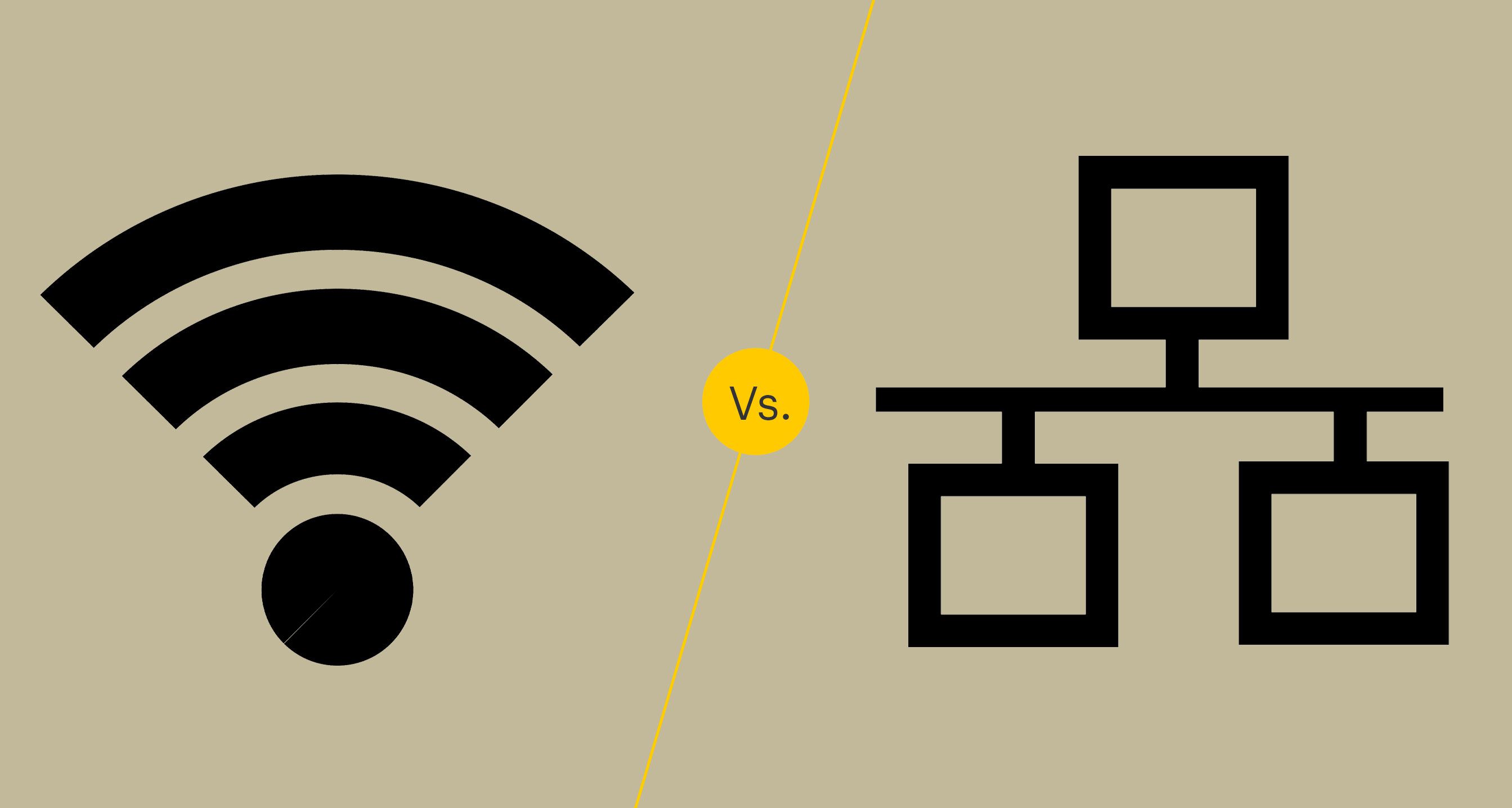
Wi-Fi has transformed the way we connect to the internet, virtually eliminating the need for wired connections. One would even believe that Ethernet connections are no longer necessary because you can combine all of your gadgets with any Wi-Fi network.
On the other hand, Ethernet continues to provide significant benefits, which is why the wires are here to stay. Which of the two, however, is best for your computer?
Let's take a look at some of the essential variables to consider when deciding whether to connect your computer via Ethernet or Wi-Fi.
Security
Ethernet is a no-brainer when it comes to online security.
Because no one can intercept data through a physical connection, Ethernet connections are more secure than Wi-Fi connections. They'd need access to both the router and the wire to do so.
With Wi-Fi networks, however, this is not the case. Anyone with adequate technical knowledge can break into a Wi-Fi network and gain access to all of the devices connected to it. If you become a phishing target, a cybercriminal could install malware on your computer and steal your personal and sensitive information.
You can configure your router to give the safest possible Wi-Fi connection. However, it may not be sufficient. In such cases, invest in a PC VPN to ensure that everything you do over Wi-Fi is safe. A VPN encrypts all internet traffic, making it impossible for other online entities to know what you're doing. Even your Internet Service Provider won't be able to see what you're doing. It's a fantastic option for anyone who uses Wi-Fi daily.
Related Topic: Fiber Internet vs. Cable Internet Detailed Comparison
Latency
Latency and speed consistency go hand in hand. If you're a gamer, you're well aware that latency can make or break your experience. The lower the latency, the faster your reaction time, and the more wins and a better gaming experience you'll have.
Latency can be a primary concern while using Wi-Fi. This is due to the numerous interferences that muck up the signal. When you use Ethernet, though, you can considerably minimize latency.
You may not notice a significant difference in latency if you use your PC for numerous commercial tasks or to stream videos. However, if you're a serious player, an Ethernet cable may be preferable.
Consistency in speed
Ethernet maintains a constant speed, whereas Wi-Fi does not. While your Wi-Fi connection may go down several times throughout the day, an Ethernet connection will always be solid.
Because Ethernet does not transfer the signal wirelessly, this is the case. Thanks to a cable, it functions as an electrical circuit, employing the flow of electrons to convey data.
As a result, you won't have to worry about the signal disappearing or deteriorating. Unless there's network congestion, you'll have a steady end-to-end data flow, and your ISP throttles your connection to ensure stable throughput.
Speed of Connection
Plug an Ethernet cable into your computer if you want a quicker internet connection. If you do a speed test, you'll see that your connection speed has doubled. What is the reason for this?
It's because when you utilize Ethernet, there's no signal interference.
When it comes to Wi-Fi, various factors can disrupt the signal. The signal can be hampered by objects between your router and PC, other electrical gadgets in your home, and even your neighbor's Wi-Fi.
On the other hand, your PC can send and receive data without a hitch using an Ethernet cable. There's nothing in the way of the signal, and nothing in the vicinity can stop it. No matter how far away from your router is, you can have a considerably faster connection.
The Final Word
As you can see, Ethernet is far superior to Wi-Fi for your computer. It guarantees a faster, more consistent connection, lowers latency, and improves your online security.
You'll need a switch box and several wires if you want to utilize Ethernet to connect many devices to your router. As a result, while Wi-Fi is handier, it can jeopardize your online security.
Related Posts
 Technology
Wifi
mobile phone plans
Technology
Wifi
mobile phone plans
What Is a Mobile Hotspot and How Does It Work?
A mobile hotspot is a portable feature or device that converts a cellular data connection (like 4G LTE or 5G) into a private Wi-Fi network
 Broadband Deals
cable deal
Broadband Deals
cable deal
Xfinity Cable Package Deals That Actually Deliver Value
Discover the best Xfinity cable package deals, compare internet and TV bundles, understand pricing, and choose the right plan for your home and budget.
 Broadband Deals
What Is TDS Internet and Is It Right for Your Home?
Learn what TDS Internet is, how it works, available plans, pricing, speeds, benefits, and how it compares with other internet providers.
 Internet Bundles
Bundle Internet, TV, and Phone Without Overpaying
Learn how to bundle internet, TV, and phone services for the best value. Compare plans, avoid hidden fees, and choose the right package for your home.
 Broadband Deals
cable deal
cheap internet deals
Broadband Deals
cable deal
cheap internet deals
Chicago Neighborhood Internet Guide for Better Connectivity
Explore internet options across Chicago neighborhoods, compare providers, understand speeds, costs, and find the best broadband solution.