A Simple Guide to Getting Faster Internet at Home
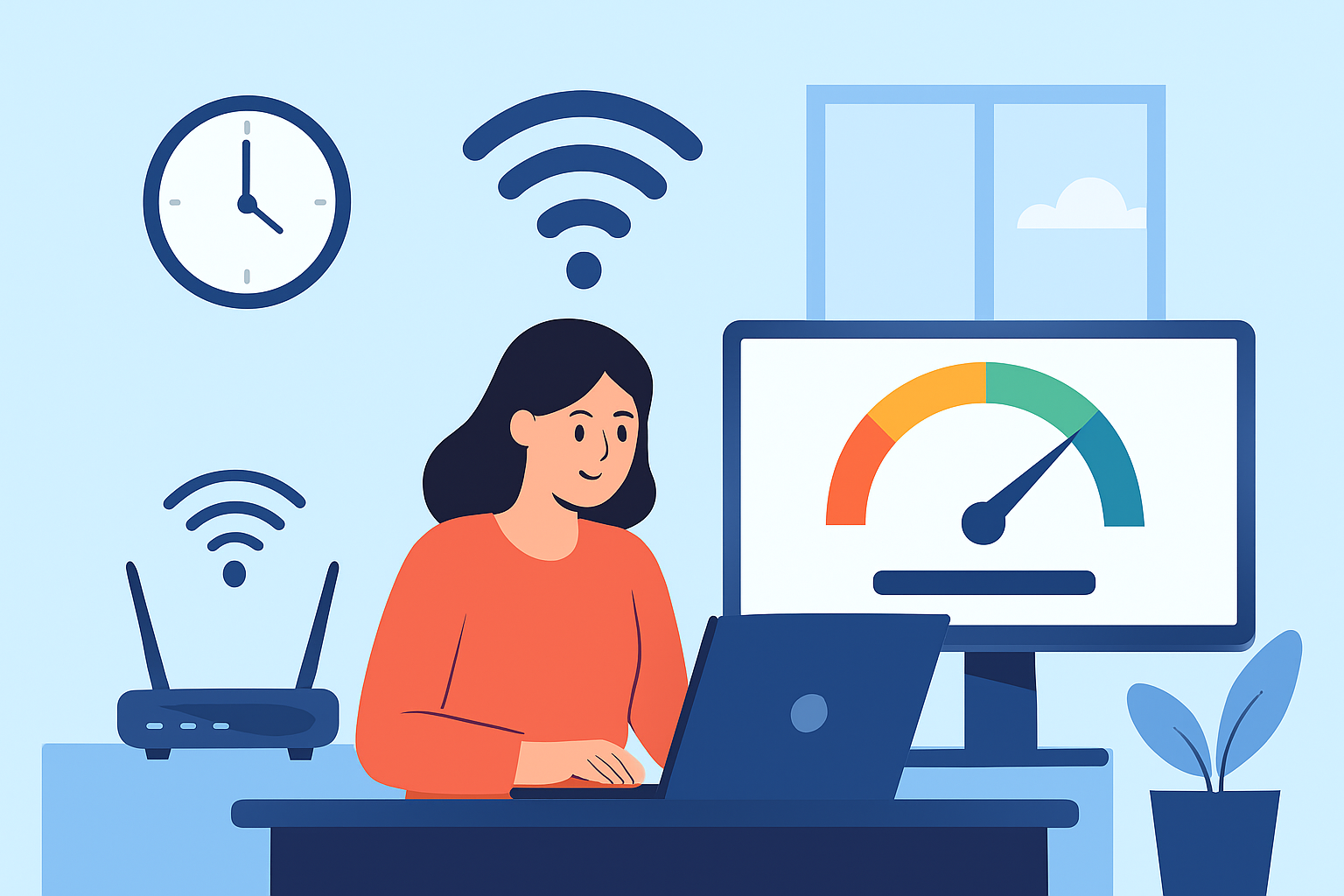
If your internet has been feeling slow lately—whether during work calls, while streaming, or even just browsing—it’s probably time to take a closer look at your setup and your current plan. Fast internet has become a necessity for both homes and businesses, so making sure you’re getting the most out of your connection is more important than ever.
This guide walks you through practical ways to improve your chances of getting high-speed internet, using simple steps and smart upgrades. Whether you want better Wi-Fi coverage, a faster plan, or a more reliable setup, you’ll find something here that helps.
Understand What Speed You Actually Need
Before improving anything, start by figuring out how much speed your household or business really needs. Internet usage varies widely—someone who only browses social media won’t need the same speed as a family streaming on multiple devices or a business that relies on cloud-based tools.
A quick way to estimate your ideal speed is by using the Internet Speed Needs Calculator. This tool helps you match your online activities and number of devices with the recommended speed, so you avoid choosing a plan that’s either too slow or unnecessarily expensive.
Check Availability of High-Speed Plans in Your Location
The next step is to find out which high-speed providers and plans exist in your area. Not all neighborhoods have the same options, and your choices will affect the type of connection you can get.
Make sure to compare:
Download and upload speeds
Contract terms
Data caps
Customer support
Technology type (fiber, cable, DSL, fixed wireless)
To make comparison easier, check out this guide on how to choose the best high-speed internet in your area. It explains what to look for and how to decide which provider gives the best speed, reliability, and value.
Upgrade Your Current Internet Plan
Sometimes your connection feels slow simply because your current plan isn’t powerful enough. Internet needs grow over time, especially with remote work, video conferencing, smart home devices, and HD/4K streaming.
You can explore a list of top-performing high-speed internet plans to see which options could give you faster, more reliable service. Upgrading your plan can instantly solve speed issues—especially if you’re still on a basic or older-tier package.
Consider Switching to Fiber-Optic Internet
If fiber is available in your area, upgrading to it can deliver a huge improvement. Fiber is known for offering:
Faster upload and download speeds
Lower latency (perfect for video calls and gaming)
Stable performance even during peak hours
Better support for multiple devices
Fiber is becoming more widespread, so it’s worth checking whether your ZIP code already has access.
Test Your Speed Regularly
Once you have a plan that fits your needs, make sure you’re getting the speeds you’re paying for. Running a speed test regularly helps you notice performance changes early.
Use the Internet Speed Test to check your connection. Try testing at different times of day and on both Wi-Fi and wired connections. If you consistently get slower results than your plan promises, it may be time for troubleshooting—or a call to your provider.
Optimize and Update Your Router and Modem
Even the best internet plan won’t feel fast if your equipment is outdated or poorly placed. Your router and modem directly affect your Wi-Fi performance.
Here’s what to keep in mind:
Upgrade old devices
If your router is older, it may not support the speed your provider delivers. A modern router can dramatically increase your Wi-Fi performance.
Place your router strategically
Position it:
Near the center of your home
Away from thick walls
Away from appliances like microwaves or cordless phones
Restart occasionally
Rebooting your router and modem helps clear temporary issues and refresh your connection.
Use a Wired Ethernet Connection When Possible
Wi-Fi is great for mobility, but Ethernet still outperforms it for speed and stability. If you work from home, game online, or upload large files, consider plugging in directly.
Wired connections offer:
Lower latency
More consistent speeds
No interference from walls or other devices
Better reliability for work and streaming
Even connecting just one or two key devices can improve your overall network performance.
Manage Bandwidth Usage
If multiple people are online at once, internet speeds can drop, especially during heavy activities like:
Streaming
Cloud backups
Online gaming
Large file downloads
Smart home device activity
To reduce congestion:
Pause unnecessary downloads
Turn off devices you aren’t using
Adjust Quality of Service (QoS) settings
Schedule heavy tasks during off-hours
Small changes like these help ensure your important tasks get enough bandwidth.
Troubleshoot Slow Internet Issues
When speeds drop, several things might be causing it:
Poor router placement
Signal interference
Outdated equipment
Issues with your provider
Network congestion
Weather conditions (for fixed wireless connections)
For more guidance, check out your guide to high-speed internet for business. It provides practical troubleshooting tips that apply to both home and office setups.
Contact Your Internet Service Provider When Needed
If you’ve tried all the steps above and your speeds still feel slow, it’s time to reach out to your ISP. They can check:
Signal issues
Local outages
Line problems
Incorrect modem settings
Account configuration errors
Sometimes the solution is something only they can fix—and it’s often resolved quickly once reported.
Final Thoughts
Getting faster internet isn’t just about paying for a more expensive plan. Your router setup, equipment age, network usage, and connection type all influence your experience. By upgrading your gear, choosing the right plan, testing your speeds, and managing bandwidth, you can significantly improve your connection.
A faster and more reliable internet setup makes work smoother, streaming clearer, gaming more stable, and everyday browsing much easier. With the steps in this guide, you’ll be well on your way to a consistently high-speed connection at home or in your business.
Related Posts
 cheap internet plans
mobile phone plans
Broadband Deals
cheap internet plans
mobile phone plans
Broadband Deals
Which Internet Providers Offer a Cheap Mobile Plan?
Discover which internet providers offer a cheap mobile plan when you bundle services. Compare savings, features, and the best options for your budget.
 Broadband Deals
Technology
Broadband Deals
Technology
What Is 5G and Why It Matters for Businesses and Everyday Life
Learn what 5G is, how it works, and why it matters for businesses and consumers. Discover its impact on speed, IoT, automation, and future connectivity.
 Technology
How to Choose High-Speed Satellite Internet for Your Home
Compare the best high-speed satellite internet providers, their features, coverage, speeds, pricing, and tips to choose the right internet service.
 Broadband Deals
cable deal
Broadband Deals
cable deal
How Spectrum Internet Compares to Xfinity, AT&T & HughesNet
Compare Spectrum Internet with Xfinity, AT&T, and HughesNet based on speed, pricing, reliability, technology, and value to choose the right provider.
 cheap internet deals
Best DSL Internet Providers for Reliable Home Internet
Compare the best DSL internet providers, including AT&T, CenturyLink, and Frontier. Learn about speeds, pricing, pros, and how to choose the right plan.