How to Save Your Family’s Mobile Data Without the Stress
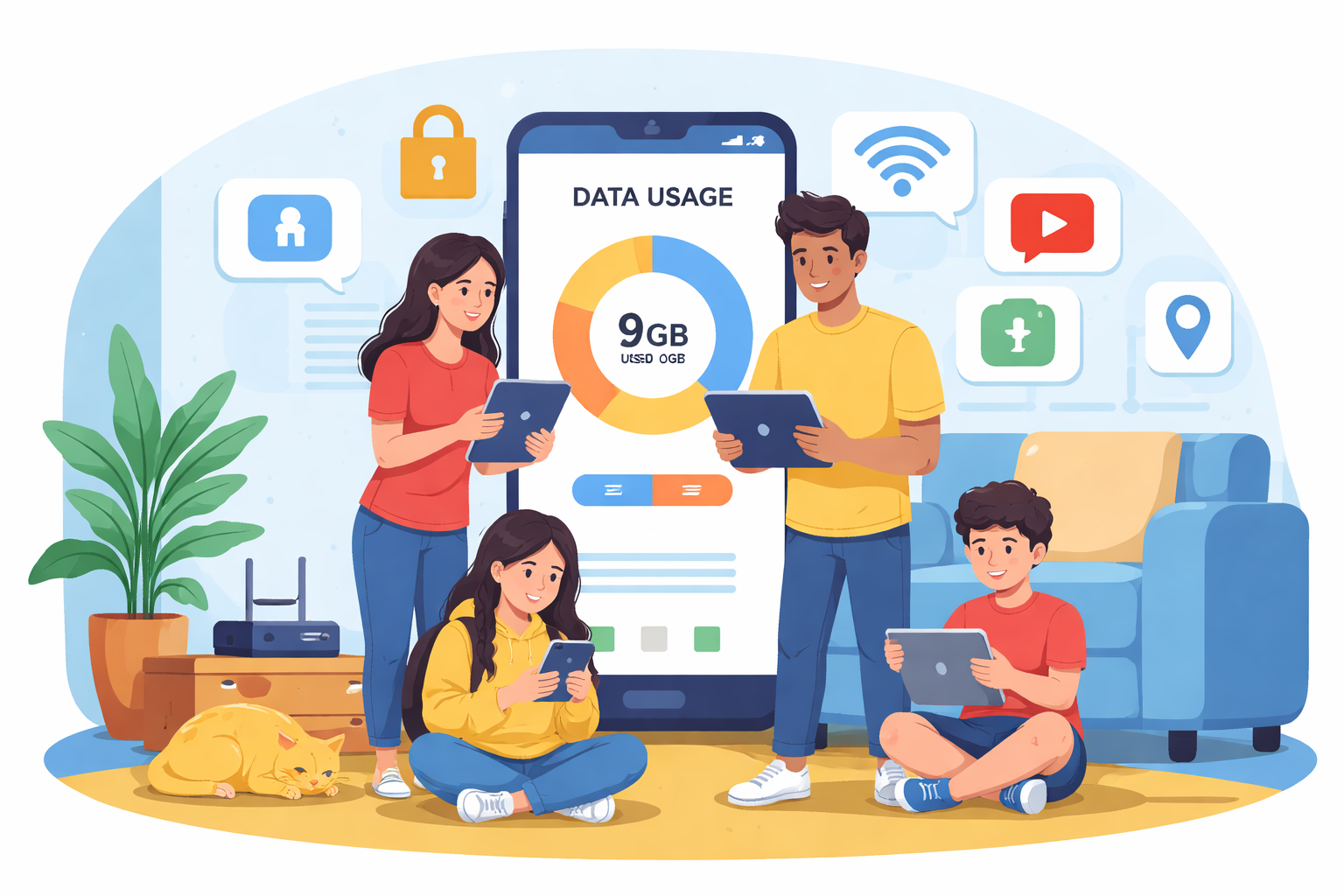
Paying surprise coverage fees every month can quickly turn a family mobile plan into a constant source of frustration. While family plans are designed to save money, shared data often becomes the problem—especially when a few heavy users quietly drain the entire allowance.
Children streaming videos, gaming, or scrolling social apps can burn through mobile data faster than most parents realize. Once the data cap is reached, families are left with reduced speeds or unexpected charges that inflate the monthly bill.
The good news is that mobile data control is entirely manageable. With the right settings, tools, and habits, you can reduce data usage, protect your monthly allowance, and maintain healthy screen time boundaries—all without constant monitoring or arguments.
This guide walks through practical, proven ways to take back control of your family’s mobile data while keeping everyone connected.
Why Family Mobile Data Gets Used So Fast
Family data usage typically spikes for a few predictable reasons. Streaming video, background app refresh, automatic updates, and social media apps are the most common culprits. Many of these activities run quietly in the background, consuming data even when the phone is not actively being used.
Younger users often don’t notice how quickly small actions add up. A few videos here, a game update there, and suddenly the entire plan is exhausted halfway through the billing cycle.
Understanding where data goes is the first step toward reducing it.
Setting Up Screen Time on Your Child’s iPhone
Apple’s built-in Screen Time feature is one of the most effective tools for family data savings. It allows parents to manage app usage, restrict background activity, and set firm boundaries without relying on third-party apps.
Screen Time provides visibility into how much data is being used and where it is going, making it easier to adjust habits before data overages occur.
Using Downtime to Limit Data Usage
Downtime allows you to block access to most apps during specific hours of the day. This is especially useful overnight or during school hours when mobile data usage should be minimal.
By restricting access during these periods, you prevent background streaming, downloads, and late-night browsing that quietly eats into your shared data.
App Limits for High-Usage Apps
Some apps consume far more data than others. Streaming platforms, social media apps, and online games are often the biggest contributors.
App Limits allow you to cap daily usage for specific apps. Once the limit is reached, access is paused unless a parent approves additional time. This encourages healthier screen habits while protecting your monthly data allowance.
Communication and Content Restrictions
Screen Time also allows you to control who your child can communicate with and what type of content they can access. While this feature is often used for safety, it also helps reduce unnecessary data usage from messaging apps, video calls, and autoplay content.
How to Enable Screen Time on iPhone
- Open Settings
- Tap Screen Time
- Turn Screen Time on and choose This is My Child’s iPhone
- Set Downtime hours
- Configure App Limits
- Select Always Allowed apps
- Enable a Screen Time Passcode
Once configured, Screen Time works quietly in the background, reducing data usage without constant manual intervention.
Using Data Monitoring Apps to Control Mobile Usage
Built-in phone settings are effective, but dedicated apps provide deeper insights into mobile data usage. These apps show exactly which apps are consuming data and how much is left in your plan.
Datally for Android Devices
Datally is a free Android app designed to track and manage data usage in real time. It clearly displays which apps are using the most data and allows you to restrict background data for individual apps.
Parents often install Datally on their children’s phones to encourage awareness and accountability. When kids see how quickly data disappears, usage habits tend to improve naturally.
Datally is especially useful for families with multiple Android devices sharing a single plan.
My Data Manager for iPhone Users
My Data Manager is a powerful data tracking app for iOS devices. It monitors both individual app usage and overall monthly data consumption.
One standout feature is shared plan tracking. Families can monitor total usage across all devices, making it easier to adjust behavior before the billing cycle resets.
For households trying to avoid coverage fees, My Data Manager provides a clear, real-time picture of remaining data.
Carrier-Based Family Control Apps
Mobile carriers also offer built-in solutions designed specifically for families. These apps integrate directly with your mobile plan, allowing deeper control over data usage, screen time, and device access.
AT&T Secure Family
AT&T Secure Family offers advanced controls for managing family data usage and internet access. Parents can pause internet access, set usage schedules, and block data when limits are reached.
For families already experiencing frequent overage fees, Secure Family can provide meaningful savings. AT&T data overages often cost more than the monthly app fee, making this a practical solution for many households.
AT&T customers managing a shared data plan often review options directly through their mobile service, View AT&T plan, to better understand data thresholds and pricing.
T-Mobile Family Mode
T-Mobile Family Mode focuses heavily on screen time control rather than data overage prevention, since T-Mobile no longer charges traditional data overages.
The app allows parents to manage online access, restrict app usage, and set bedtime schedules across all family devices.
Families using T-Mobile often combine Family Mode with service options found in a T-Mobile plan to ensure usage stays balanced without slowing speeds for everyone.
Verizon Smart Family
Verizon Smart Family provides both data controls and broader monitoring tools. Parents can track data usage, manage screen time, block content, and even monitor device locations.
The premium version offers comprehensive oversight, making it ideal for parents who want full visibility into their children’s mobile activity.
Families evaluating Verizon services often review data policies and limits to ensure the plan aligns with household usage needs.
Smart Habits That Reduce Family Data Usage
Beyond apps and settings, daily habits play a major role in keeping data usage under control.
Encouraging Wi-Fi use at home and school dramatically reduces mobile data consumption. Disabling automatic app updates over cellular networks also prevents large downloads from draining your allowance.
Streaming services often allow downloads over Wi-Fi, enabling offline viewing that saves data later. Small adjustments like lowering video quality on mobile networks can also make a noticeable difference over time.
Creating Long-Term Data Control Without Conflict
The most successful families treat data management as a shared responsibility rather than a punishment. Setting clear expectations and explaining why limits exist helps children understand the value of responsible usage.
When kids are involved in tracking data and see the consequences of overuse, they are more likely to self-regulate. Over time, this reduces arguments, stress, and surprise charges.
Final Thoughts on Saving Family Mobile Data
Managing a family mobile plan does not have to feel overwhelming. With the right combination of built-in phone settings, monitoring apps, and carrier tools, families can significantly reduce data usage and eliminate overage fees.
Whether you rely on Screen Time, third-party apps, or carrier solutions, the goal remains the same: consistent control, clear visibility, and smarter habits.
A few adjustments today can lead to long-term savings and a far less stressful phone bill each month.
Related Posts
 Safety
What Not to Do And Internet Safety Tips To Protect You Online
Learn what not to do online and discover practical internet safety tips to protect your personal data, devices, and accounts from cyber threats.
 cheap internet deals
Cheap Internet Plans in Florida: Find the Right Fit Fast
Discover how to find cheap internet plans in Florida based on your lifestyle, location, and speed needs. Compare providers and choose the best plan today.
 cheap internet deals
Cheap Internet Plans vs Premium Plans
Cheap vs premium internet plans explained. Learn the key differences in speed, data limits, reliability, and pricing to choose the best plan for your home.
 Subscription
cheap internet offers
Subscription
cheap internet offers
Spectrum vs Verizon 5G Home Internet: Which Is Better?
Spectrum vs Verizon 5G Home Internet: compare speed, pricing, reliability, and availability to choose the best home internet provider for your household.
 Internet Bundles
How to Get Free or Cheap Internet in the U.S.
Learn how to get free or discounted internet in the U.S. Discover government programs, provider discounts, and practical ways to lower your monthly bill.