How to Choose the Best High-Speed Internet Near You
Reliable high-speed internet has become a basic utility in modern homes. Whether you’re working remotely, streaming movies, running a smart home, or gaming online, the quality of your internet connection directly affects your daily productivity and comfort.
With dozens of providers and multiple connection types available, choosing the best high-speed internet in your area can feel overwhelming. Prices, speeds, infrastructure, and service reliability vary widely depending on your location. The key is understanding what types of internet service exist and how each option fits your needs.
This guide explains the main types of high-speed internet, how they work, and how to evaluate providers so you can choose the best connection for your home.
If you’re unsure about your current connection performance, learning how to test your internet speed connection can help determine whether your current service meets your needs.
Why Choosing the Right Internet Service Matters
Internet connectivity affects nearly every digital activity. Slow or unstable connections can cause dropped video calls, buffering streams, slow downloads, and poor gaming performance.
Choosing the right provider and connection type ensures:
Stable connectivity for work-from-home setups
Faster downloads and uploads
Reliable streaming and online gaming
Better support for multiple devices
Long-term cost efficiency
A well-chosen internet plan can significantly improve the overall digital experience in your home.
Key Factors to Consider Before Choosing an Internet Provider
Before comparing internet plans, it’s important to understand the factors that determine whether a service will perform well in your location.
Availability in Your Area
Not all internet technologies are available everywhere. Infrastructure varies by region, meaning some neighborhoods may only have one or two provider options.
Urban areas typically have access to cable and fiber internet, while rural locations may rely more heavily on satellite or DSL connections.
Speed Requirements
Internet speed is measured in megabits per second (Mbps). The speed you need depends on your household’s usage.
Typical speed requirements include:
25–50 Mbps: basic browsing, email, light streaming
100–200 Mbps: multiple users, HD streaming, remote work
300+ Mbps: large households, gaming, heavy streaming, cloud work
Choosing too little bandwidth can lead to congestion when multiple devices connect simultaneously.
Reliability and Latency
Speed alone does not guarantee a good connection. Reliability and latency also matter.
Latency refers to how quickly data travels between your device and the server. Lower latency is crucial for:
Online gaming
Video conferencing
Real-time collaboration tools
Fiber and cable internet typically offer lower latency than satellite connections.
Pricing and Contract Terms
Internet providers often advertise promotional prices that increase after the initial contract period.
Before signing up, review:
Installation costs
Equipment rental fees
Data caps
Contract length
Early termination fees
Understanding the total cost helps avoid unexpected monthly expenses.
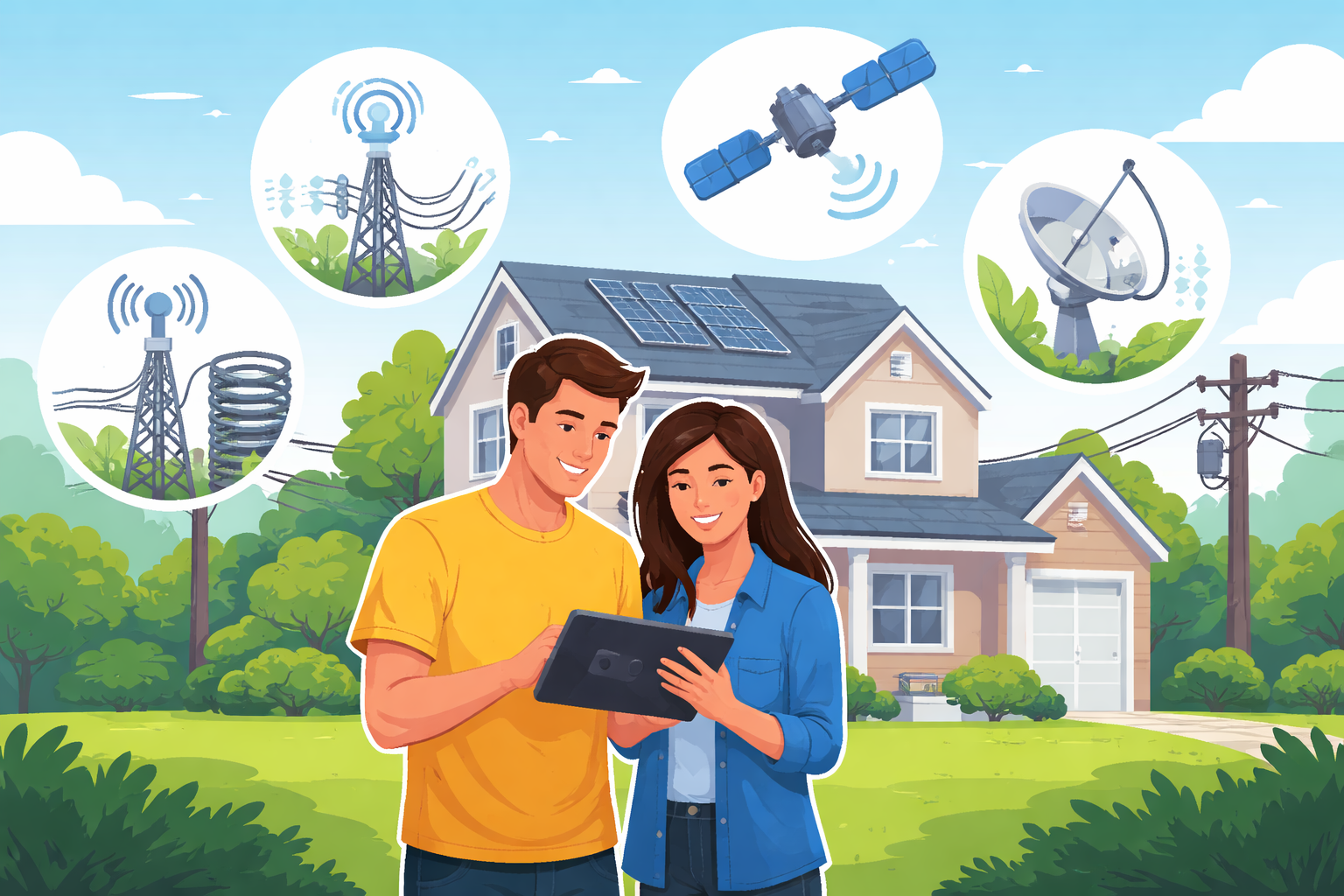
Four Main Types of High-Speed Internet Connections
Internet services rely on different transmission technologies. Each has unique advantages and limitations.
Understanding these differences helps determine which option best fits your location and usage needs.
DSL Internet
Digital Subscriber Line (DSL) internet uses traditional telephone lines to deliver broadband connectivity.
Unlike older dial-up connections, DSL allows internet access without interfering with phone calls.
How DSL Works
DSL transmits digital data through copper telephone lines. Since these lines already exist in most areas, DSL is widely available and relatively affordable.
Users can install DSL service wherever a telephone jack is available in the home.
For households comparing plans, exploring available DSL internet providers near you helps determine which companies offer service in your region.
Advantages of DSL
Widely available in urban and suburban areas
Typically lower monthly cost than cable or fiber
Stable connection for moderate usage
Does not require cable TV service
Limitations of DSL
Slower speeds compared with cable or fiber
Performance decreases with distance from provider infrastructure
Limited bandwidth for large households
Popular DSL Providers
Some well-known DSL providers include:
AT&T Internet
Verizon
CenturyLink
Frontier Communications
Windstream
These companies offer varying speeds and pricing depending on regional infrastructure.
Fiber Internet
Fiber-optic internet is widely considered the fastest and most reliable broadband technology available today.
Instead of transmitting data through copper wires, fiber uses light signals sent through thin glass or plastic strands.
How Fiber Internet Works
Fiber networks deliver data as pulses of light, allowing information to travel extremely quickly over long distances without signal degradation.
Because of this technology, fiber internet can provide speeds that far exceed DSL or cable connections.
When comparing providers, checking fiber internet service options available locally can help determine whether this technology is accessible in your area.
Advantages of Fiber Internet
Extremely fast download and upload speeds
Very low latency
Reliable performance during peak usage times
Ideal for streaming, gaming, and remote work
Limitations of Fiber
Limited availability in some regions
Higher installation costs in certain areas
Not always available in rural communities
Popular Fiber Internet Providers
Some of the top fiber internet providers include:
Verizon Fios
AT&T Fiber
Frontier Fiber
Optimum Fiber
CenturyLink Fiber
These services often deliver symmetrical speeds, meaning uploads and downloads are equally fast.
Cable Internet
Cable internet uses the same coaxial cable infrastructure that delivers cable television services.
This hybrid network combines fiber backbones with coaxial cable lines that connect directly to homes.
How Cable Internet Works
Cable networks distribute internet through shared neighborhood nodes. This means multiple homes may share bandwidth during peak usage hours.
However, cable internet still delivers significantly faster speeds than DSL in most locations.
When evaluating plans, reviewing high-speed cable internet providers near you can help identify competitive options.
Advantages of Cable Internet
Faster speeds than DSL
Widely available in cities and suburbs
Suitable for streaming, gaming, and remote work
Strong balance between price and performance
Limitations of Cable Internet
Speeds may slow during peak hours
Upload speeds are usually slower than download speeds
Performance depends on neighborhood network congestion
Cable remains one of the most popular broadband technologies due to its availability and reliability.
Satellite Internet
Satellite internet connects homes to the internet through orbiting satellites instead of land-based infrastructure.
This technology is particularly useful in rural or remote areas where cable or fiber networks are unavailable.
How Satellite Internet Works
A satellite dish installed at the property communicates with satellites in orbit. Data travels between the satellite and a ground station connected to the internet backbone.
For households outside traditional infrastructure zones, comparing satellite internet plans available in rural areas can reveal viable connectivity options.
Advantages of Satellite Internet
Available in remote and rural areas
Does not require cable or telephone infrastructure
Installation available almost anywhere with clear sky visibility
Limitations of Satellite Internet
Higher latency due to signal travel distance
Weather can affect connection quality
Often includes data caps
Typically higher monthly cost
Despite these limitations, satellite internet can provide essential connectivity where other services are unavailable.
Understanding Internet Speed Packages
Internet providers usually offer speed tiers ranging from 5 Mbps to 1 Gbps or more.
Choosing the right plan depends on how many devices and users share the connection.
Typical speed recommendations include:
| Household Usage | Recommended Speed |
|---|---|
| Basic browsing | 25 Mbps |
| Remote work and streaming | 100 Mbps |
| Gaming and large downloads | 200–500 Mbps |
| Smart homes with many devices | 500 Mbps – 1 Gbps |
Before upgrading a plan, calculating how much internet data your household uses monthly can help estimate the speed and bandwidth required.
Why Internet Performance May Be Slower Than Expected
Even with a high-speed plan, several factors can reduce real-world performance.
Network Congestion
Some providers assign the same IP infrastructure to multiple households. During peak hours, this can cause slow speeds and delayed loading times.
Home Construction Materials
Older buildings with thick walls or concrete structures can weaken Wi-Fi signals.
Large homes may experience poor coverage in certain rooms.
Outdated Equipment
Older routers and modems may not support modern broadband speeds.
Upgrading equipment often improves performance significantly.
How to Improve Your Home Internet Performance
Even the best internet connection can suffer from poor internal network setup.
Several simple adjustments can dramatically improve performance.
Install a Wi-Fi Signal Repeater
Wi-Fi repeaters extend wireless coverage throughout your home. These devices receive the signal from your router and rebroadcast it to eliminate dead zones.
They are especially helpful in large homes or buildings with thick walls.
Upgrade Your Router
Modern routers support faster Wi-Fi standards and handle multiple devices more efficiently.
Upgrading your router can improve speed, stability, and overall network capacity.
Request a New IP Configuration
Sometimes slow performance results from shared IP congestion.
Contacting your provider to reset or reassign your IP configuration can occasionally improve browsing speeds.
Final Thoughts
Choosing the best high-speed internet service requires balancing speed, availability, reliability, and cost.
Fiber internet typically delivers the best performance, but cable remains a strong option in many regions. DSL provides affordable connectivity for moderate use, while satellite ensures internet access in remote locations.
Before selecting a provider, research the technologies available in your area, compare plans carefully, and evaluate how your household uses the internet.
A well-informed decision can lead to faster speeds, more reliable connections, and a better overall online experience.
Related Posts
 Safety
What Not to Do And Internet Safety Tips To Protect You Online
Learn what not to do online and discover practical internet safety tips to protect your personal data, devices, and accounts from cyber threats.
 cheap internet deals
Cheap Internet Plans in Florida: Find the Right Fit Fast
Discover how to find cheap internet plans in Florida based on your lifestyle, location, and speed needs. Compare providers and choose the best plan today.
 cheap internet deals
Cheap Internet Plans vs Premium Plans
Cheap vs premium internet plans explained. Learn the key differences in speed, data limits, reliability, and pricing to choose the best plan for your home.
 Subscription
cheap internet offers
Subscription
cheap internet offers
Spectrum vs Verizon 5G Home Internet: Which Is Better?
Spectrum vs Verizon 5G Home Internet: compare speed, pricing, reliability, and availability to choose the best home internet provider for your household.
 Internet Bundles
How to Get Free or Cheap Internet in the U.S.
Learn how to get free or discounted internet in the U.S. Discover government programs, provider discounts, and practical ways to lower your monthly bill.