How to Detect ISP Throttling and Improve Your Internet Speed
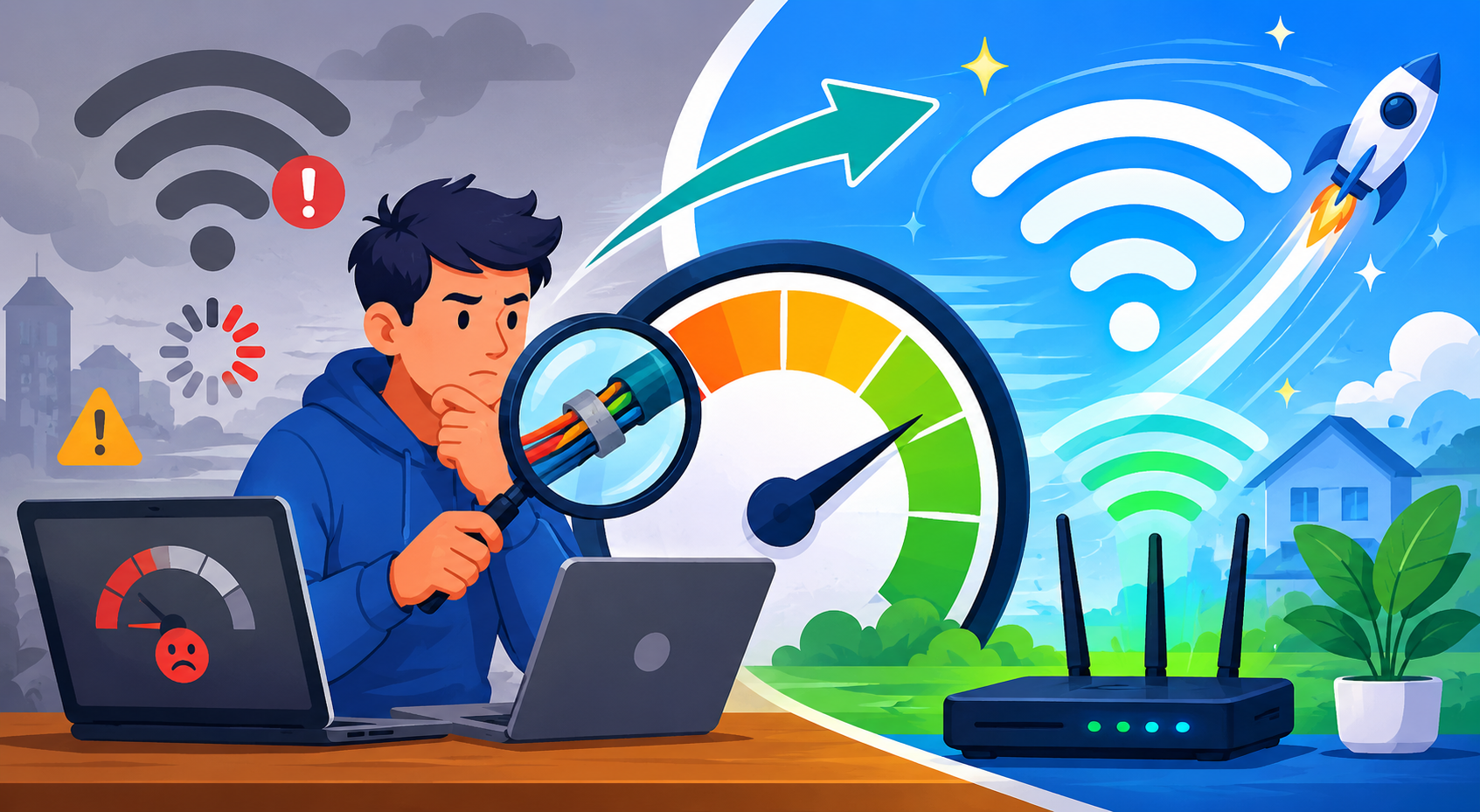
Slow internet can turn even the simplest online tasks into a struggle. Whether you’re streaming, working remotely, or just browsing, sudden dips in speed are frustrating—and often confusing. While equipment issues and Wi-Fi interference are common causes, one overlooked culprit is internet throttling. This happens when your internet service provider intentionally slows your connection under certain conditions.
Understanding what throttling is, how to detect it, and what you can do about it can help you protect your internet experience. This updated guide breaks down the warning signs, testing methods, and solutions in a clear, easy-to-read format.
What Internet Throttling Really Means
Internet throttling occurs when your provider deliberately reduces your bandwidth. It’s a common network management practice used to control congestion, enforce data caps, or regulate high-bandwidth activities like streaming or gaming. No matter what kind of plan you have—home Wi-Fi, mobile data, or business service—throttling can affect speeds at any time.
Your ISP provider may slow your connection for several reasons:
- Heavy network congestion
- Exceeding monthly data allowances
- High-demand streaming or gaming sessions
- Paid prioritization of certain content
- Local infrastructure limitations
Although throttling is legal and often noted in service agreements, it can still disrupt your daily routine—especially when the slowdown is severe.
How to Know If Your Internet Is Being Throttled
Detecting throttling requires a combination of observation and testing. The most reliable approach is checking whether your speed consistently falls below what your plan promises.
Run a Speed Test as a Baseline
A speed test gives you real-time data about your download and upload performance. If the numbers don’t match your subscription’s advertised speeds, intentional slowdowns may be happening.
You can quickly check this by using the speed test tool. Testing during different times of the day helps reveal whether the issue is ongoing or happening only during peak hours.
Key Signs You May Be Throttled
1. Speeds Far Below Your Plan
If you’re consistently receiving much lower speeds than your service tier, throttling becomes a likely explanation.
2. Slowdowns Only During High-Use Hours
Even high-speed plans can drop when many users are online, but if this happens daily at nearly the same time, traffic shaping may be involved.
3. Certain Activities Become Slow
When streaming buffers endlessly, but regular browsing works fine, your provider may be targeting specific traffic types.
4. Latency Spikes During Cloud or Video Tasks
Random lag can happen, but patterned disruptions often point to bandwidth restriction.
Why Speed Tests Matter
Without consistent testing, it’s hard to distinguish between normal fluctuations and intentional throttling. Speed measurements confirm whether your connection consistently falls below your expected range.
It also helps to compare your results with any insights you’ve learned related to improving performance, such as techniques similar to those explained in articles about internet speed. These comparisons clarify whether your slowdown is caused by equipment limitations—or your provider.
What Causes Your ISP to Throttle Your Connection?
ISPs usually throttle to balance network stability or encourage upgrades to higher-tier plans. Although not always harmful, throttling can affect streaming quality, downloads, and the overall responsiveness of your connection.
Here are the most common triggers:
Data Caps
Some plans include monthly data limits. When you exceed them, the ISP lowers your bandwidth until the next billing cycle. This is one of the most frequent causes of month-end slowdowns.
Network Congestion
During heavy activity—often evenings and weekends—providers may throttle users to avoid overloading local infrastructure.
Traffic Shaping
Some online activities place heavier demands on the network. Streaming HD video, gaming, torrenting, or large downloads may trigger throttling.
Paid Prioritization
Certain websites or platforms may load faster if they have agreements with providers. Other platforms may slow down during high-use windows.
Knowing why throttling happens prepares you to take steps to reduce its impact.
How to Stop or Reduce Internet Throttling
You may not be able to control your ISP’s network policies, but you can take measures to keep your speeds consistent and reduce the effect of throttling.
Use a VPN to Minimize Throttling
A virtual private network is one of the most effective tools against targeted throttling. When your data is encrypted, your provider can’t see your browsing activity or determine which sites you’re accessing. This prevents selective slowdowns and keeps your usage private.
You can explore how encrypted tunnels work by reviewing insights similar to those in this VPN guide—which breaks down how VPNs hide your activity and reduce the chance of throttling.
How a VPN Helps:
- Encrypts your online activity
- Masks your data usage
- Bypasses selective throttling
- Avoids traffic-type slowdowns
- Routes your traffic through alternate servers
A high-quality VPN enhances privacy and makes it harder for your provider to enforce strict traffic rules. However, low-quality VPNs may slow your connection more, so choosing a reputable option matters.
Additional Ways to Improve Speed During Throttling
Even with throttling, you can boost your connection by optimizing your home setup.
1. Check or Upgrade Your Router
Outdated routers limit speed and may mimic throttling symptoms. Modern routers handle multiple devices more effectively and provide stronger Wi-Fi coverage.
2. Change Your Wi-Fi Channel
Congestion inside your home can also slow your network. Switching to a less crowded channel reduces interference and provides more stable performance.
3. Use Wired Connections When Possible
Ethernet bypasses the noise of wireless signals, offering faster and more reliable speeds—ideal for streaming, gaming, and remote work.
4. Monitor How Much Data You Use Monthly
If your provider includes a data cap, keeping an eye on usage prevents slowdowns before they start.
5. Reduce Background Bandwidth Use
Cloud syncing, large downloads, and automatic updates can quietly consume significant data. Adjusting these settings frees up bandwidth for more important tasks.
When It’s Time to Call Your ISP
If you’ve done the testing, checked your equipment, and confirmed speed drops at repeat intervals, a support call may help clarify the situation. When contacting your provider, have this information ready:
- Your speed test results
- Your subscribed plan
- The times and dates when speeds dropped
- Whether the issue affects specific activities
- Any troubleshooting steps you’ve taken
Final Thoughts
Internet throttling disrupts your streaming, slowing downloads, and affects even routine browsing. But with a clear understanding of how throttling works and how to detect it, you can take steps to protect your connection.
Start by running a speed test, observe patterns in your connection, and consider tools like VPN encryption to keep your speeds consistent. With the right knowledge and a few smart adjustments, you can maintain more reliable and stable internet performance every day.
Related Posts
 Broadband Deals
Broadband Installation
Broadband Deals
Broadband Installation
CenturyLink in Farmington: A Complete Guide for Local Users
Explore CenturyLink Farmington plans, pricing, installation, performance, and expert tips to choose the best home internet service for your needs.
 Technology
Wifi
mobile phone plans
Technology
Wifi
mobile phone plans
What Is a Mobile Hotspot and How Does It Work?
A mobile hotspot is a portable feature or device that converts a cellular data connection (like 4G LTE or 5G) into a private Wi-Fi network
 Broadband Deals
cable deal
Broadband Deals
cable deal
Xfinity Cable Package Deals That Actually Deliver Value
Discover the best Xfinity cable package deals, compare internet and TV bundles, understand pricing, and choose the right plan for your home and budget.
 Broadband Deals
What Is TDS Internet and Is It Right for Your Home?
Learn what TDS Internet is, how it works, available plans, pricing, speeds, benefits, and how it compares with other internet providers.
 Internet Bundles
Bundle Internet, TV, and Phone Without Overpaying
Learn how to bundle internet, TV, and phone services for the best value. Compare plans, avoid hidden fees, and choose the right package for your home.