What does "your connection is not private" means, and how to fix it?
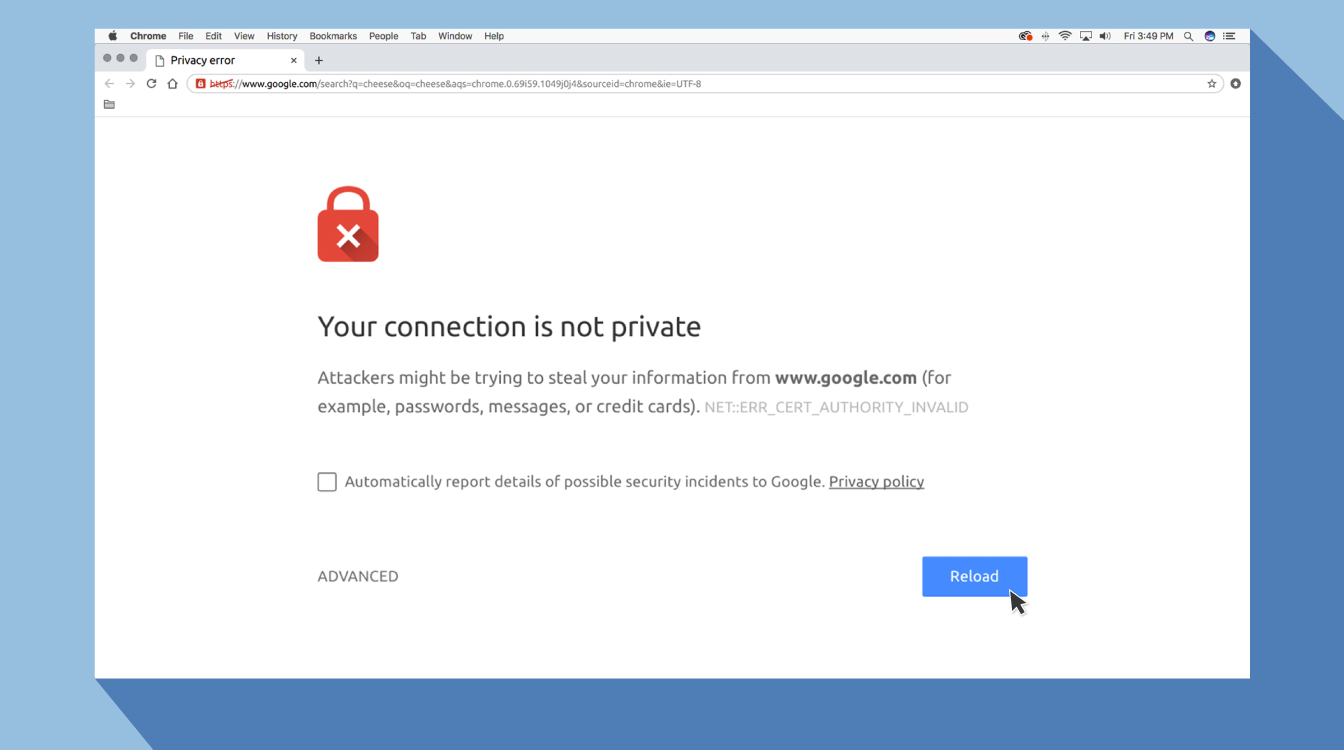
Everyone is expected to be online at all times since the pandemic started. You may encounter problems while browsing a website like "your connection is not private" and not allowing you to visit the website? Because some websites are not safe for users to visit. this is why the browser displayed a notice.
If someone uses an advanced setting to access those websites, the hackers may be able to authorize the device or steal any information without asking. There's no need to be concerned; there's always a way out. After three days of research, the ISP team has figured out how to safely browse a website. Go straight to the point: why did your browser send you this notice and how can you repair it?
Also, Read:
How to Protect yourself from the Dangers of Public Wi-fi
What Not to Do And Internet Safety Tips To Protect You Online
Your Connection is not private meaning
This means your browser is alerting you that this website isn't safe to visit. Your smartphone would be an ideal target for hackers if you don't use antivirus or encryption. When a browser visits a website, it must first check digital certificates installed on the server to guarantee that the site meets privacy standards and is safe to use. If the browser detects a problem with the certificates, it will prevent you from accessing the site.
These certificates are also known as identity certificates or public key infrastructure certificates. They provide proof that a website is who it says it is. Digital certificates secure personal information, passwords, and payment information.
It's usually due to a problem in the SSL certificate that your connection isn't safe.
SSL Connection Error
A Secure Sockets Layer (SSL) Certificate is used to provide a website over HTTPS connections that are encrypted. HTTPS is a safety firewall that encrypts data and allows for safe authorized connections. When there is no secure way to open the website that has been requested, the browser displays the SSL error message. When the browser detects an insecure connection, it will attempt to block web access.
Fix the "Your Connection is Not Private" issue
Refresh the page again
It is a simple solution to the problem.
Fixing common issues like browser timeouts, internet connectivity, and typos can sometimes cure the issue.
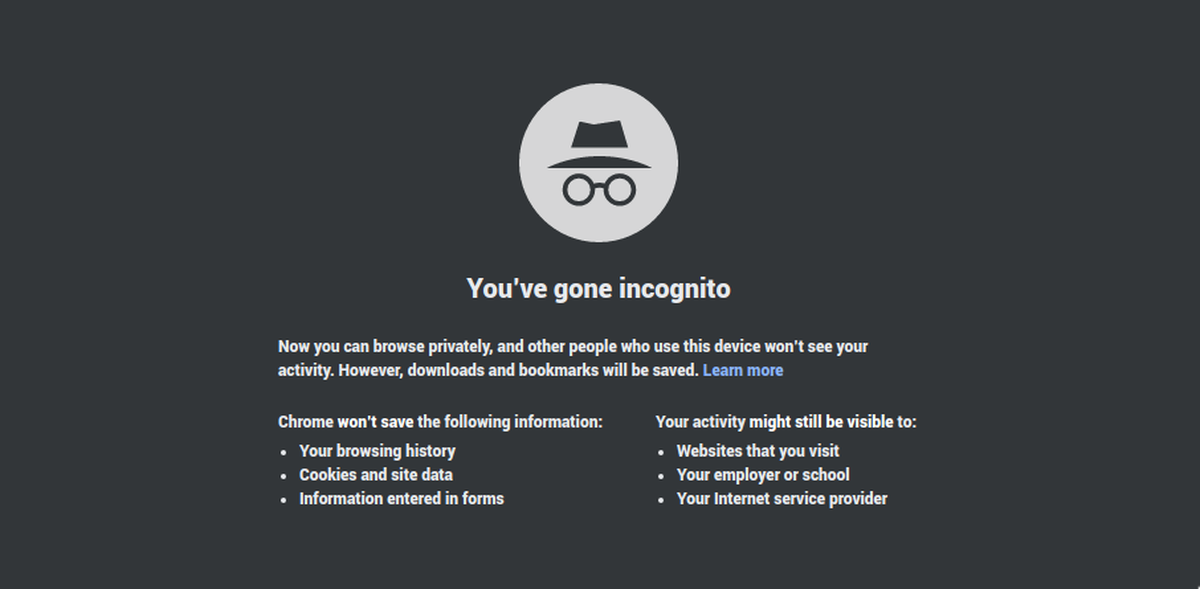
Use Incognito Mode
The second option is to use incognito mode and return to the same website. You can easily view this website if it does not have any security issues because this option displays the results without saving the history or cache.
Hit ctrl+shift+N or go to the three-dot option on the upper right side of your browser to go to incognito tab mode. Select “New incognito window” from the dropdown menu.
Verify the Time and Date
If the date and time on your device are incorrect, you may have SSL connection errors. As a result, before you browse online, double-check the time and date on your device.
Delete the Cache and Cookies in Your Browser
When you view things online, your computer collects cookies and history. These caches are saved on your hard disk, so when you try to view a new page, it takes longer.
It's necessary to clear the history and cache.
Investigate your antivirus or firewall settings.
You may still receive the error warning if you have an antivirus or firewall installed on your computer because the antivirus or firewall is controlling your network. Try turning off the SSL scan feature.
Related Posts
 Safety
What Not to Do And Internet Safety Tips To Protect You Online
Learn what not to do online and discover practical internet safety tips to protect your personal data, devices, and accounts from cyber threats.
 cheap internet deals
Cheap Internet Plans in Florida: Find the Right Fit Fast
Discover how to find cheap internet plans in Florida based on your lifestyle, location, and speed needs. Compare providers and choose the best plan today.
 cheap internet deals
Cheap Internet Plans vs Premium Plans
Cheap vs premium internet plans explained. Learn the key differences in speed, data limits, reliability, and pricing to choose the best plan for your home.
 Subscription
cheap internet offers
Subscription
cheap internet offers
Spectrum vs Verizon 5G Home Internet: Which Is Better?
Spectrum vs Verizon 5G Home Internet: compare speed, pricing, reliability, and availability to choose the best home internet provider for your household.
 Internet Bundles
How to Get Free or Cheap Internet in the U.S.
Learn how to get free or discounted internet in the U.S. Discover government programs, provider discounts, and practical ways to lower your monthly bill.