Internet Speeds Explained: Mbps vs Gbps Made Simple
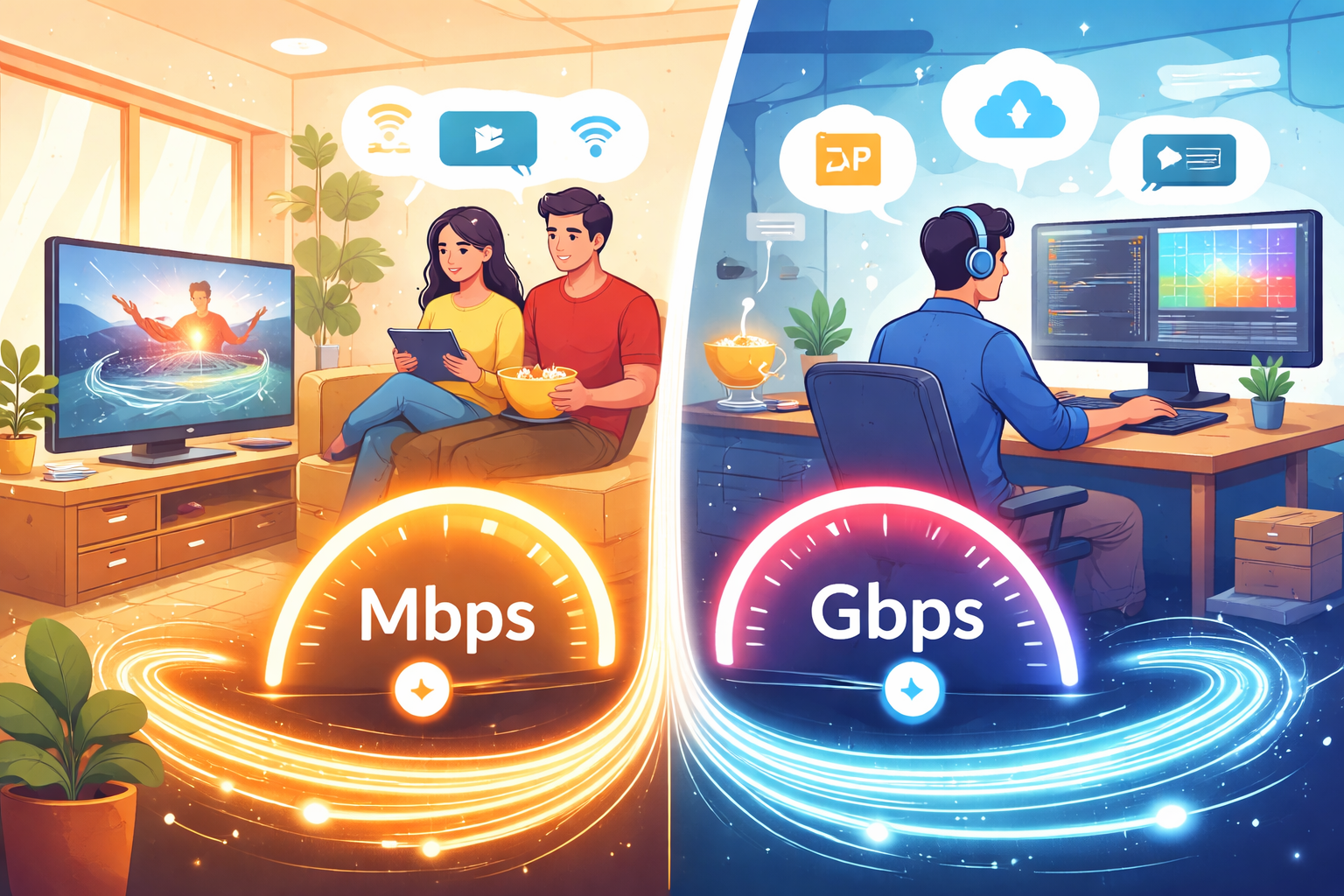
Understanding internet speed can feel confusing, especially when providers advertise plans using terms like Mbps and Gbps. These measurements appear everywhere—from broadband plan descriptions to router specifications—yet many people are unsure what they actually mean or how they affect everyday internet use.
Whether you stream movies, attend video calls, run a small business, or manage a smart home, knowing the difference between Mbps and Gbps can help you choose the right internet plan and avoid paying for speeds you may not need.
Internet speeds directly influence how quickly websites load, how smoothly videos stream, and how many devices can stay connected at once.
This guide explains Mbps and Gbps in simple terms, how they compare, and how to determine the best speed for your home or business.
What Internet Speed Actually Means
Internet speed measures how quickly data moves between your device and the internet network. It determines how fast you can download files, stream videos, browse websites, or upload content.
Speed is typically measured in bits per second, which indicates the amount of data transferred every second.
Most internet plans are measured in:
Mbps (Megabits per second)
Gbps (Gigabits per second)
These units describe how much information can travel through your connection within one second.
Understanding Mbps (Megabits per Second)
Mbps stands for Megabits per second and is the most common speed measurement used by internet service providers.
One megabit equals 1 million bits of data. If your internet plan advertises 100 Mbps, it means your connection can transfer 100 million bits every second.
Most residential internet plans today range between 25 Mbps and 500 Mbps.
What Mbps Speeds Are Used For
Different internet activities require different speeds.
| Activity | Recommended Speed |
|--------|------------------|
| Email and basic browsing | 5–10 Mbps |
| HD video streaming | 10–25 Mbps |
| Online gaming | 25–50 Mbps |
| Remote work and video calls | 50–100 Mbps |
| Multiple users streaming and gaming | 100–300 Mbps |
For many households, speeds between 100 Mbps and 300 Mbps provide more than enough bandwidth for everyday internet use.
Understanding Gbps (Gigabits per Second)
Gbps stands for Gigabits per second, which represents much faster internet speeds than Mbps.
One gigabit equals 1,000 megabits.
That means a 1 Gbps connection equals 1,000 Mbps.
Gigabit internet plans are usually delivered through fiber-optic networks, which provide extremely fast and reliable connections.
Mbps vs Gbps: Key Differences
The primary difference between Mbps and Gbps is the amount of data transferred per second.
| Speed Unit | Data Capacity |
|---|---|
| 1 Mbps | 1 million bits per second |
| 100 Mbps | 100 million bits per second |
| 1 Gbps | 1 billion bits per second (1,000 Mbps) |
In simple terms:
Gbps speeds are 1,000 times faster than Mbps speeds.
However, faster speeds do not always mean better value. The best speed depends on how your household uses the internet.
How Much Internet Speed Do You Really Need?
Choosing the right internet speed depends on the number of users and connected devices in your home.
Small Household (1–2 users)
Recommended speeds: 50–100 Mbps
Typical activities include browsing, streaming, and occasional video calls.
Medium Household (3–4 users)
Recommended speeds: 100–300 Mbps
These homes usually stream HD or 4K content while multiple devices remain connected.
Large Household (5+ users)
Recommended speeds: 300 Mbps to 1 Gbps
Higher speeds help prevent slowdowns when several devices stream, game, or download files simultaneously.
To estimate the amount of bandwidth your household needs, many users rely on a data calculator to evaluate device usage and monthly data consumption.
How to Test Your Internet Speed
Sometimes your connection may feel slower than expected. Running a speed test helps determine whether your internet is performing at the level promised by your provider.
A speed test measures three important metrics:
Download speed
Upload speed
Latency (ping)
Using an online internet speed test can quickly reveal whether network congestion, router placement, or provider limitations are affecting your connection.
Running speed tests at different times of the day can also help identify peak-hour slowdowns.
Choosing the Right Internet Provider
Speed alone does not determine internet quality. Reliability, coverage, and customer support also play an important role.
Different providers offer different technologies such as fiber, cable, DSL, and wireless internet.
Many households begin their search by reviewing available internet providers in their area to compare plans, connection types, and pricing.
This research can help consumers find the best balance between speed, reliability, and affordability.
Do You Really Need Gigabit Internet?
Gigabit internet plans are becoming more widely available, but they are not necessary for every household.
Many families find that 200–400 Mbps provides excellent performance for streaming, gaming, and working from home.
Gigabit internet is most useful for:
Content creators uploading large files
Homes with many simultaneous 4K streams
Businesses transferring large amounts of data
Smart homes with dozens of connected devices
Before upgrading to gigabit speeds, it is important to evaluate your actual internet usage.
Conclusion
Understanding the difference between Mbps and Gbps helps you make smarter decisions when choosing an internet plan.
Mbps speeds are sufficient for most households and support everyday activities like browsing, streaming, and video calls. Gigabit speeds offer significantly faster connections but are typically most useful for heavy internet users or large households.
By evaluating your device usage, running regular speed tests, and comparing available providers in your area, you can select an internet plan that delivers reliable performance without overspending.
Related Posts
 Safety
What Not to Do And Internet Safety Tips To Protect You Online
Learn what not to do online and discover practical internet safety tips to protect your personal data, devices, and accounts from cyber threats.
 cheap internet deals
Cheap Internet Plans in Florida: Find the Right Fit Fast
Discover how to find cheap internet plans in Florida based on your lifestyle, location, and speed needs. Compare providers and choose the best plan today.
 cheap internet deals
Cheap Internet Plans vs Premium Plans
Cheap vs premium internet plans explained. Learn the key differences in speed, data limits, reliability, and pricing to choose the best plan for your home.
 Subscription
cheap internet offers
Subscription
cheap internet offers
Spectrum vs Verizon 5G Home Internet: Which Is Better?
Spectrum vs Verizon 5G Home Internet: compare speed, pricing, reliability, and availability to choose the best home internet provider for your household.
 Internet Bundles
How to Get Free or Cheap Internet in the U.S.
Learn how to get free or discounted internet in the U.S. Discover government programs, provider discounts, and practical ways to lower your monthly bill.