Internet Requirements for Smart Security Cameras and Doorbells
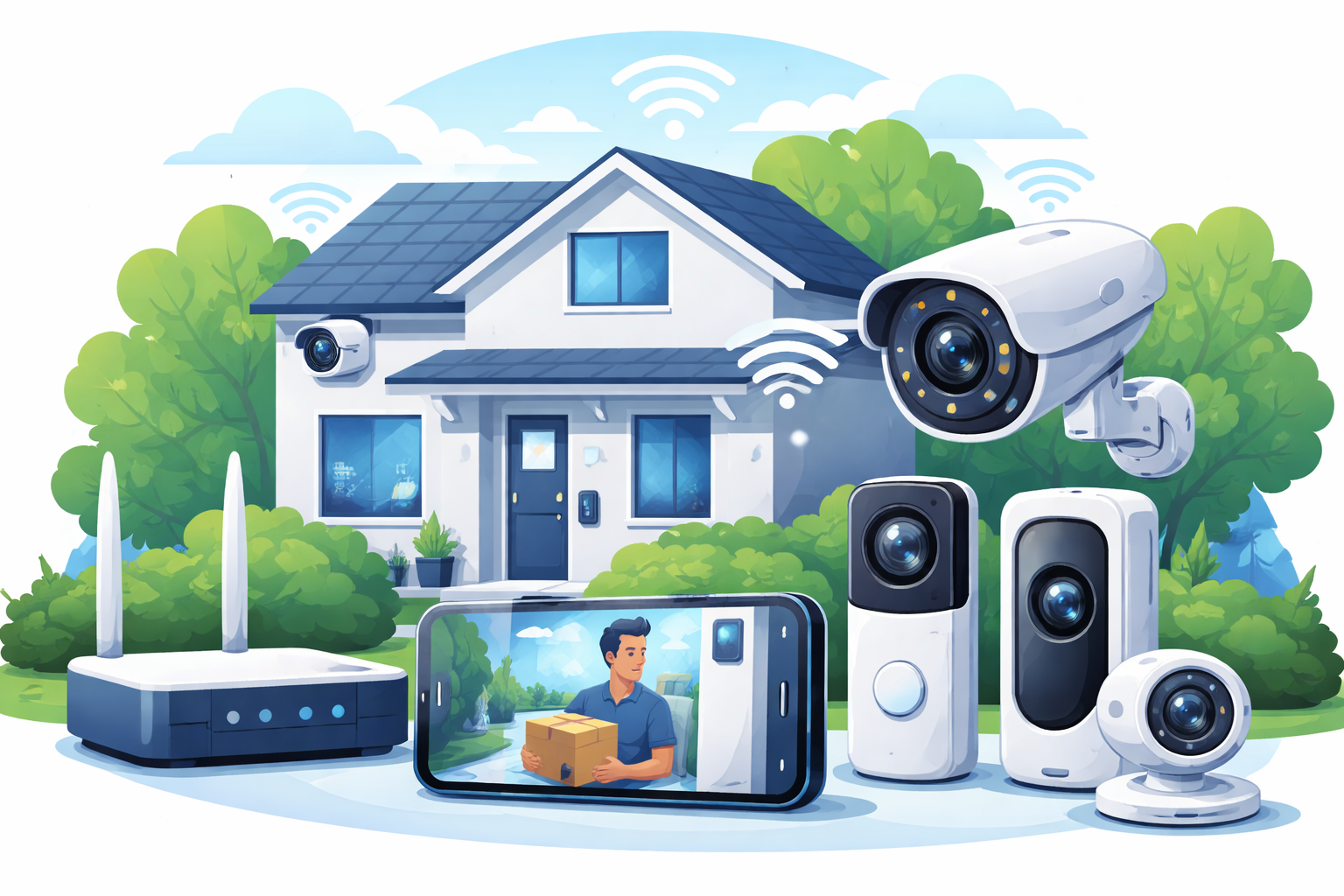
Smart security cameras and video doorbells have become essential tools for protecting modern homes. They provide real-time monitoring, motion alerts, two-way audio, and cloud-stored video footage—all of which rely on a stable and properly configured internet connection.
Many homeowners assume that if their Wi-Fi works for streaming and browsing, it will work just as well for security devices. In reality, smart cameras and doorbells place very different demands on a network. Upload speed, latency, reliability, and data usage all play a critical role in how well these devices perform. This guide explains exactly what internet requirements matter most and how to ensure your home security system works without interruptions.
Why Internet Quality Matters for Smart Security Devices
Unlike most household devices, security cameras and doorbells are always active. They constantly upload data, even when you are not watching live footage.
Motion detection, real-time alerts, cloud recording, and remote access all depend on uninterrupted connectivity. If your internet connection is unstable or undersized, you may experience delayed notifications, missing footage, or cameras going offline at critical moments.
Choosing the right plan from reliable internet providers is one of the most important decisions when installing smart security devices.
How Smart Cameras and Doorbells Use the Internet
Continuous Upload Activity
Security cameras send video data to cloud servers for storage and processing. Even motion-only recording systems still upload short video clips throughout the day.
Doorbell cameras stream live video when activated, upload motion events, and support two-way audio, all of which require consistent upload bandwidth.
Cloud-Based Processing
Many modern systems rely on cloud services for facial recognition, activity zones, and smart alerts. These features increase internet usage and make reliability even more important.
Minimum Internet Speed Requirements
Download Speed Needs
Download speed affects how quickly you can view live feeds and recorded footage. Most security systems function well with modest download speeds.
- Single camera or doorbell: 10–25 Mbps
- Multiple cameras with live viewing: 50–100 Mbps
Download speed is rarely the limiting factor unless multiple users are streaming simultaneously.
Upload Speed Is the Critical Factor
Upload speed determines how well cameras send footage to the cloud. This is where many home networks struggle.
Recommended upload speeds:
- One HD camera: 2–4 Mbps
- Multiple HD cameras: 10–20 Mbps
- 4K cameras or continuous recording: 25+ Mbps
Low upload speeds lead to lag, dropped footage, and delayed alerts.
Latency and Real-Time Security Performance
Latency affects how quickly commands and alerts travel between your devices and the cloud. High latency causes delays in live video feeds, slow two-way audio, and late motion notifications.
Running a routine speed test during peak hours can reveal latency spikes that interfere with real-time monitoring.
Low-latency connections are especially important for doorbell cameras, where delayed video can make it difficult to respond quickly.
Internet Connection Types Compared for Security Devices
Cable Internet for Security Systems
Cable connections offer strong download speeds and can support multiple cameras. However, upload speeds are often limited, and performance may fluctuate during peak hours.
Homes using cable internet should ensure their upload capacity can handle simultaneous camera streams without congestion.
DSL Internet Limitations
DSL connections generally struggle with modern security systems. Lower upload speeds and higher latency make them less suitable for multiple cameras or continuous recording.
While basic setups may work, dsl internet often becomes a bottleneck as systems expand.
Fiber Internet Advantages
Fiber is the best option for smart security devices. It provides symmetrical upload and download speeds, ultra-low latency, and excellent reliability.
Homes using multiple cameras, 4K recording, or advanced cloud features benefit significantly from fiber internet.
Data Usage Considerations for Security Cameras
Video footage consumes large amounts of data, especially with higher resolutions and longer retention periods.
Approximate monthly data usage:
- One HD camera (motion-based): 60–150 GB
- Continuous HD recording: 300–500 GB
- Multiple cameras or 4K video: 1 TB or more
Estimating usage with a data calculator helps determine whether an unlimited data plan is necessary.
Homes with several cameras should strongly consider unlimited plans to avoid throttling or overage charges.
Wi-Fi Strength and Camera Placement
Internet speed alone is not enough. Wi-Fi coverage plays a major role in camera reliability.
Outdoor cameras and doorbells are often installed far from routers. Weak signals lead to dropped connections and inconsistent performance.
Best practices include:
- Using mesh Wi-Fi systems for full coverage
- Placing access points near camera-heavy areas
- Avoiding interference from walls and appliances
A strong local network ensures cameras stay connected even during peak usage.
Prioritizing Security Devices on Your Network
Modern routers allow you to prioritize traffic for specific devices. Giving security cameras higher priority ensures they remain responsive when other devices are streaming or downloading.
Quality of Service settings are especially useful in households with multiple users and smart devices competing for bandwidth.
Choosing the Right Internet Plan for Home Security
When selecting an internet plan for security cameras and doorbells, focus on:
- Upload speed capacity
- Low latency performance
- Reliability during peak hours
- Unlimited or high data allowances
Plans designed for basic browsing often fall short when supporting always-on security systems.
Planning for Future Security Expansion
Most homeowners add more cameras over time. New features like higher resolutions, AI detection, and longer cloud storage increase bandwidth demands.
Choosing a plan with room to grow prevents frequent upgrades and ensures long-term system stability. Fiber and high-capacity cable plans offer the best scalability.
Reliable Internet Is Non-Negotiable for Smart Security
Smart security cameras and doorbells are only as effective as the internet connection supporting them. Upload speed, latency, reliability, and data capacity all play a critical role in protecting your home.
By choosing the right internet technology and plan, you ensure your security system delivers instant alerts, clear footage, and dependable performance when it matters most.
Related Posts
 Safety
What Not to Do And Internet Safety Tips To Protect You Online
Learn what not to do online and discover practical internet safety tips to protect your personal data, devices, and accounts from cyber threats.
 cheap internet deals
Cheap Internet Plans in Florida: Find the Right Fit Fast
Discover how to find cheap internet plans in Florida based on your lifestyle, location, and speed needs. Compare providers and choose the best plan today.
 cheap internet deals
Cheap Internet Plans vs Premium Plans
Cheap vs premium internet plans explained. Learn the key differences in speed, data limits, reliability, and pricing to choose the best plan for your home.
 Subscription
cheap internet offers
Subscription
cheap internet offers
Spectrum vs Verizon 5G Home Internet: Which Is Better?
Spectrum vs Verizon 5G Home Internet: compare speed, pricing, reliability, and availability to choose the best home internet provider for your household.
 Internet Bundles
How to Get Free or Cheap Internet in the U.S.
Learn how to get free or discounted internet in the U.S. Discover government programs, provider discounts, and practical ways to lower your monthly bill.