How to Transform Your Smartphone into a Digital Wallet
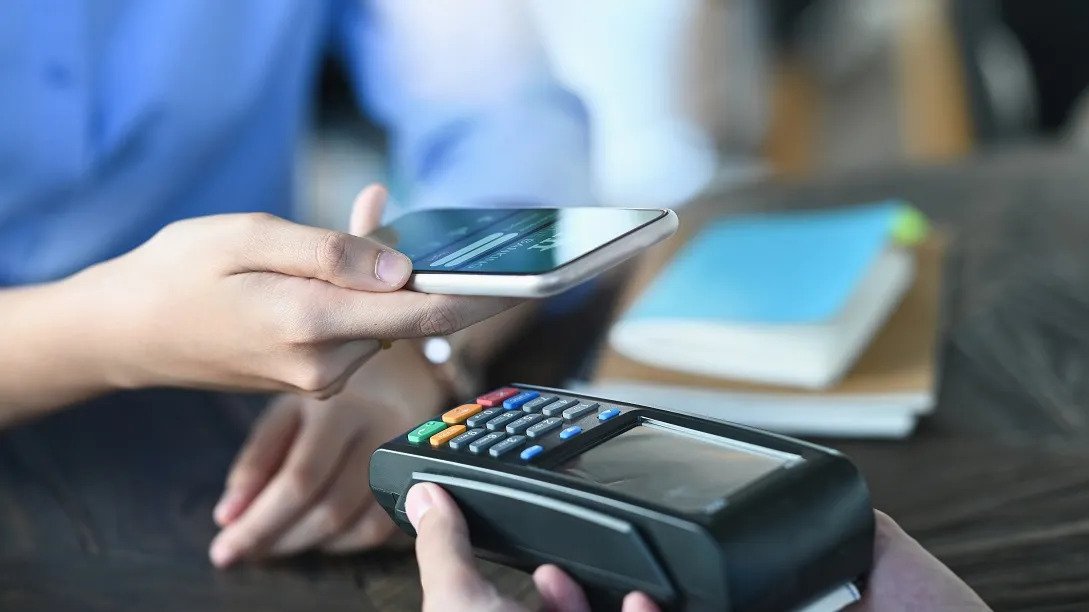
Your smartphone has transformed into a digital wallet thanks to convenient and secure digital payment apps. You don't have to go through your pocket for bills and coins, or even your credit card, and deliver them to the cashier any longer.
Instead, you can use an app to pay. You can not only pay in stores and restaurants with this method, but you can also send money to friends and family and utilize apps to pay for services and online purchases.
Not to mention, in the face of the current COVID-19 pandemic, digital transactions have become even more critical. You may make contactless purchases using a smartphone app, which protects both you and the merchants you deal with.
If you don't already have one, here are a few that we recommend. Each has its own set of benefits and conditions, but they're all highly useful.
PayPal: PayPal is a popular mobile payment software that is free to use and allows you to pay without having to provide any financial information. Many purchasing websites have it at the checkout. It allows you to send and receive money using only the recipient's email address or mobile number, and it's also a terrific method to accept payment or pay at yard sales or on Craigslist because no sensitive financial information is required.
Venmo: Venmo is a mobile app that works with your smartphone, and you can sign up using your Facebook account if you like. After there, you connect your bank account or credit card to the app and use it to send and receive money from other Venmo users.
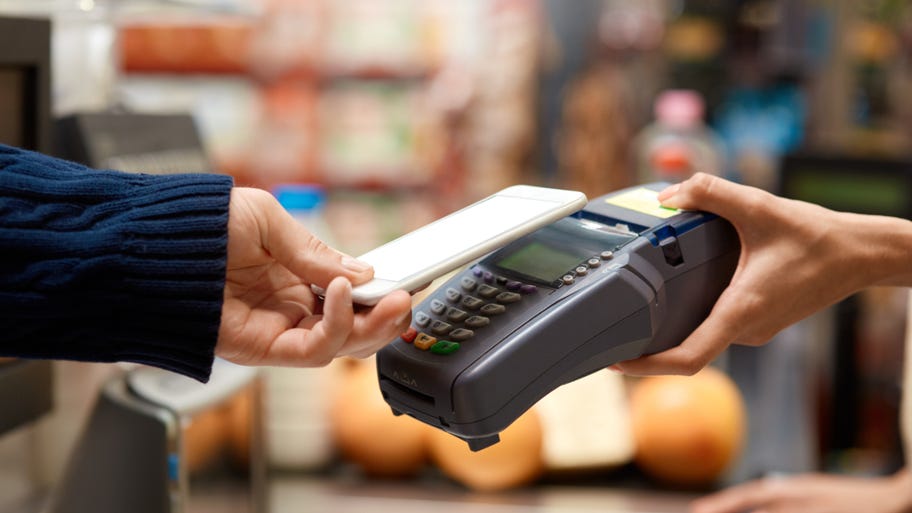
Google Pay: is pre-installed on many Android devices and is widely accepted both online and in stores. You may link a debit or credit card to the app, and certain establishments will reward you for using it to make purchases.
Apple Pay: If you have an iPhone, you can store your credit card information on your phone once and then use Apple Pay to buy products or send money.
The way we pay for goods in everyday life is changing and expanding thanks to mobile payment apps. They're wonderful for tiny transactions and reduce the need to carry cash—and as their popularity grows, developers are constantly improving and securing them.
Try downloading a payment app to your smartphone and see how convenient it is.
Related Posts
 Safety
What Not to Do And Internet Safety Tips To Protect You Online
Learn what not to do online and discover practical internet safety tips to protect your personal data, devices, and accounts from cyber threats.
 cheap internet deals
Cheap Internet Plans in Florida: Find the Right Fit Fast
Discover how to find cheap internet plans in Florida based on your lifestyle, location, and speed needs. Compare providers and choose the best plan today.
 cheap internet deals
Cheap Internet Plans vs Premium Plans
Cheap vs premium internet plans explained. Learn the key differences in speed, data limits, reliability, and pricing to choose the best plan for your home.
 Subscription
cheap internet offers
Subscription
cheap internet offers
Spectrum vs Verizon 5G Home Internet: Which Is Better?
Spectrum vs Verizon 5G Home Internet: compare speed, pricing, reliability, and availability to choose the best home internet provider for your household.
 Internet Bundles
How to Get Free or Cheap Internet in the U.S.
Learn how to get free or discounted internet in the U.S. Discover government programs, provider discounts, and practical ways to lower your monthly bill.