Always Check the Website You Visit
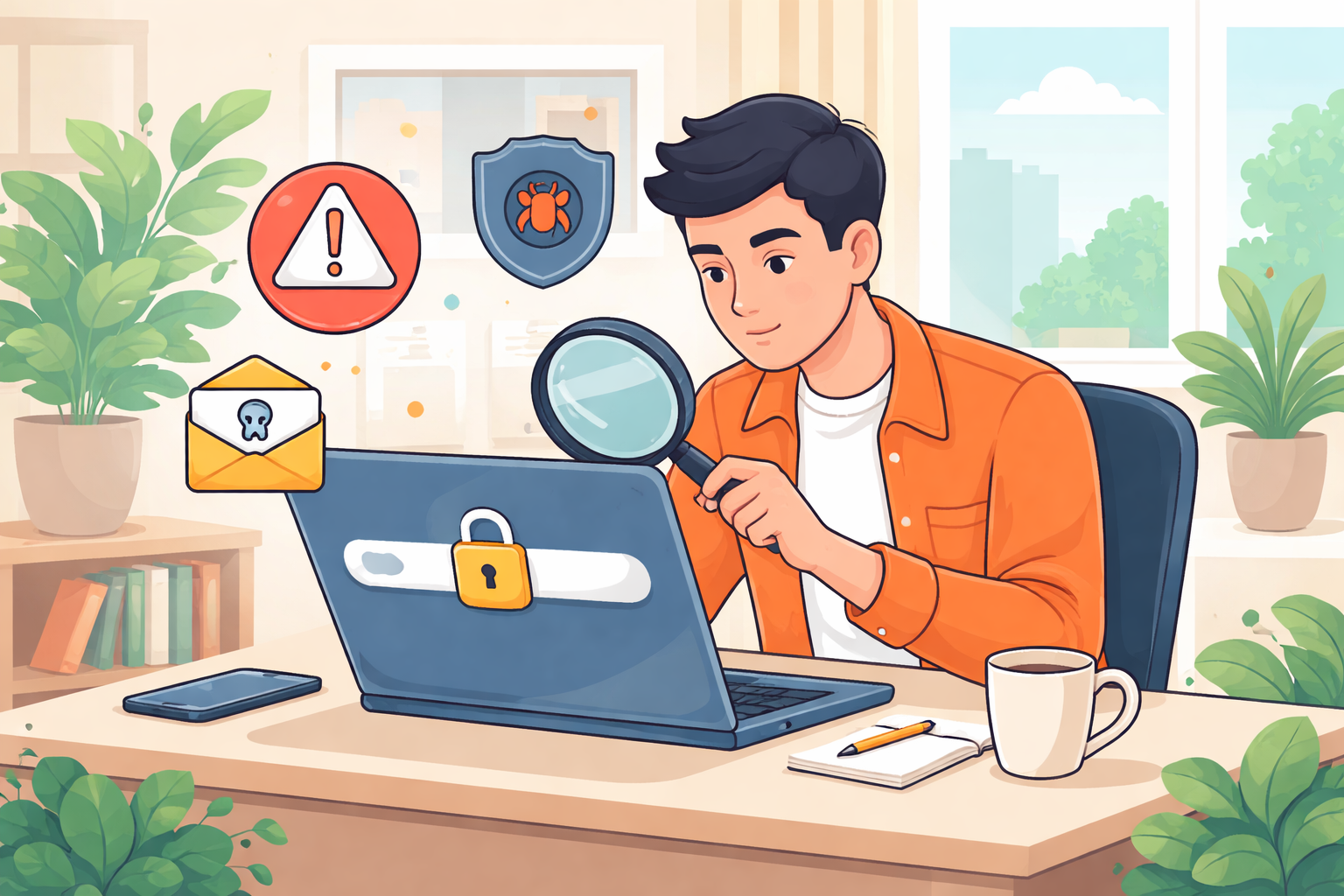
The internet makes everyday life easier. We shop, bank, work, and connect with others online. But every click also carries risk. Fake websites, phishing scams, malware downloads, and identity theft attempts are more common than most people realize.
Cybercriminals build convincing websites designed to steal login credentials, credit card numbers, and personal data. Some pages look identical to legitimate brands. Others rely on pop-ups, redirects, or urgent warnings to trick visitors into reacting quickly.
Antivirus software and cybersecurity tools help, but they are not enough on their own. Real online safety starts with you. Knowing how to identify a secure website before entering personal information is one of the most important digital skills you can develop.
Below is a practical, step-by-step breakdown of how to check if a website is safe — and how to protect yourself from malicious pages.
Why Website Safety Matters More Than Ever
Online scams are increasingly sophisticated. Phishing attacks mimic trusted brands. Fake online stores disappear after collecting payments. Malware hides behind downloads that look legitimate.
The consequences can include:
Identity theft
Financial loss
Stolen login credentials
Compromised business accounts
Long-term credit damage
A few seconds of verification can prevent months of recovery. That’s why website safety awareness is no longer optional — it’s essential.
1. Double-Check the Website URL
The URL is your first and most important line of defense. Many malicious sites depend on users not looking closely.
Confirm You’re on the Right Domain
Most users land on websites through:
Email links
Social media posts
Online ads
Text messages
Before clicking, hover over the link and inspect the destination. Your browser will show the actual URL in the bottom-left corner.
Look carefully for subtle misspellings. For example:
amazon.comvsamaz0n.compaypal.comvspaypaI.com(uppercase “i” instead of “l”)facebook.comvsfaceb00k.com
Scammers rely on small visual differences. Even a single extra letter can indicate a fraudulent page.
After clicking, verify that the address bar matches the intended domain exactly. Do not rely solely on the page design. Fake sites often replicate logos, layouts, and branding with precision.
Make Sure the URL Starts With HTTPS
Modern legitimate websites use HTTPS (HyperText Transfer Protocol Secure). The “S” means the connection is encrypted.
When a site uses HTTPS:
Data transmitted between you and the site is encrypted
Login credentials are protected during submission
Payment information is secured
You should see:
A padlock icon in the browser bar
The prefix
https://
If a site collects sensitive data but does not use HTTPS, that is a major red flag.
However, remember this: HTTPS alone does not guarantee legitimacy. Fraudulent sites can also obtain encryption certificates. HTTPS confirms encryption, not trustworthiness.
Use a URL Checker Tool
If you are unsure, use a reputable URL checker. These tools analyze websites against known malware databases and phishing reports.
If the site has been flagged for scams, identity theft, or malware distribution, the tool may alert you.
Limitations to keep in mind:
New scam websites may not yet be listed
A “clean” result does not automatically mean safe
Use URL checkers as a secondary layer of verification, not your only one.
2. Evaluate the Website Content Carefully
Once the URL passes inspection, examine the content itself. Legitimate businesses typically maintain professional, consistent, and transparent websites.
Fraudulent websites often cut corners.
Review the Quality of the Content
Look closely at:
Grammar and spelling
Sentence structure
Formatting consistency
Brand tone
Warning signs include:
Broken English
Random capitalization
Copy-pasted text
Inconsistent fonts and layouts
Scam sites often use low-quality or automatically generated content to create the illusion of legitimacy.
Also check for:
An “About Us” page
Clear business descriptions
Detailed product or service explanations
If the site claims to have thousands of customers but provides vague information, be cautious.
Check Customer Reviews and Social Proof
For eCommerce websites, look beyond on-site testimonials. Fraudulent pages can fabricate reviews.
Instead:
Search the company name in Google along with terms like:
“scam”
“complaints”
“reviews”
Look for independent reviews on trusted platforms.
Check if the company appears in reputable directories.
If multiple users report fraudulent charges or non-delivery of products, take that seriously.
Watch for Excessive Pop-Ups and Redirects
Malicious sites often rely on aggressive tactics:
Fake virus warnings
Urgent “your device is infected” alerts
Multiple pop-up ads
Automatic redirects to unrelated pages
Be especially cautious if:
Clicking anywhere triggers a download
New tabs open unexpectedly
The site attempts to install software immediately
Legitimate websites do not pressure users into downloading security tools or providing urgent payment information without context.
If pop-ups appear with fake close buttons that trigger more ads, exit the site immediately.
3. Research the Website’s Reputation
If you’re still unsure, conduct independent research.
Perform a Search Inquiry
Open a search engine and type:
“Is [website name] safe?”
“[website name] scam”
“[website name] complaints”
Important: type this into a search engine, not the browser address bar.
If the site has scammed users before, there is a high chance someone has reported it publicly.
Look for patterns:
Unfulfilled orders
Unauthorized charges
Phishing emails
Identity theft reports
One complaint may not be conclusive. Multiple consistent complaints are a warning sign.
Check the Better Business Bureau
For businesses operating in the United States, check the Better Business Bureau (BBB).
Review:
Accreditation status
Complaint history
Customer dispute resolution
While not all legitimate businesses are listed, repeated unresolved complaints should raise concerns.
4. Verify Contact Information
A legitimate website typically provides clear contact details.
Look for:
A physical address
A working phone number
A professional email address
A contact form
If there is no contact information at all, that is a strong red flag.
Before making a purchase or submitting personal data, consider sending a message. A legitimate business usually responds within a reasonable timeframe.
If:
Emails bounce back
Phone numbers do not work
Messages go unanswered
Avoid proceeding.
5. Strengthen Your Browser Security Settings
Modern browsers offer built-in protection features.
You can enable:
Safe browsing mode
Enhanced tracking protection
Pop-up blocking
Download warnings
Phishing and malware detection
These tools help prevent accidental visits to malicious websites.
Adjusting your browser’s privacy and security settings to higher protection levels reduces exposure to harmful content.
6. Install and Maintain Antivirus Software
Antivirus software adds another layer of defense.
Benefits include:
Blocking malicious downloads
Scanning files automatically
Detecting ransomware and spyware
Identifying suspicious websites
Many antivirus programs include browser extensions that warn you before entering a known malicious site.
Even strong browsing habits can fail. Antivirus software acts as a safety net when human judgment misses something.
7. Practice Safe Browsing Habits
Technology helps. Awareness protects.
Follow these best practices:
Avoid clicking links in unsolicited emails
Do not download attachments from unknown senders
Be skeptical of “urgent” financial warnings
Never share sensitive information on unfamiliar sites
Trust your instincts if something feels wrong
Cybercriminals depend on urgency and distraction. Slow down before entering personal information or payment details.
If something feels off, exit the site and investigate independently.
Think Before You Click
Learning how to identify a malicious website is one of the most effective ways to protect your digital identity.
Start with the URL.
Verify HTTPS.
Evaluate content quality.
Research reputation.
Confirm contact details.
Combine these habits with updated antivirus software and secure browser settings.
Online threats evolve constantly. Staying cautious and informed is your strongest defense.
When in doubt, pause. A few extra seconds of verification can prevent financial loss, identity theft, and long-term damage.
Related Posts
 Safety
What Not to Do And Internet Safety Tips To Protect You Online
Learn what not to do online and discover practical internet safety tips to protect your personal data, devices, and accounts from cyber threats.
 cheap internet deals
Cheap Internet Plans in Florida: Find the Right Fit Fast
Discover how to find cheap internet plans in Florida based on your lifestyle, location, and speed needs. Compare providers and choose the best plan today.
 cheap internet deals
Cheap Internet Plans vs Premium Plans
Cheap vs premium internet plans explained. Learn the key differences in speed, data limits, reliability, and pricing to choose the best plan for your home.
 Subscription
cheap internet offers
Subscription
cheap internet offers
Spectrum vs Verizon 5G Home Internet: Which Is Better?
Spectrum vs Verizon 5G Home Internet: compare speed, pricing, reliability, and availability to choose the best home internet provider for your household.
 Internet Bundles
How to Get Free or Cheap Internet in the U.S.
Learn how to get free or discounted internet in the U.S. Discover government programs, provider discounts, and practical ways to lower your monthly bill.