Getting Windstream Fiber Set Up: What the Installation Really Looks Like
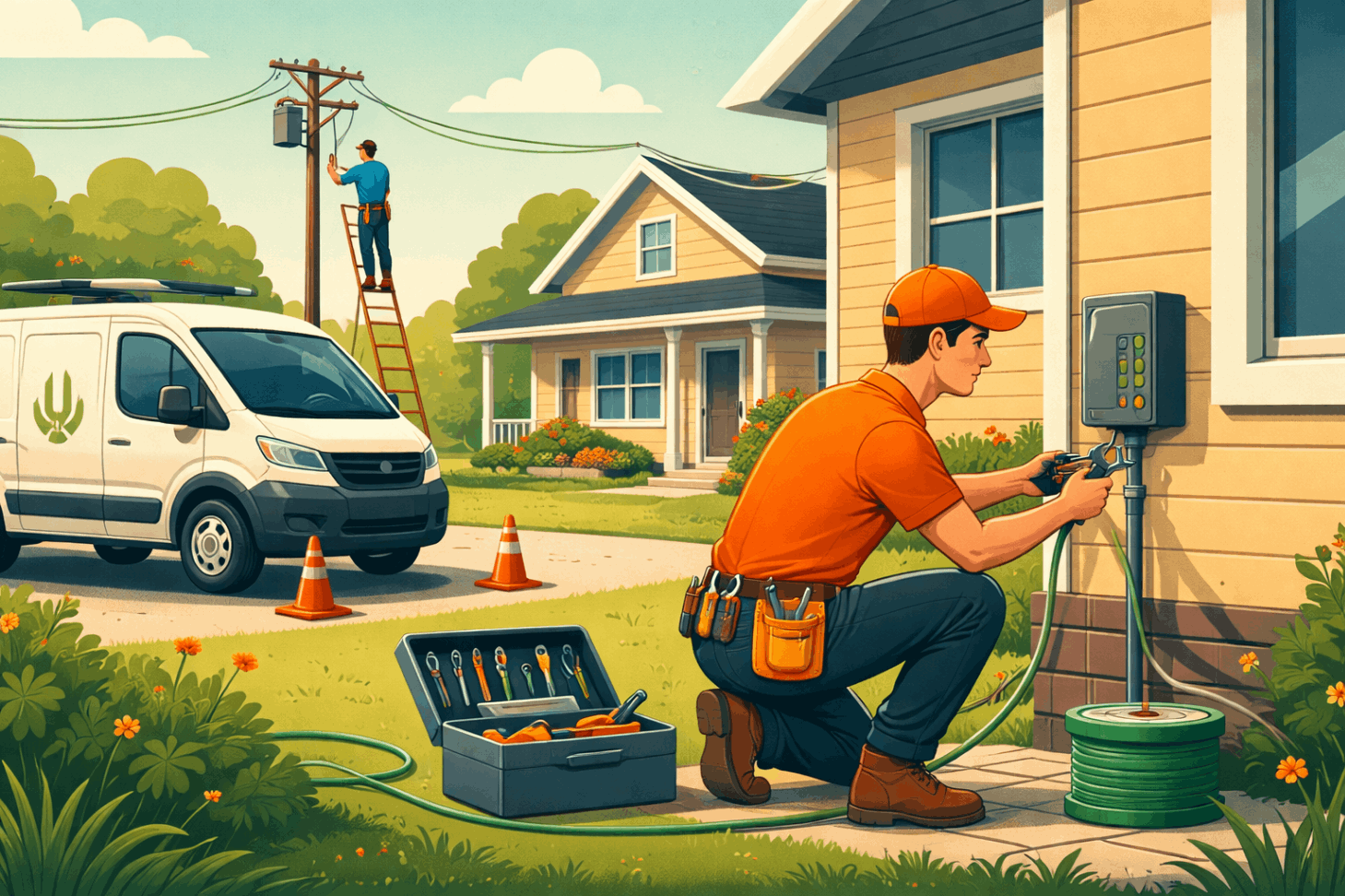
Choosing Kinetic by Windstream Fiber Internet is often driven by one simple goal: faster, more reliable internet that can keep up with modern life. From remote work and 4K streaming to online gaming and smart home devices, fiber internet has become the gold standard. But before you enjoy those speeds, the installation process matters.
This updated guide walks through the Windstream fiber installation process step by step, explains what to expect before and after your appointment, and helps you get the most out of your new connection in 2025 and beyond.
How Fiber Internet Works Today
Fiber internet uses strands of glass or plastic fibers to transmit data as light signals. Unlike copper-based connections, fiber delivers consistent speeds, extremely low latency, and higher reliability—even during peak usage hours.
Because fiber does not degrade over long distances the way cable or DSL can, Windstream fiber service is designed to handle multiple connected devices at once without slowing down. This makes it ideal for households with heavy usage and for businesses that rely on stable connectivity.
Preparing for Your Kinetic by Windstream Installation
A smooth installation starts before the technician arrives. Taking a few steps ahead of time can help avoid delays and ensure optimal performance.
Scheduling Your Installation Appointment
After placing your order, a Windstream representative will coordinate an installation date and time window. Most fiber installations take two to three hours, depending on your home’s layout and whether external wiring is required.
Plan to be home during the entire window, as technicians may need access to both the interior and exterior of your property.
Confirming Equipment and Placement
Before installation day, confirm what equipment is included—typically a fiber modem or optical network terminal (ONT) and a Wi-Fi router. Decide where you want the router placed, ideally in a central location to support strong wireless coverage throughout your home.
Clearing space near power outlets and existing entry points helps speed up the process and results in a cleaner setup.
What Happens on Installation Day
Installation day is straightforward, but knowing what to expect can make it feel even easier.
Technician Arrival and Walkthrough
Windstream technicians arrive within the scheduled window and begin by reviewing your order and setup preferences. They’ll walk through your home with you, confirm equipment placement, and explain how the fiber line will be routed.
This initial walkthrough ensures the installation aligns with both performance needs and aesthetic preferences.
External Fiber Setup
If fiber is not already connected to your home, technicians will install the external fiber line. This may involve mounting a small utility box outside and running fiber from the street or utility pole to your home.
The exterior work is designed to be weather-resistant and discreet, blending into existing infrastructure whenever possible.
Internal Wiring and Router Installation
Once the external connection is complete, technicians bring the fiber line inside and connect it to the ONT and router. From there, Wi-Fi and Ethernet connections are configured.
They’ll ensure your primary devices can connect successfully and that the signal strength is stable throughout your home.
Speed Tests and Final Checks
Before leaving, technicians perform speed and reliability tests on both wired and wireless connections. This step confirms that your Windstream fiber service is delivering the speeds outlined in your plan.
They may also answer basic questions about your network setup and show you how to restart equipment if needed.
Common Issues After Installation and How to Handle Them
Even with professional installation, occasional issues can arise during the first few days. These are usually minor and easy to resolve.
Simple trouble shooting steps like rebooting your router, checking cable connections, or repositioning the router can restore performance quickly.
Optimizing Your Windstream Fiber Connection
Once your service is live, a few adjustments can significantly improve daily performance.
Wi-Fi Placement for Better Coverage
Placing your router in a central, elevated location helps distribute the signal evenly. Avoid placing it near thick walls, large appliances, or metal surfaces that can interfere with wireless signals.
Managing Devices and Bands
Modern routers support both 2.4GHz and 5GHz bands. Devices closer to the router benefit from the faster 5GHz band, while devices farther away may perform better on 2.4GHz due to its longer range.
Balancing device connections across bands helps maintain consistent speeds throughout your home.
Supporting High-Demand Activities
Streaming platforms, video conferencing tools, and gaming systems require stable bandwidth. Using wired Ethernet connections for these devices can further reduce latency and improve reliability.
Understanding Windstream Fiber Costs and Fees
Pricing transparency is an important part of choosing an internet provider. Windstream fiber plans may include installation fees, equipment rental costs, and promotional pricing that changes after an introductory period.
Why Kinetic Fiber Plans Still Stand Out
Kinetic fiber plans continue to stand out due to their combination of speed, low latency, and scalability. As more homes rely on cloud services, smart devices, and remote work setups, fiber infrastructure remains future-ready.
Windstream Fiber Solutions for Businesses
Businesses require more than just fast speeds—they need uptime, scalability, and dedicated support. Windstream offers tailored fiber solutions designed to support growing teams, cloud applications, and secure communications.
Many organizations rely on Windstream Business Services to maintain productivity and network stability without interruption.
Final Thoughts on Windstream Fiber Installation
The Windstream fiber installation process is designed to be efficient, professional, and minimally disruptive. From preparation to final speed testing, each step focuses on delivering a strong foundation for long-term performance.
With proper setup and optimization, Kinetic by Windstream Fiber Internet delivers the reliability and speed modern homes and businesses depend on every day.
Related Posts
 cheap internet deals
Best 300 Mbps Internet Deals: Top Plans Worth Paying For
Compare the best 300 Mbps internet deals from Xfinity, Spectrum, AT&T Fiber, and T-Mobile in 2026. Real pricing, hidden fees, and the right plan for you.
 Broadband Deals
cheap internet plans
Subscription
Broadband Deals
cheap internet plans
Subscription
Affordable High-Speed Internet for Seniors and Families
Find affordable high-speed internet for seniors and families. Compare speeds, costs, discounts, and low-cost plans to choose reliable service.
 Technology
Internet Speed Test: Benefits, Pros, and Cons Explained
Learn how internet speed tests work, what they measure, and their key benefits, pros, and cons. Get accurate results and use them to hold your ISP accountable.
 cheap internet deals
Wifi
cheap internet deals
Wifi
How to Get Cheap Temporary Internet for 3–6 Months
Learn how to get affordable temporary internet for 3–6 months without cancellation fees, including no-contract, 5G, prepaid, and flexible internet options.
 Broadband Deals
How to Search Internet Providers by Zip Code and Compare Plans
Search internet by zip code to find local providers, plans, and speeds available in your area. Compare options and get the best deal near you.